
Camera Assistant Update Makes 24MP Mode Easier on Galaxy S26 Ultra
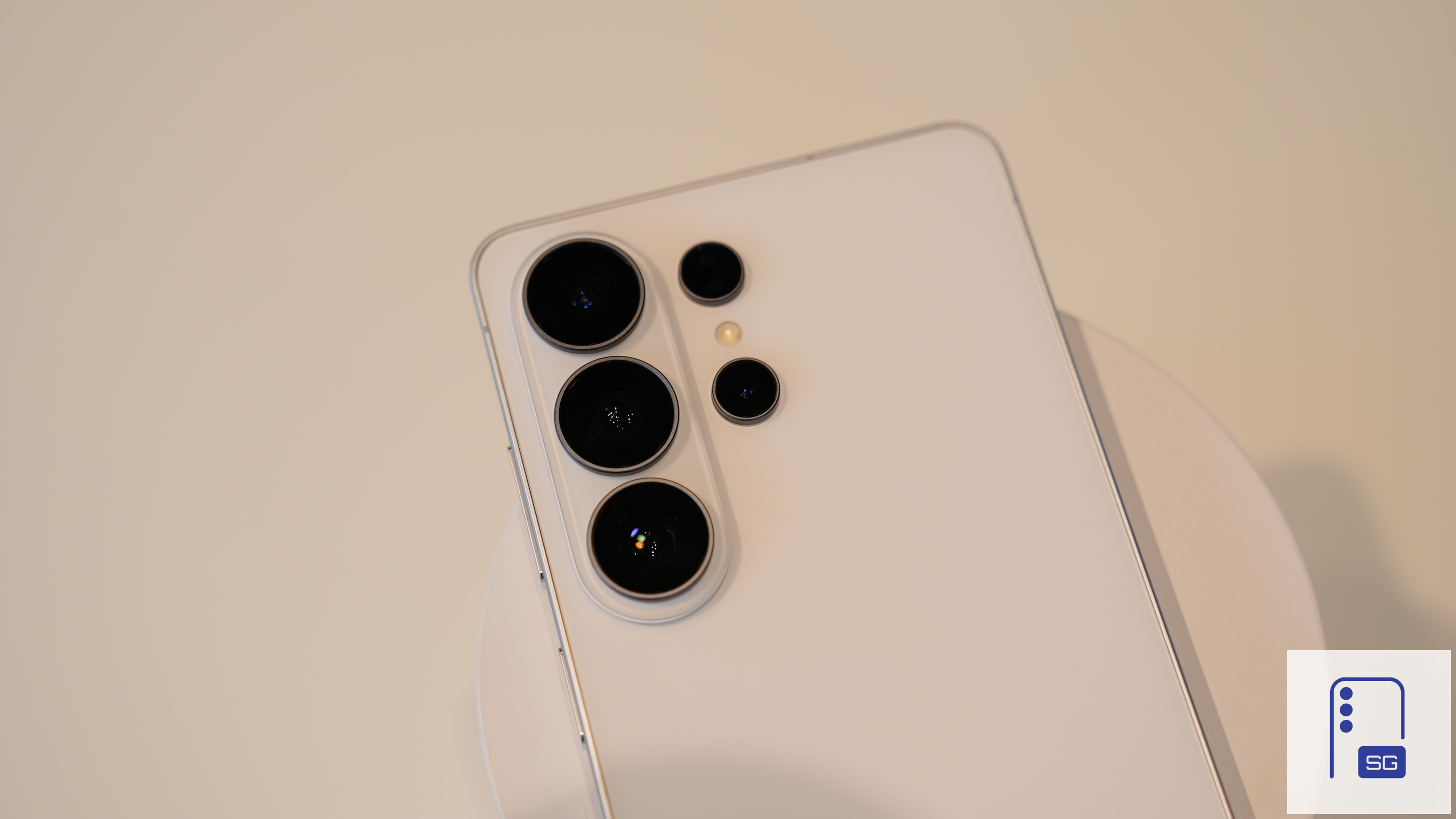
Samsung brought a new 24MP shooting mode to the Galaxy S26 Ultra, something that was previously only available through the Expert RAW app. Now, it’s refining that experience with an update for Camera Assistant. The latest update makes it easier to access and set the 24MP mode as your default shooting option.
Camera Assistant update improves 24MP mode experience
Samsung flagships capture 12MP shots by default, though users have the option to capture images in 50MP and 200MP resolutions (200MP only for the Ultra model). Additionally, the Expert RAW offers a 24MP option. Now, with the launch of the Galaxy S26 series, Samsung allows 24MP shots on the main camera app, though you first need to enable the setting via Camera Assistant.
The company is now rolling out Camera Assistant v4.5.0.20 with a key improvement (via Salian). The changelog simply mentions “UX update” for the 24MP mode, but the changes are more meaningful than they sound. Earlier, this option was tucked away inside “Additional resolution settings” in Camera Assistant. However, the latest update adds a dedicated section for 24MP resolution, allowing easier access.
Additionally, Samsung now offers a straightforward toggle to keep 24MP resolution as the default shooting option on the Galaxy S26 Ultra. When enabled, the camera will always start in the 24MP shooting mode. Samsung previously only offered this option for 50MP and 200MP resolutions.
Beyond the UI tweaks, the update also brings stability improvements to Camera Assistant. Samsung may have addressed bugs to improve the overall app reliability. The update started rolling out recently and may take a while to reach all users. While the 24MP option is currently limited to the Galaxy S26 series, the updated version of Camera Assistant should be available for all. You can check for updates from Good Lock or Galaxy Store.

Follow us on Google Discover & set us as a preferred source in Google News
Share this Post
___________________________


New Blog Posts
___________________________

First Set of Pixel 11 Pro XL Renders Are Here
Pixel 11 Pro XL CAD renders show minimal design changes

Is Samsung Preparing One UI 8.5 Beta for Galaxy Z Fold 5 and Flip 5?
Samsung may launch a One UI 8.5 beta program for its 2023 foldables

Galaxy S25 One UI 8.5 Beta May Run Longer Than Expected
Galaxy S25 series’ One UI 8.5 beta may stretch to 10 rounds


