Breaking! One UI 7 Stable Update Released for Galaxy S23 FE
SammyGuru is reader-supported. We have affiliate and sponsored partnerships, so we may earn a commission when you buy through links on our site — at no extra cost to you. Learn more.
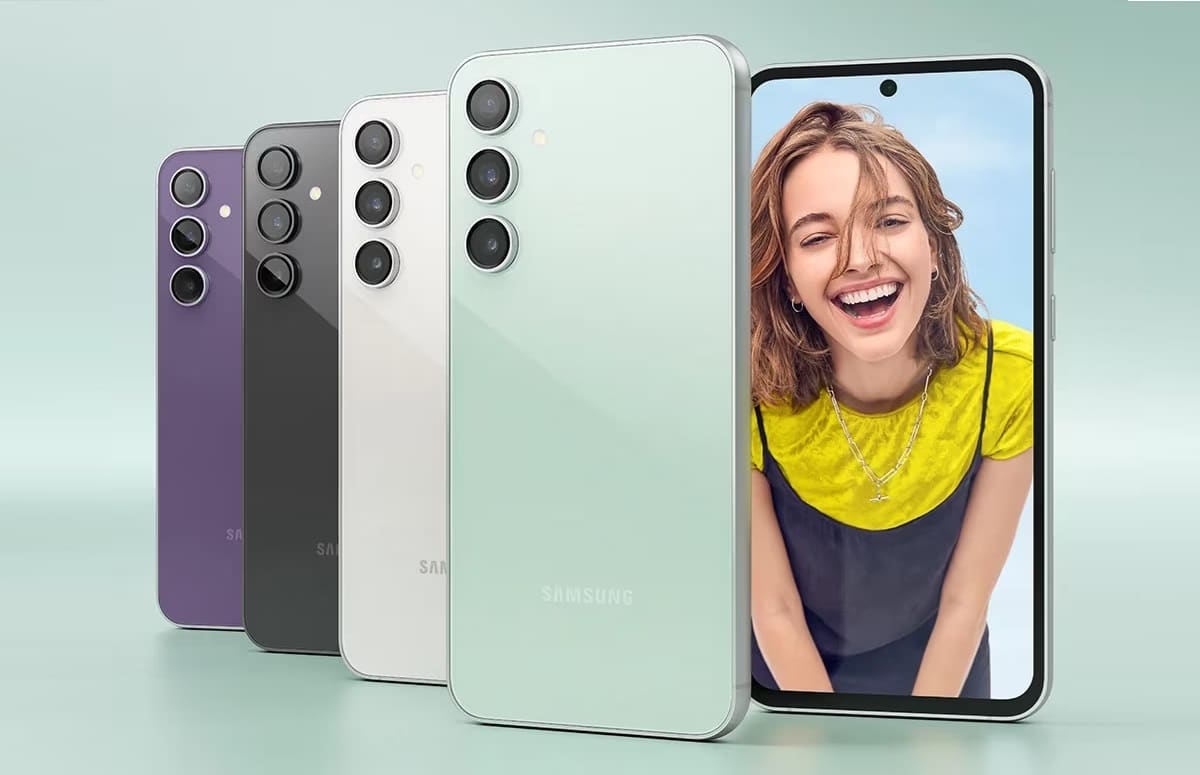
Samsung has officially begun rolling out the One UI 7 update for the Galaxy S23 FE. As usual, the rollout begins in South Korea, but it shouldn’t be long before users in other regions get the update. The company has already released One UI 7 for several Galaxy devices worldwide, including all recent flagships and foldables.
One UI 7 is available for the Galaxy S23 FE in Korea
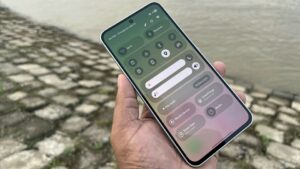
One UI 7 is Samsung’s Android 15 update for Galaxy devices. It brings a host of new features, including an updated interface, enhanced customization options, improved security, and deeper integration with Galaxy AI services. The Galaxy S23 FE may not support some AI features, but this update still promises a smoother and more refined experience for users. There are enough goodies here.
Korean Galaxy S23 FE users are getting One UI 7 with the firmware build version CYDA. The update carries a massive OTA size of around 5GB, which confirms a myriad of changes and new features. The rollout is expected to expand to more regions over the coming weeks, following Samsung’s usual phased release schedule. We will keep you posted.
Alongside a ton of One UI 7 goodies, this update also brings the April security patch to the Galaxy S23 FE. This month’s security release from Samsung contains over 60 vulnerability fixes, some of which are critical flaws potentially allowing threat actors to execute remote attacks. Users should install this update as quickly as possible.
As said earlier, One UI 7 is currently available for this Fan Edition smartphone in Korea. Samsung will release the update in other markets soon. The Korean firm will also gradually expand the rollout to cover more eligible Galaxy devices. It has dozens of smartphones and tablets to update. Galaxy users can check for updates from Settings > Software update > Download and install.

Written by
Sumit AdhikariSumit, a life-long Samsung user, is passionate about technology and has been professionally writing on tech since 2017. He’s a mathematics graduate by education and enjoys teaching basic mathematics tricks to school kids in his spare time. Sumit believes in artificial intelligence and dreams of a fully open, intelligent and connected world.

Follow us on Google Discover & set us as a preferred source in Google News
Share this Post
___________________________


New Blog Posts
___________________________
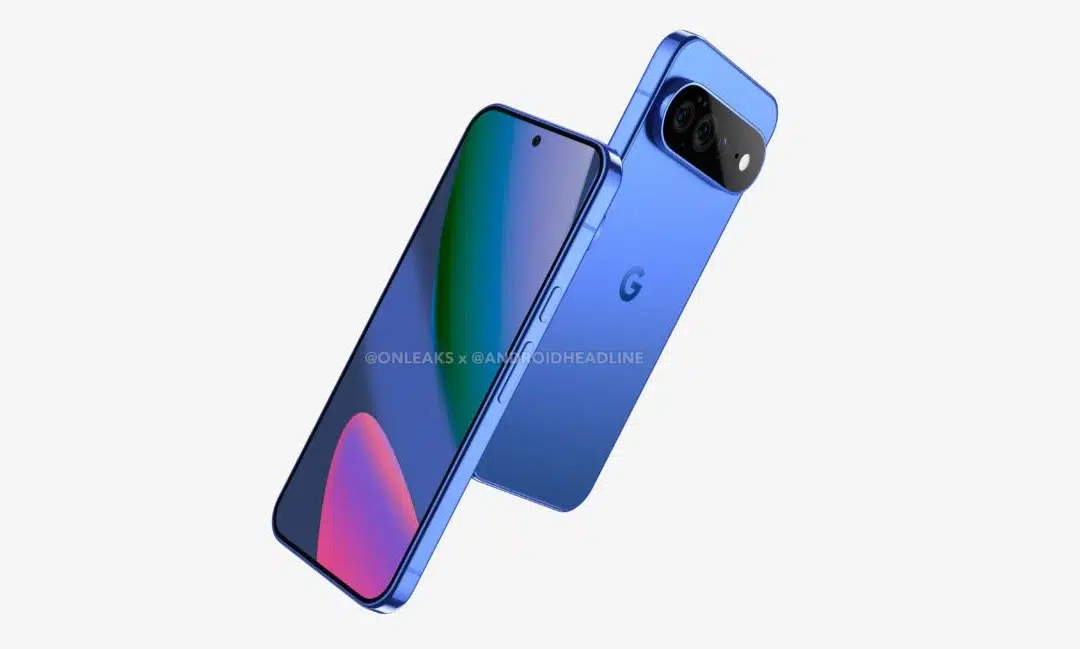
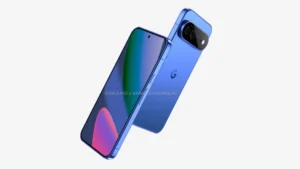
First Set of Pixel 11 Pro XL Renders Are Here
Pixel 11 Pro XL CAD renders show minimal design changes
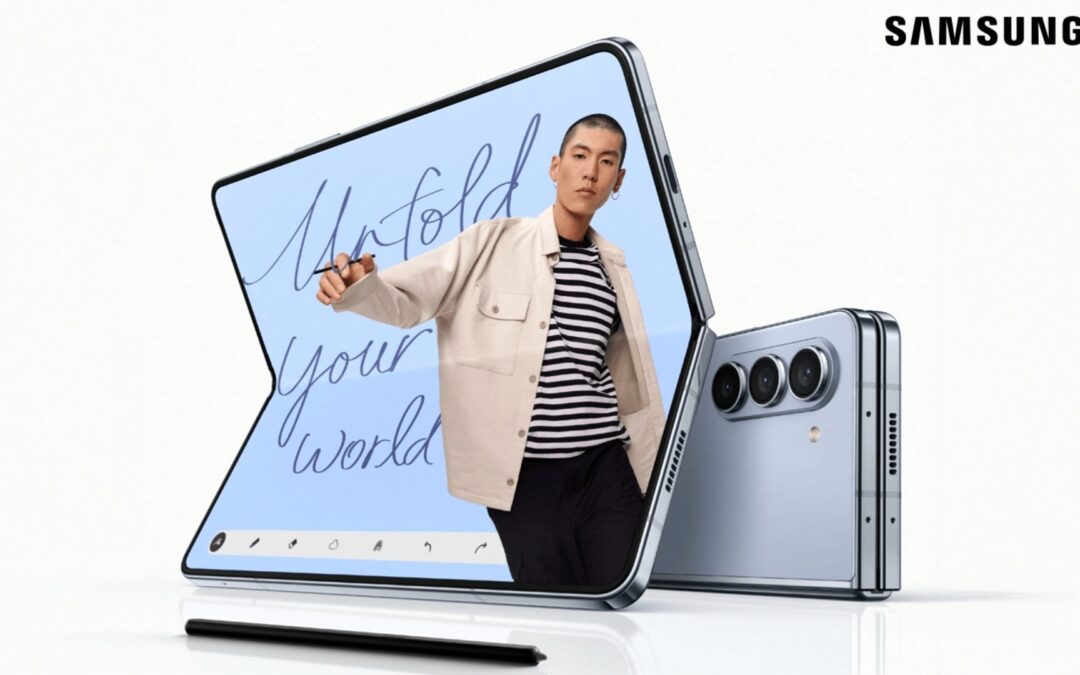
Is Samsung Preparing One UI 8.5 Beta for Galaxy Z Fold 5 and Flip 5?
Samsung may launch a One UI 8.5 beta program for its 2023 foldables
Galaxy S25 One UI 8.5 Beta May Run Longer Than Expected
Galaxy S25 series’ One UI 8.5 beta may stretch to 10 rounds