
All the New Gallery, Video Editor, and Editing Features in One UI 8
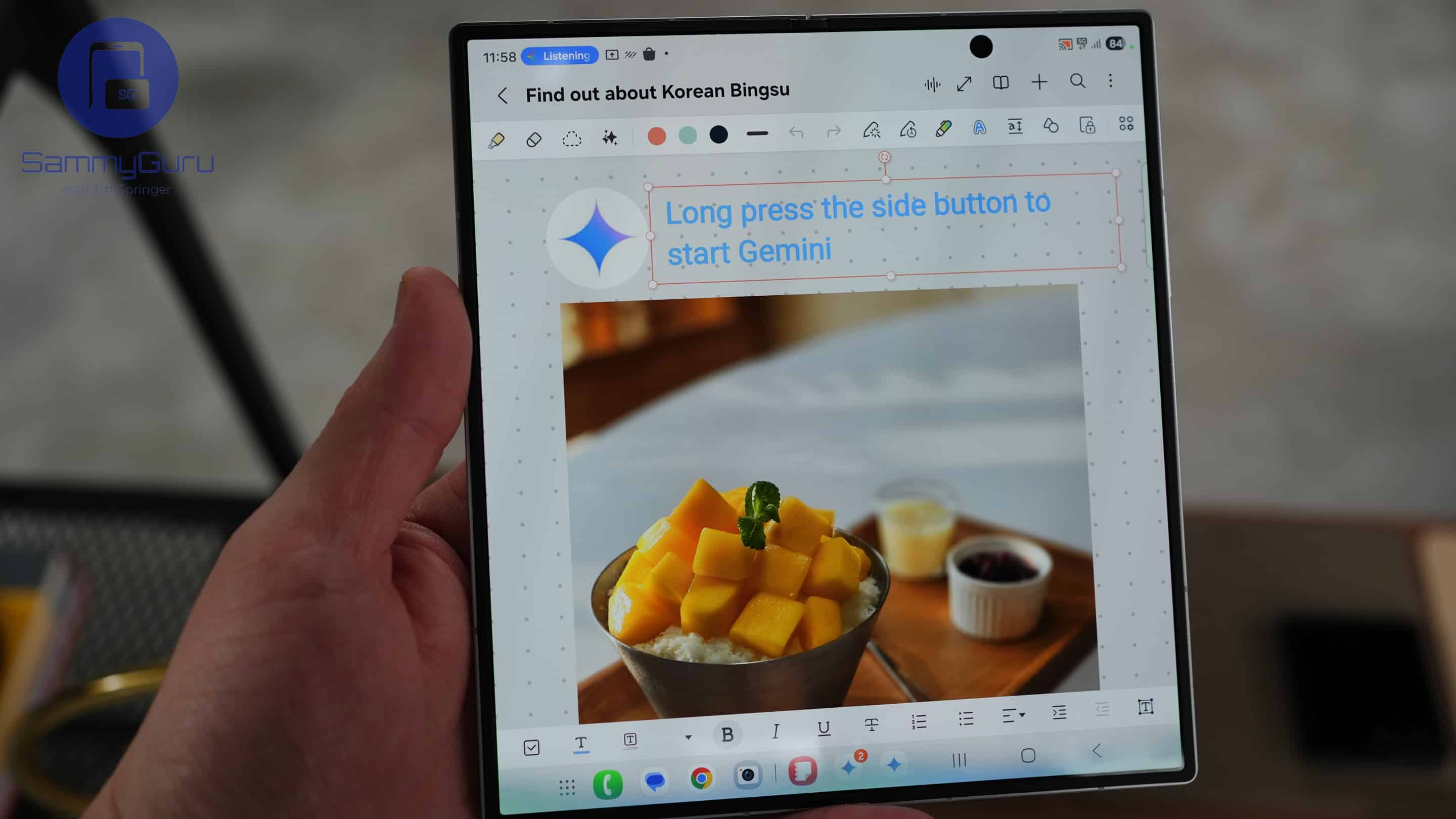
With One UI 8, Samsung isn’t just refining the camera experience — it’s also giving the Gallery, editing tools, and AI-based apps a major upgrade. Whether you’re trimming videos, retouching photos, or translating on-screen text, these updates make media editing faster, smarter, and a lot more fun. Here’s what’s new across the Gallery, Video Editor, Galaxy Enhance-X, Portrait Studio, and more.
One UI 8’s Gallery and Editing features have been detailed
One of the most useful additions to Samsung’s built-in video editor is Audio Eraser. Introduced with One UI 7, this tool helps you remove unwanted background noise or voices from videos with a single tap — ideal for creating clean edits without needing third-party software. With One UI 8, it’s now available across multiple apps, including the Gallery, Video Player, Voice Recorder, Samsung Notes, and Call Recording.
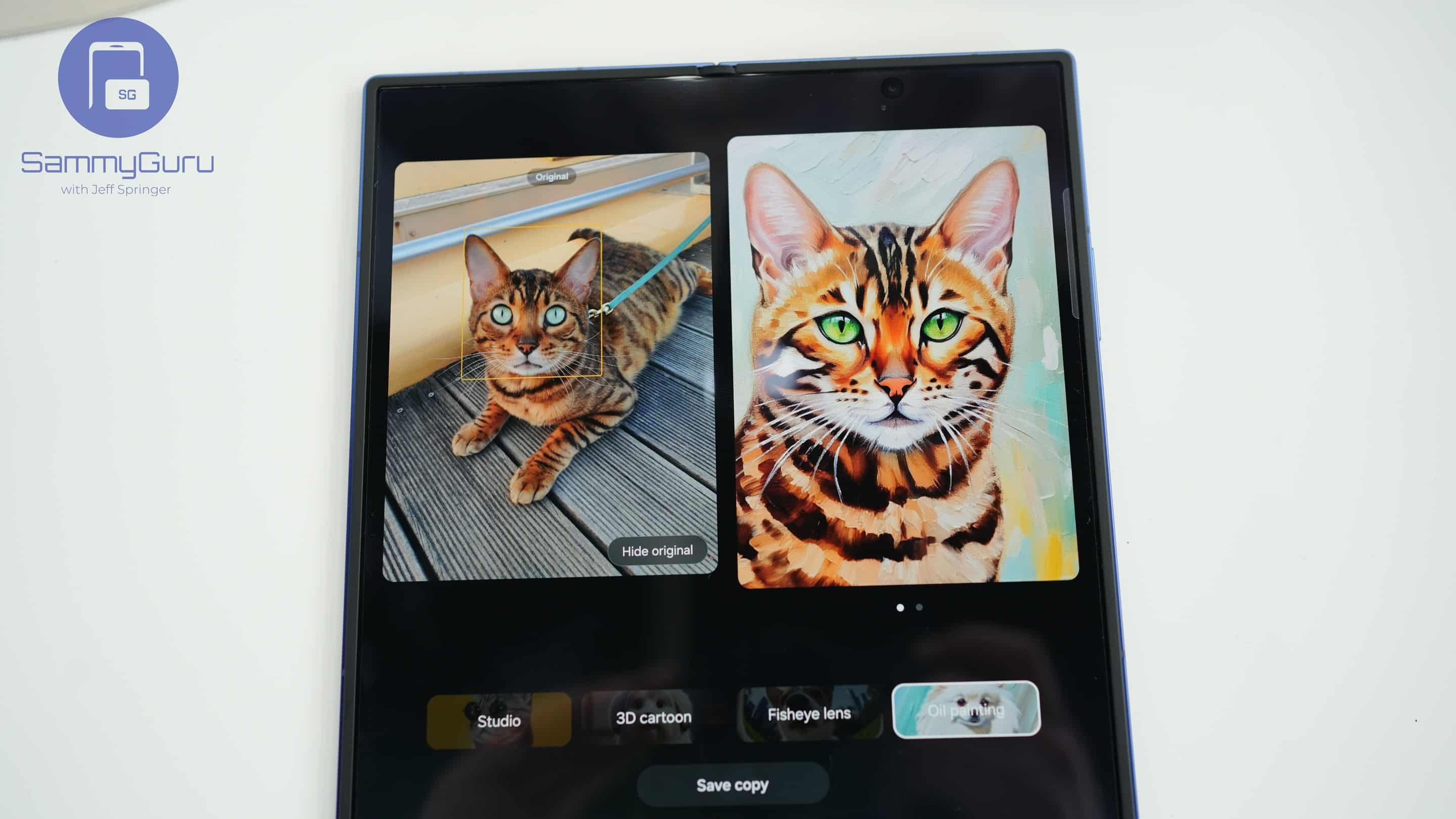
Audio Eraser automatically appears on the screen during playback if audio is present, but doesn’t show up in silent videos. This makes editing much more seamless, especially for casual users who just want to tidy up a video before sharing. Samsung is also adding a playful new feature to its Portrait Studio tool with Pet Style, allowing you to turn pet photos into stylized art, just like human portraits.
The Overlay Translation tool also gets a refinement focused on clarity and visual accuracy in One UI 8. Longer translated phrases now retain original text size better, minimizing awkward size mismatches between source and translated text. Samsung has also improved how translated text is positioned over backgrounds. It has reduced overlap to boost readability, especially in colorful or complex images.
Updates for Galaxy Enhance-X and Camera Assistant
Samsung’s powerful AI photo editing app, Galaxy Enhance-X, is adding two new tools later this month. With Focus Shift, you can tap on any subject in a photo to refocus and sharpen your desired area. It can salvage your slightly off-focus shots. And if you want to zoom in without losing quality, Crop and Upscale uses AI to upscale cropped images, enhancing resolution and detail for sharper results.
Camera Assistant, meanwhile, gives you more granular control when taking Motion Photos. You can customize the shooting sound, choosing a tone that fits your style. The app also allows you to adjust the timing of when the sound plays. Together, these updates reflect Samsung’s growing emphasis on AI-driven creativity and user control.

Follow us on Google Discover & set us as a preferred source in Google News
Share this Post
___________________________


New Blog Posts
___________________________

First Set of Pixel 11 Pro XL Renders Are Here
Pixel 11 Pro XL CAD renders show minimal design changes

Is Samsung Preparing One UI 8.5 Beta for Galaxy Z Fold 5 and Flip 5?
Samsung may launch a One UI 8.5 beta program for its 2023 foldables

Galaxy S25 One UI 8.5 Beta May Run Longer Than Expected
Galaxy S25 series’ One UI 8.5 beta may stretch to 10 rounds


