
Game Booster gets Huge Upgrade in One UI 8.5: See all the Changes
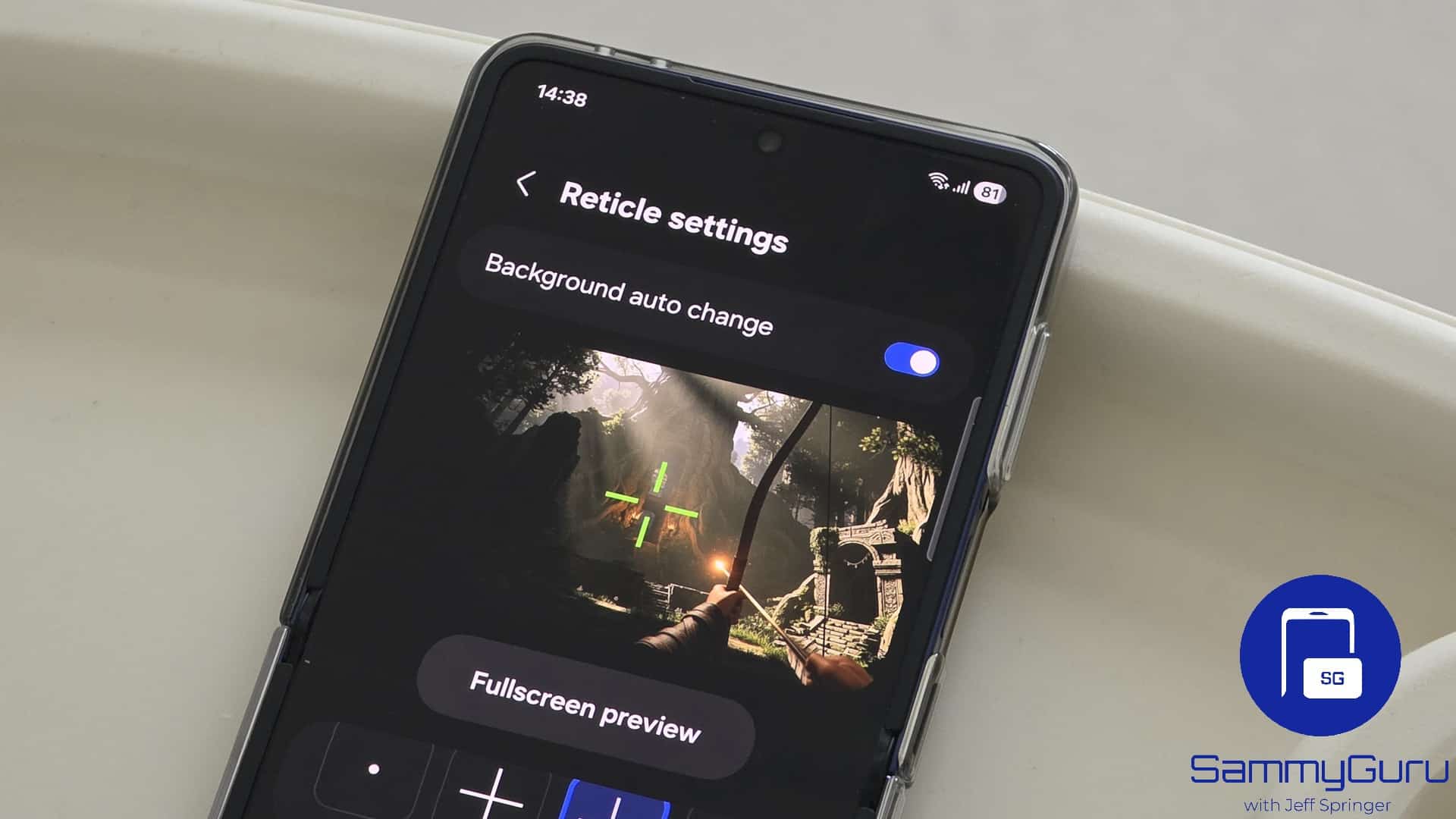
Samsung’s One UI 8.5 is shaping up to be one of the biggest updates in recent years. The entire UI is expected to get a visual refresh with newer app designs, smoother animations, improved blur, and rounded corners across the system. Game Booster is getting an upgrade on the scale. Samsung is giving it a fresh design, new AI features, and next-level tools that make gaming smoother, cleaner, and far more responsive.
One UI 8.5 Game Booster gets a big redesign and smarter tools
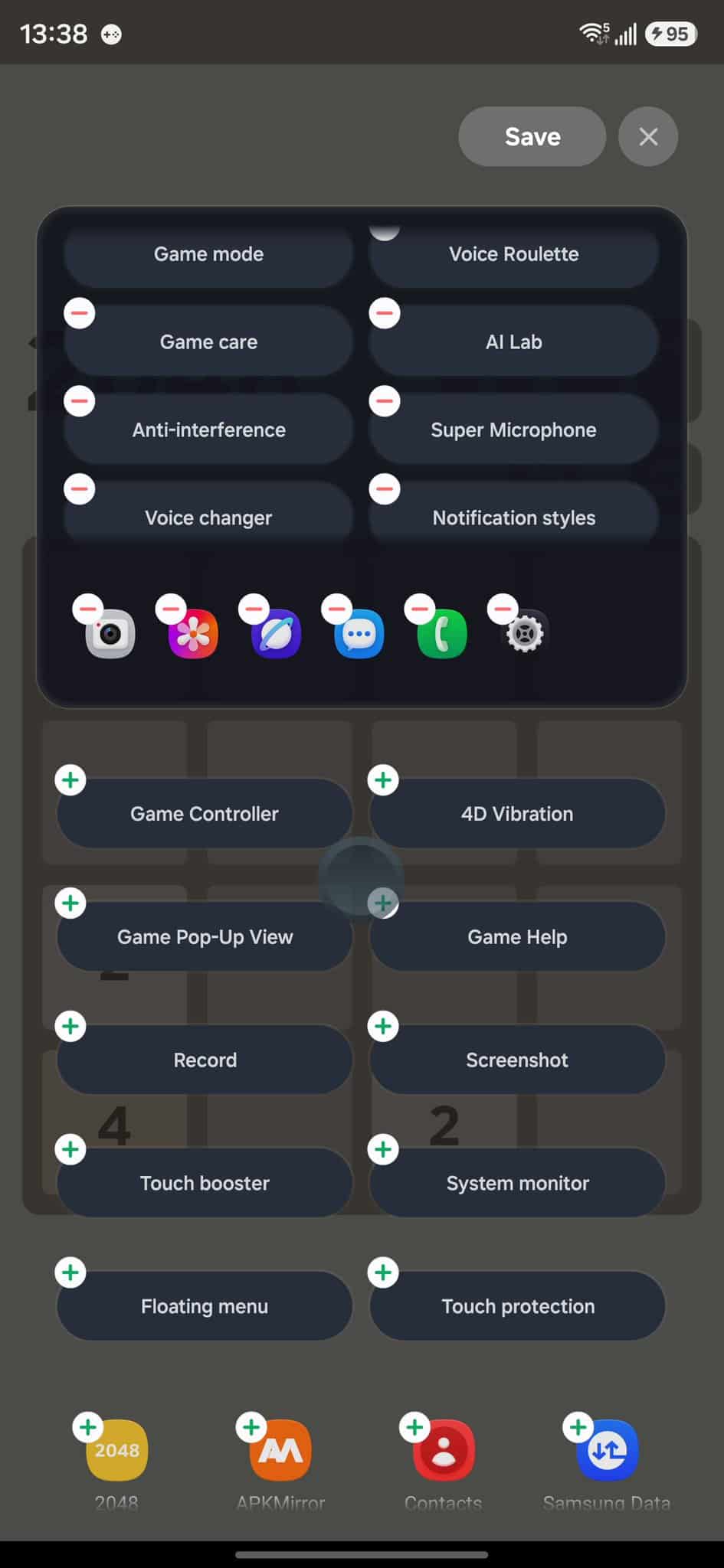
In One UI 8.5, Samsung is bringing a full visual refresh to Game Booster. It gets a redesigned panel, upgraded performance modes, better voice features, smarter notification controls, enhanced Anti-Interference tools, and a cleaner Touch Protection layout. Let’s dive deeper so you can instantly understand what’s new and how it upgrades the overall gaming experience
Refreshed Game Booster UI
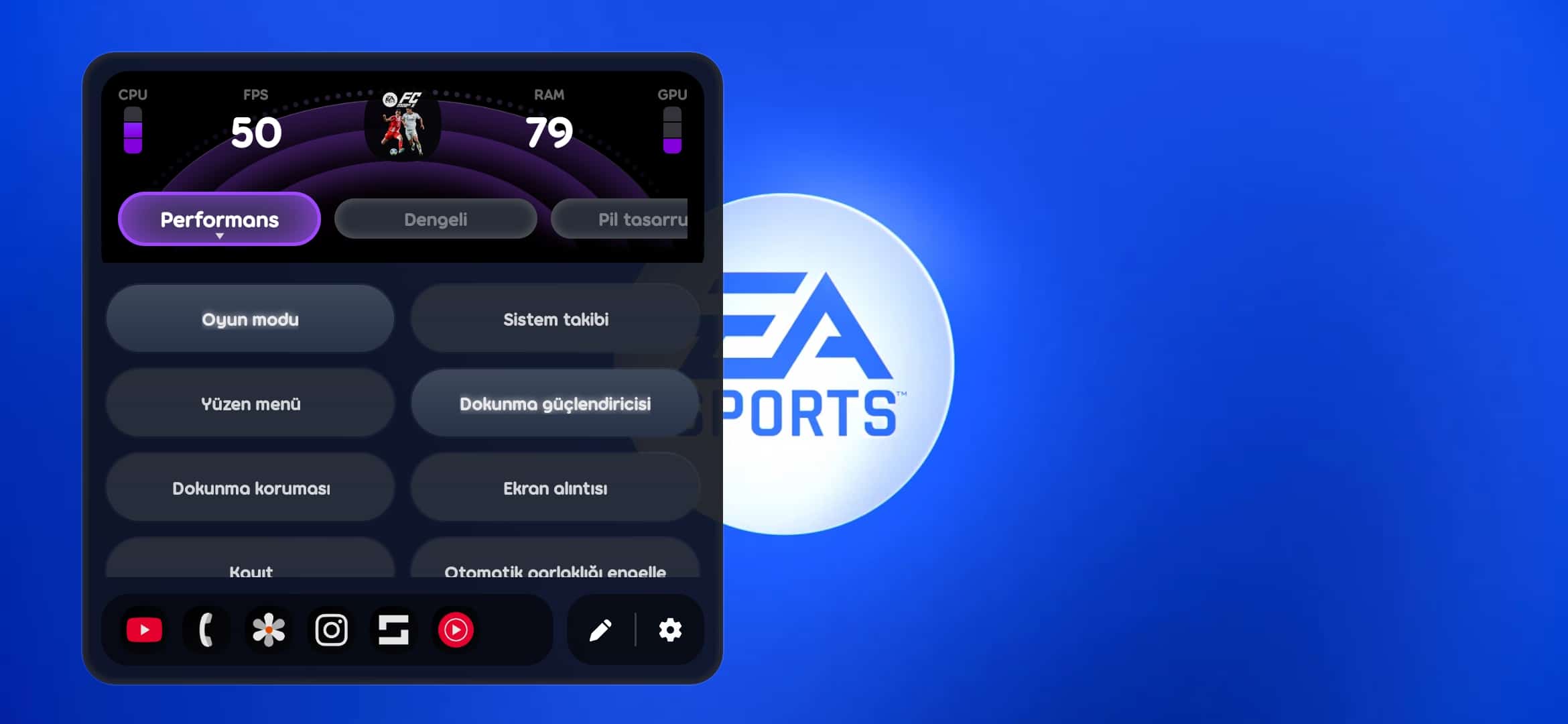
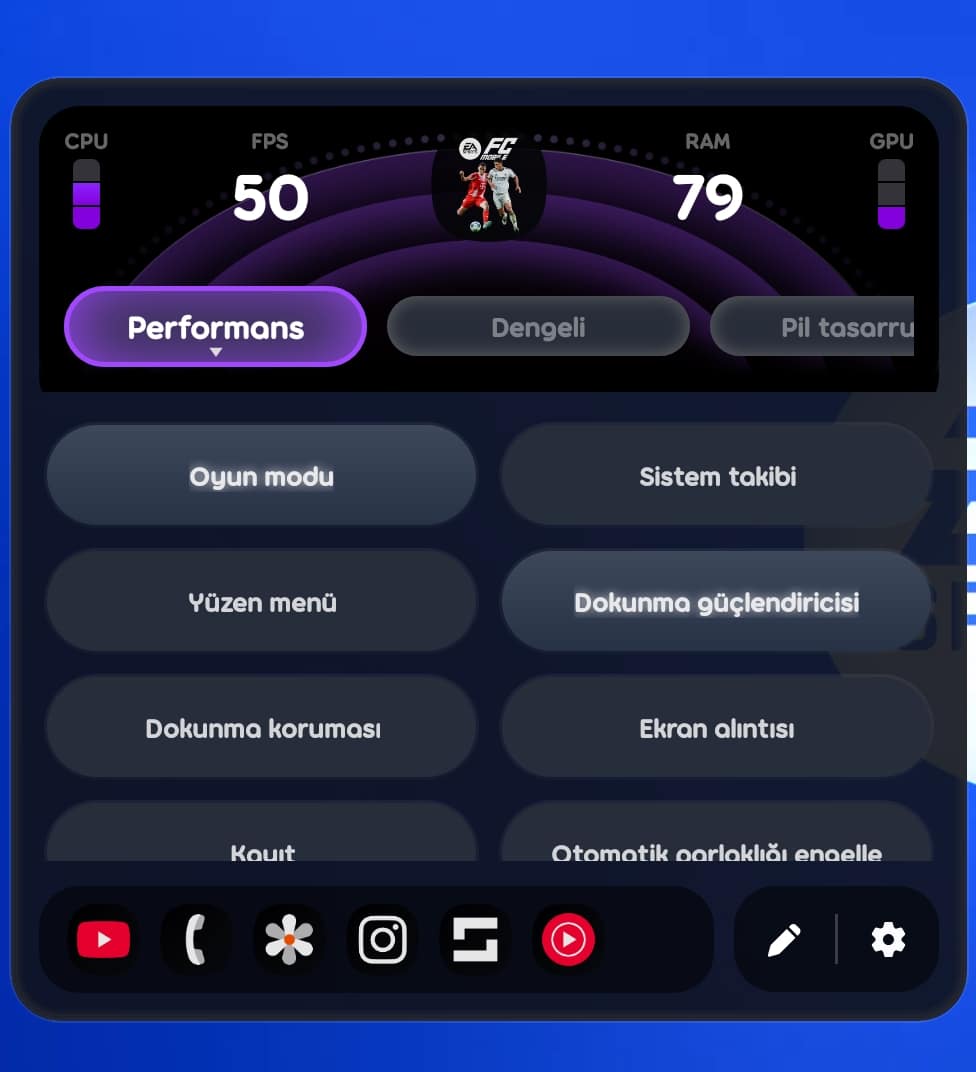
One UI 8.5 gives Game Booster a brand-new design that follows the rounded corner aesthetic seen across the system. The panel looks fresher and more modern. Earlier, you had to exit the game and jump into Settings to make changes. Now almost everything happens on the go, without leaving your gameplay.

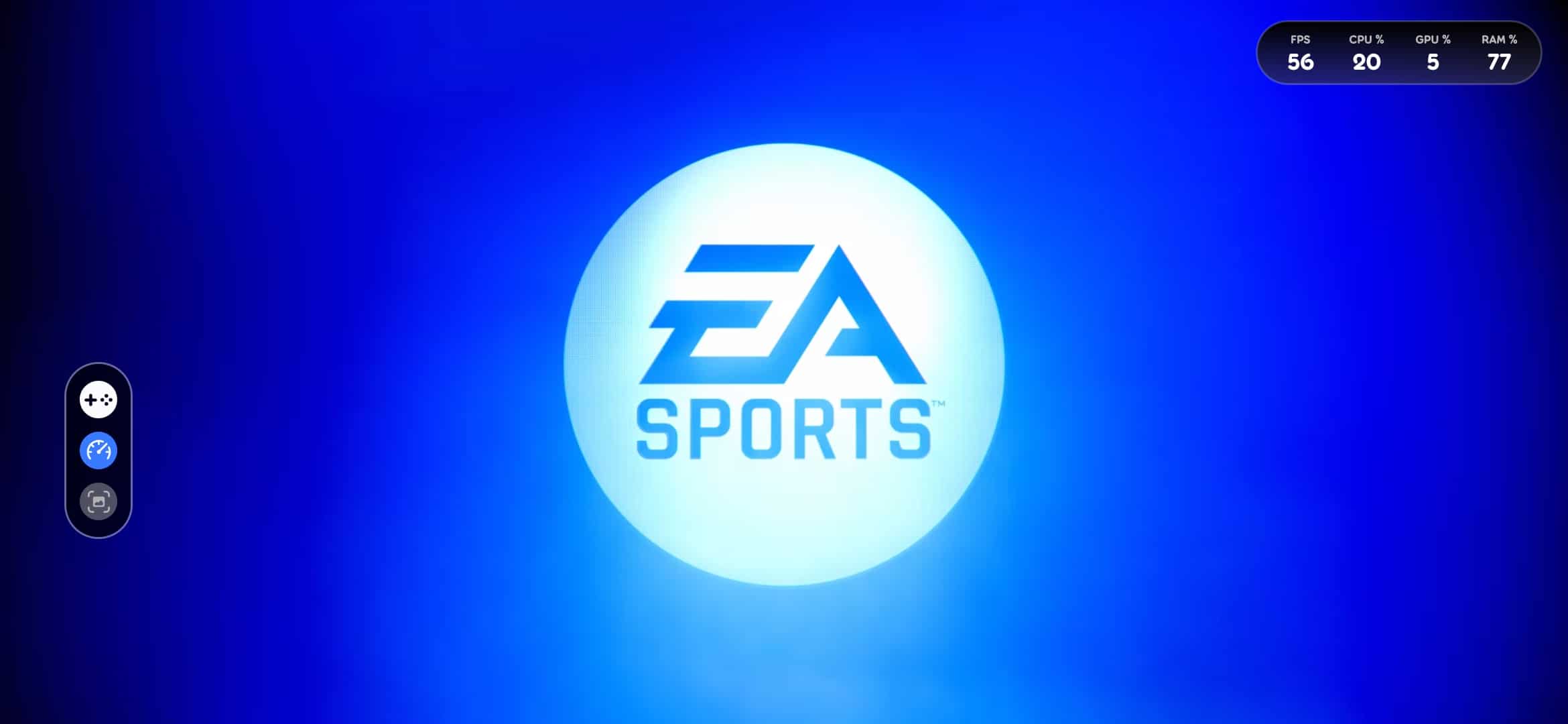
Sliding out the Game Booster shortcut shows three quick options to:
- Expand the full Game Booster settings.
- Show live stats like FPS, CPU, GPU, and RAM usage in a movable pill.
- Take a screenshot instantly.
Performance Modes & Advanced Controls
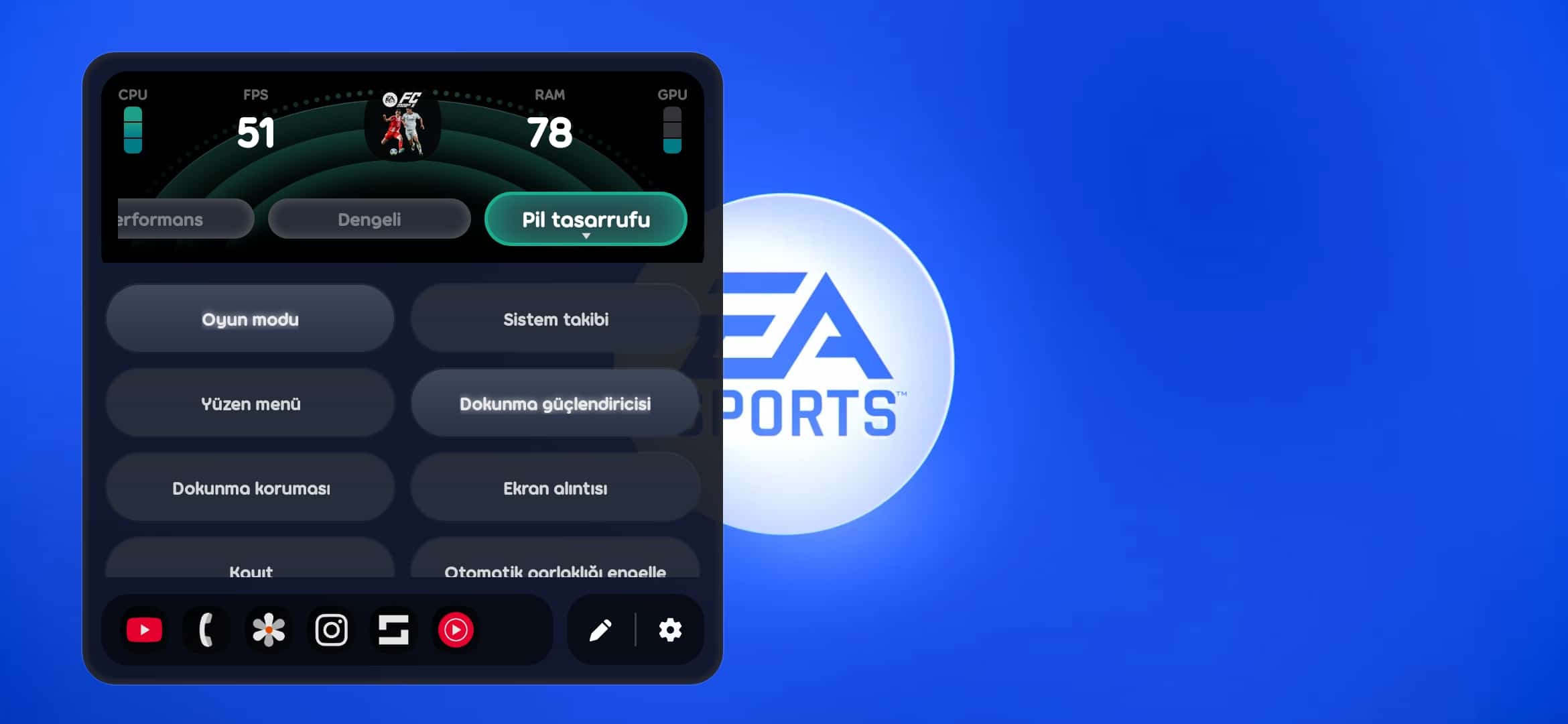
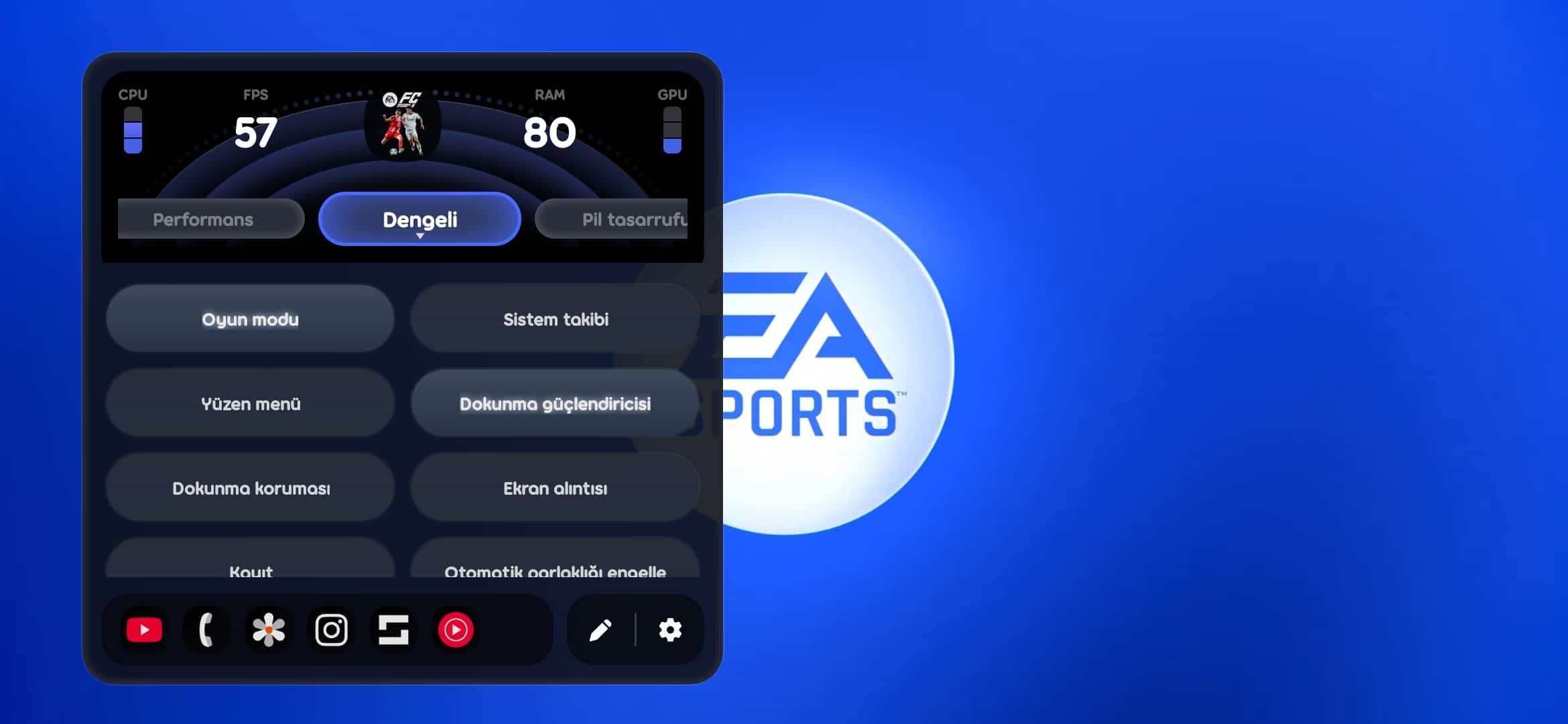
When Game Booster is fully expanded, you get three modes: Performance, Balanced, and Battery Saver. Each mode changes the color of the panel and has its own set of tasks listed below it.
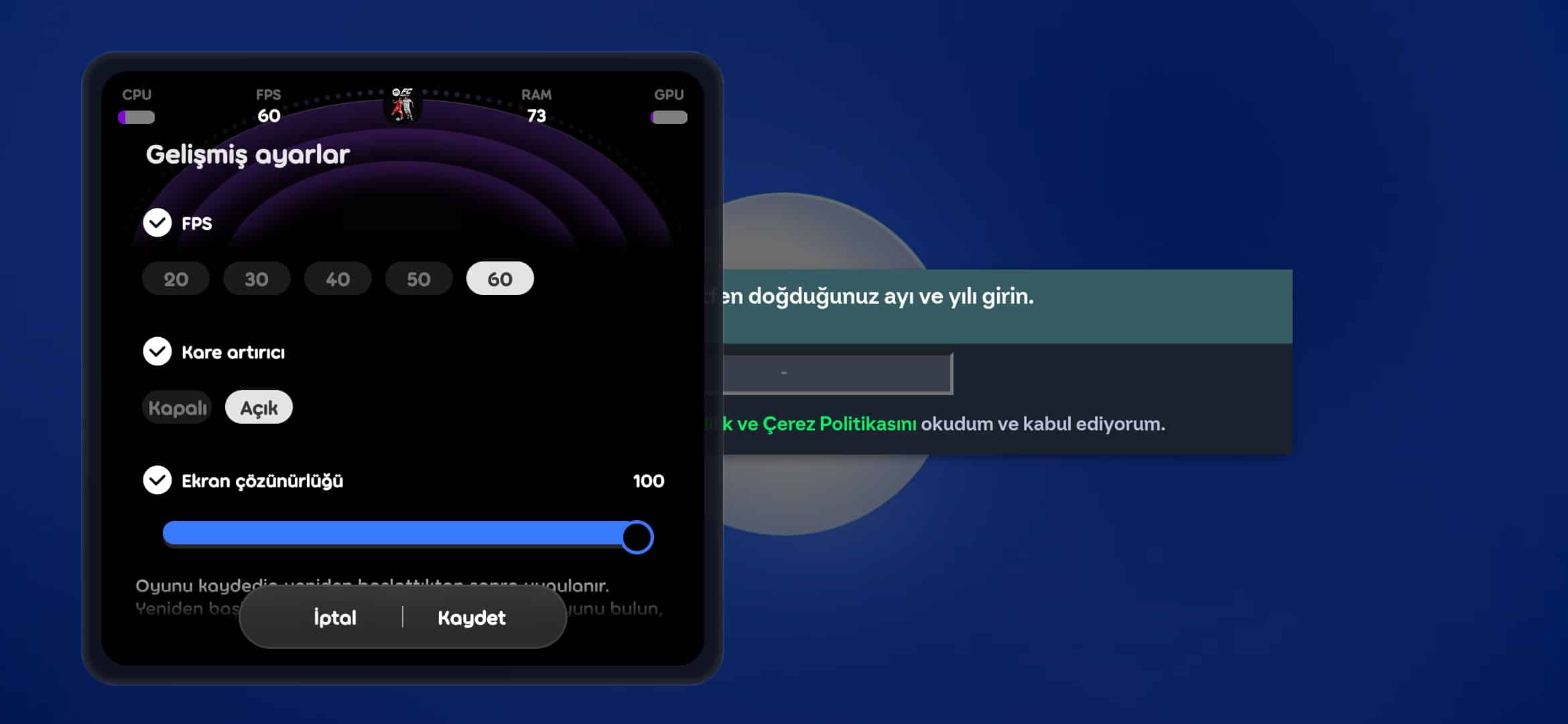
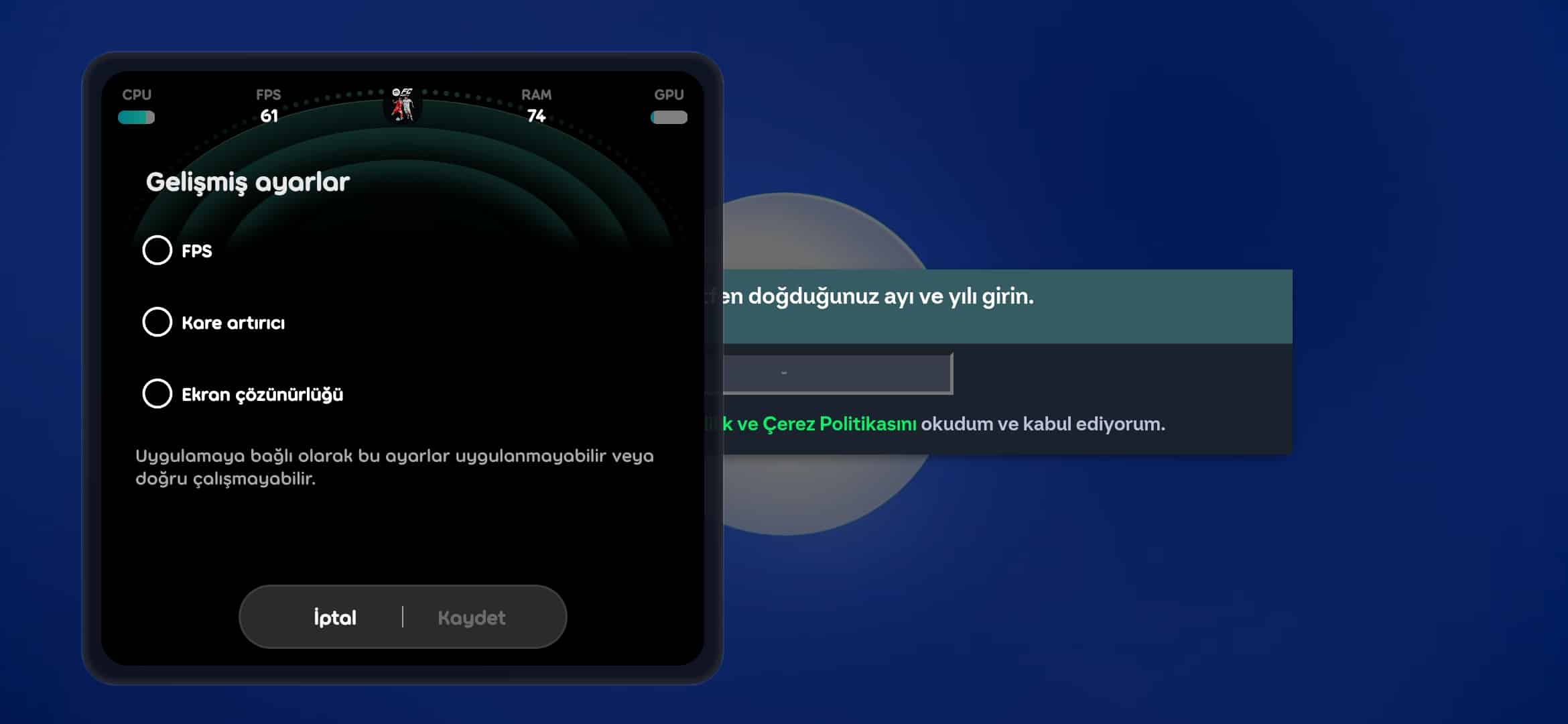
App shortcuts sit at the bottom so you can switch between apps instantly. Tapping the advanced settings option lets you set custom FPS, turn Frame Booster on or off, adjust screen resolution, and save your configuration. A pen icon allows you to edit app shortcuts, while the gear icon opens deeper settings.
Upgraded Voice Tools
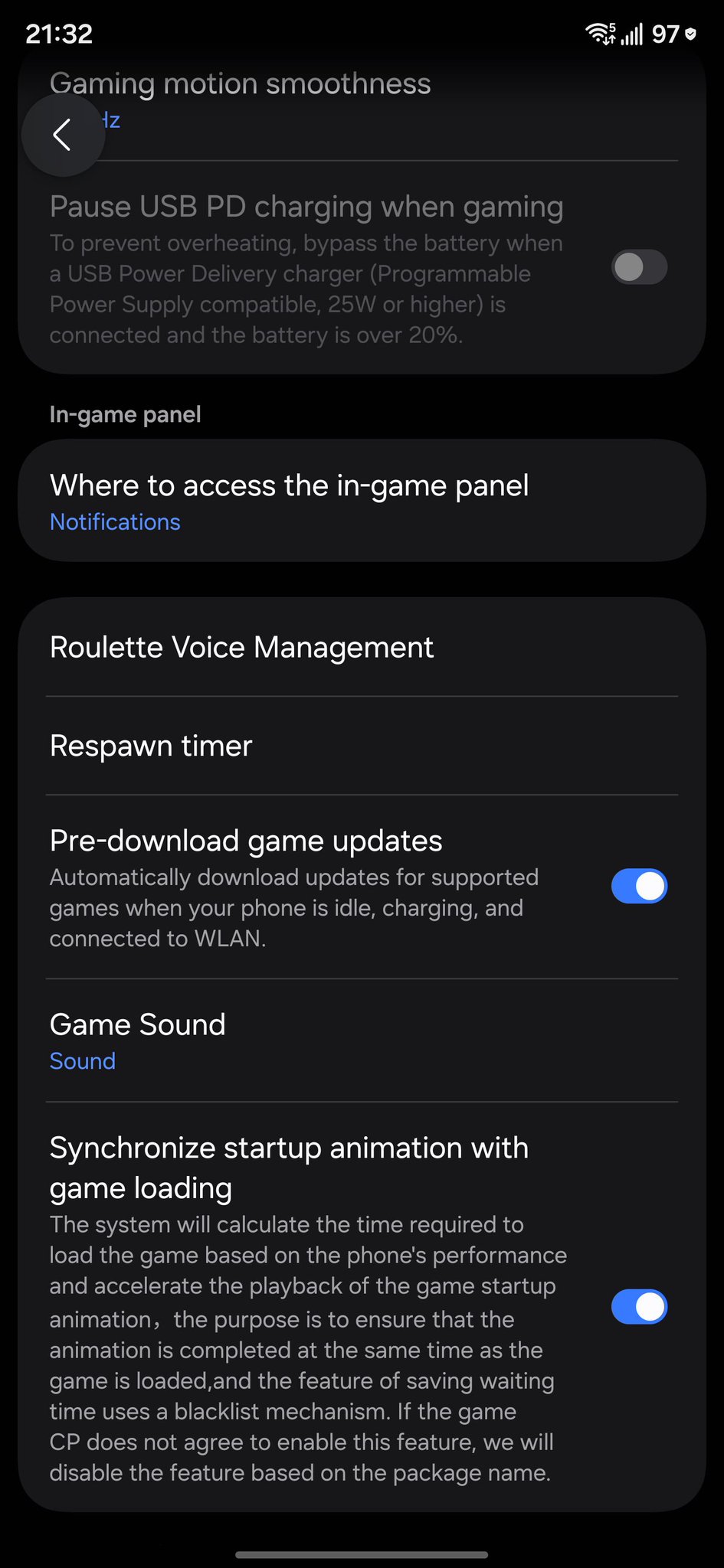
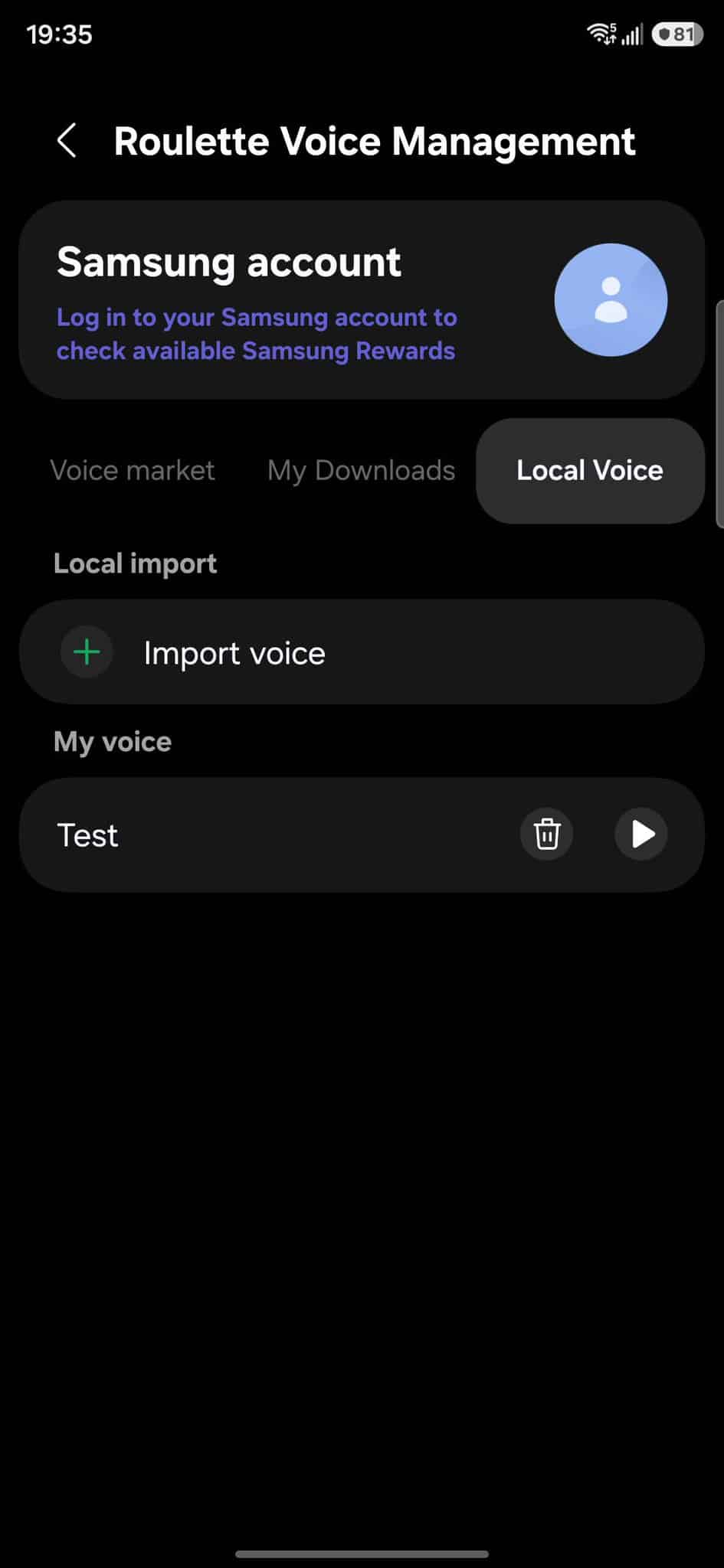
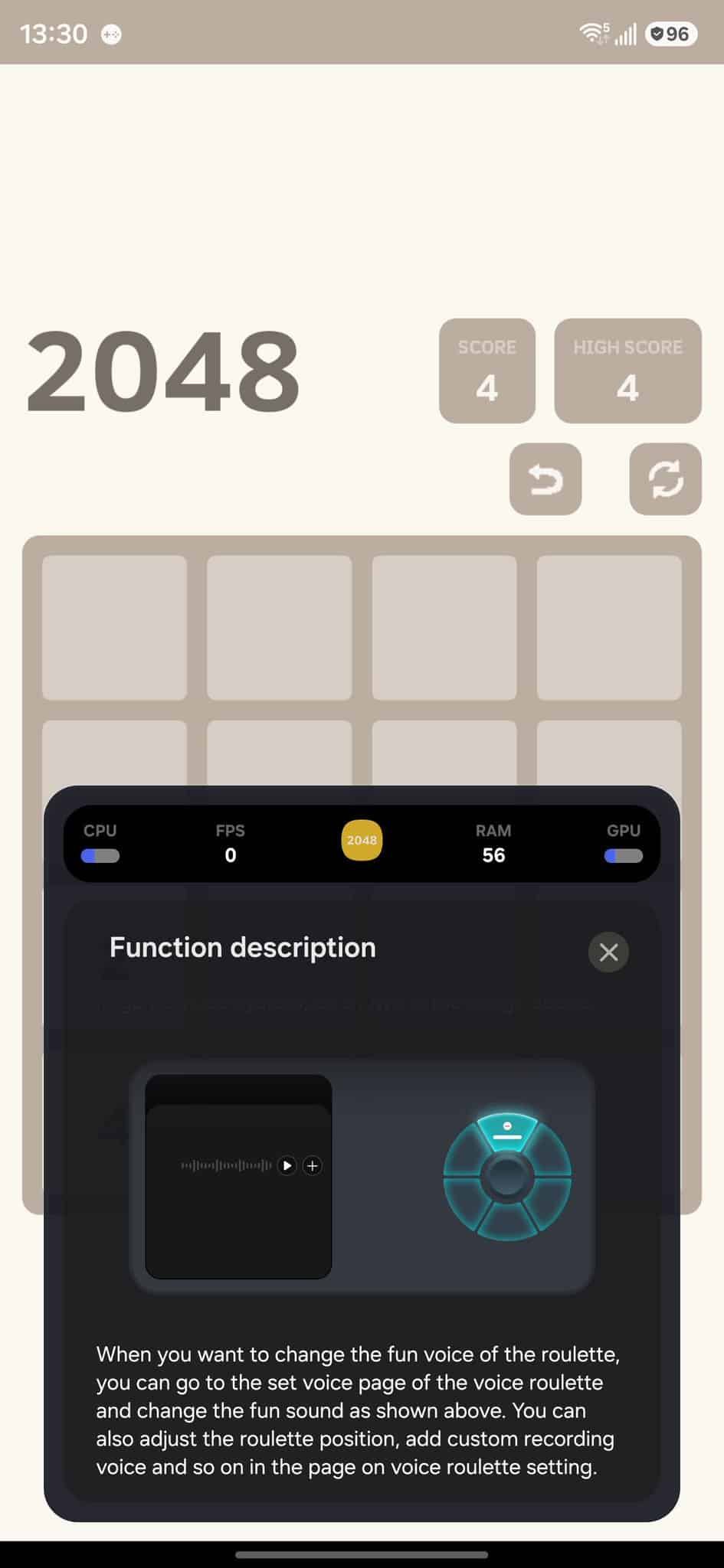
Samsung has also upgraded the entire voice system inside Game Booster. Voice Roulette lets you download voice packs and create instant voice messages using the device’s built-in voice generator. You can adjust voice tone, direction, and volume, and even send preset lines during gameplay.
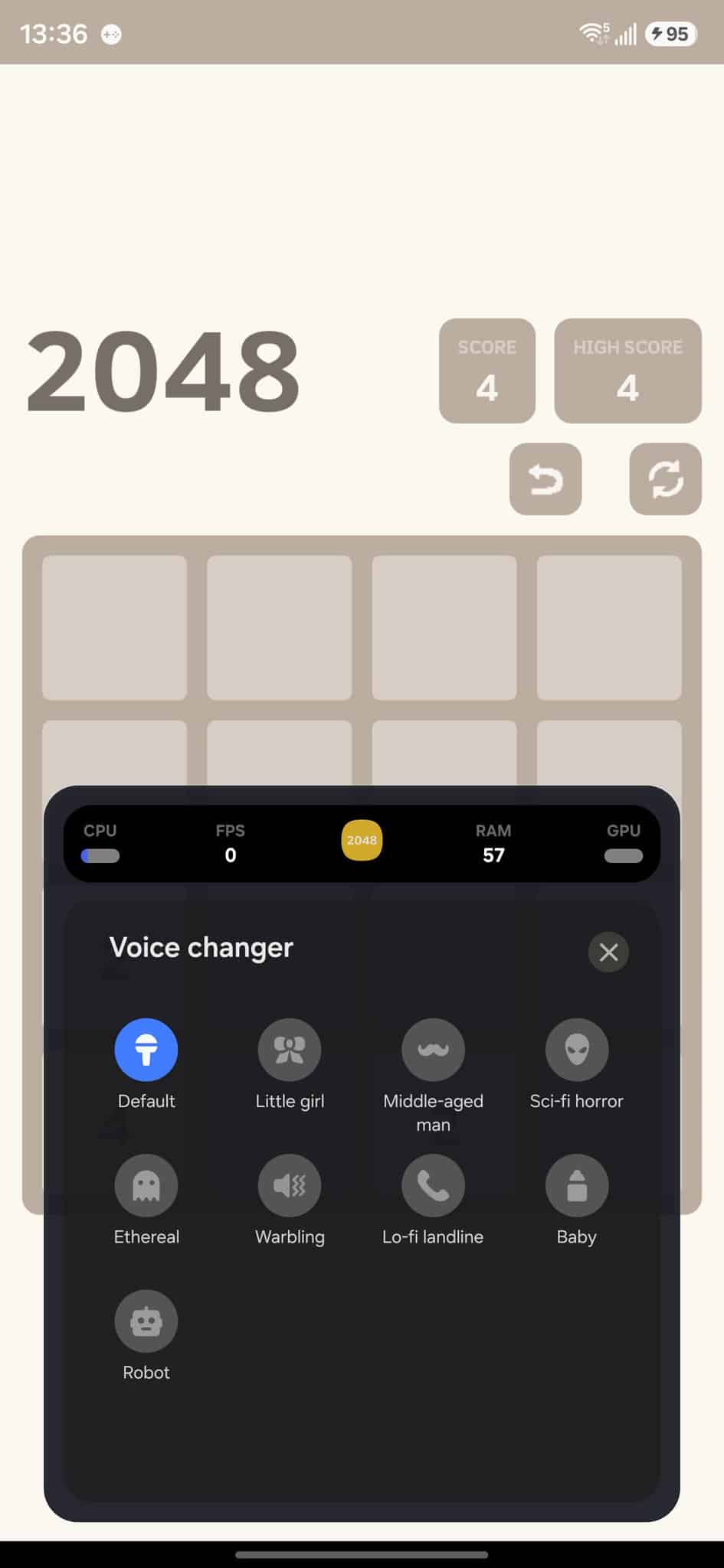
The Voice Changer now works with Sound Assistant, giving cleaner and more natural voice effects. Players can switch between different voice styles in real time. Super Microphone keeps your mic active even if other apps try to control it, and it automatically switches to Bluetooth mics or earbuds to avoid audio conflicts.
Anti-Interference System
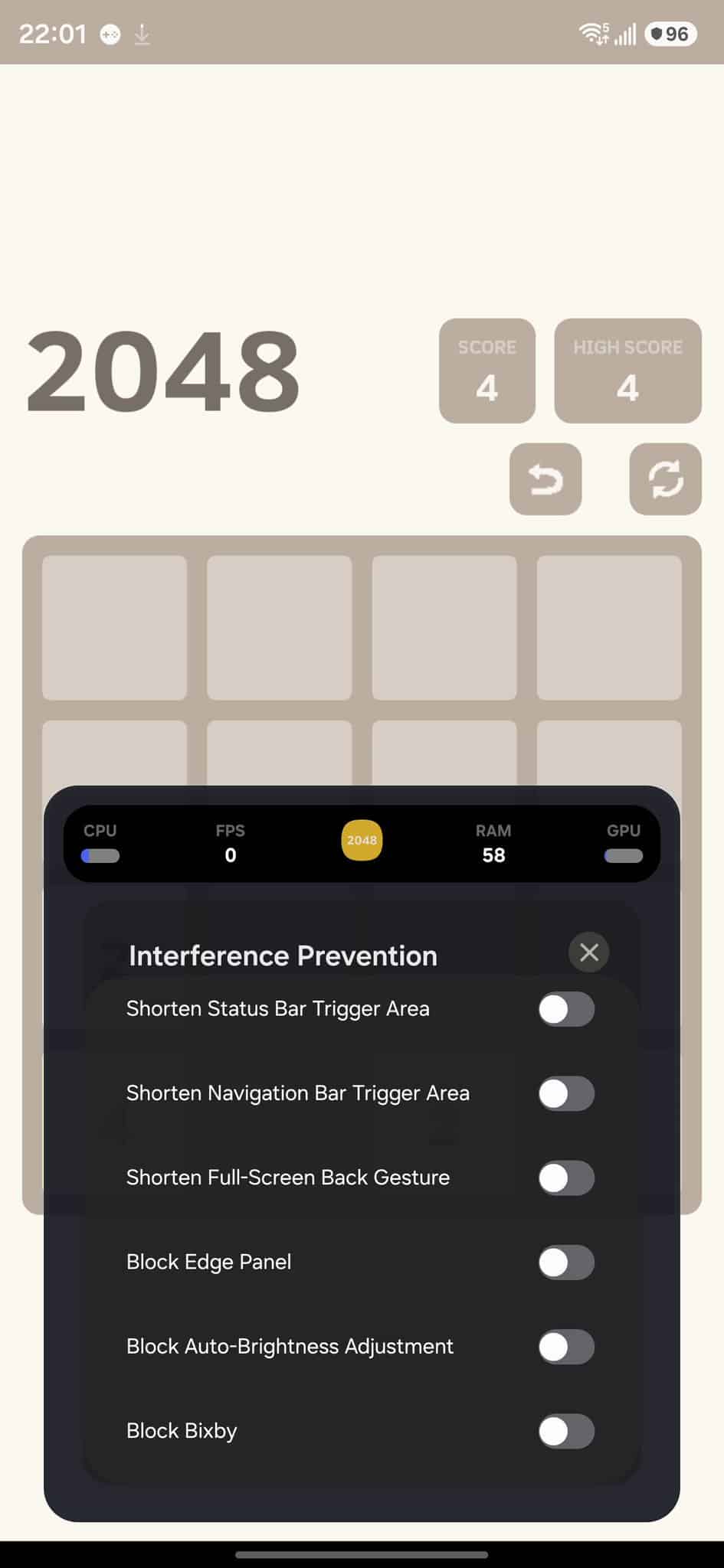
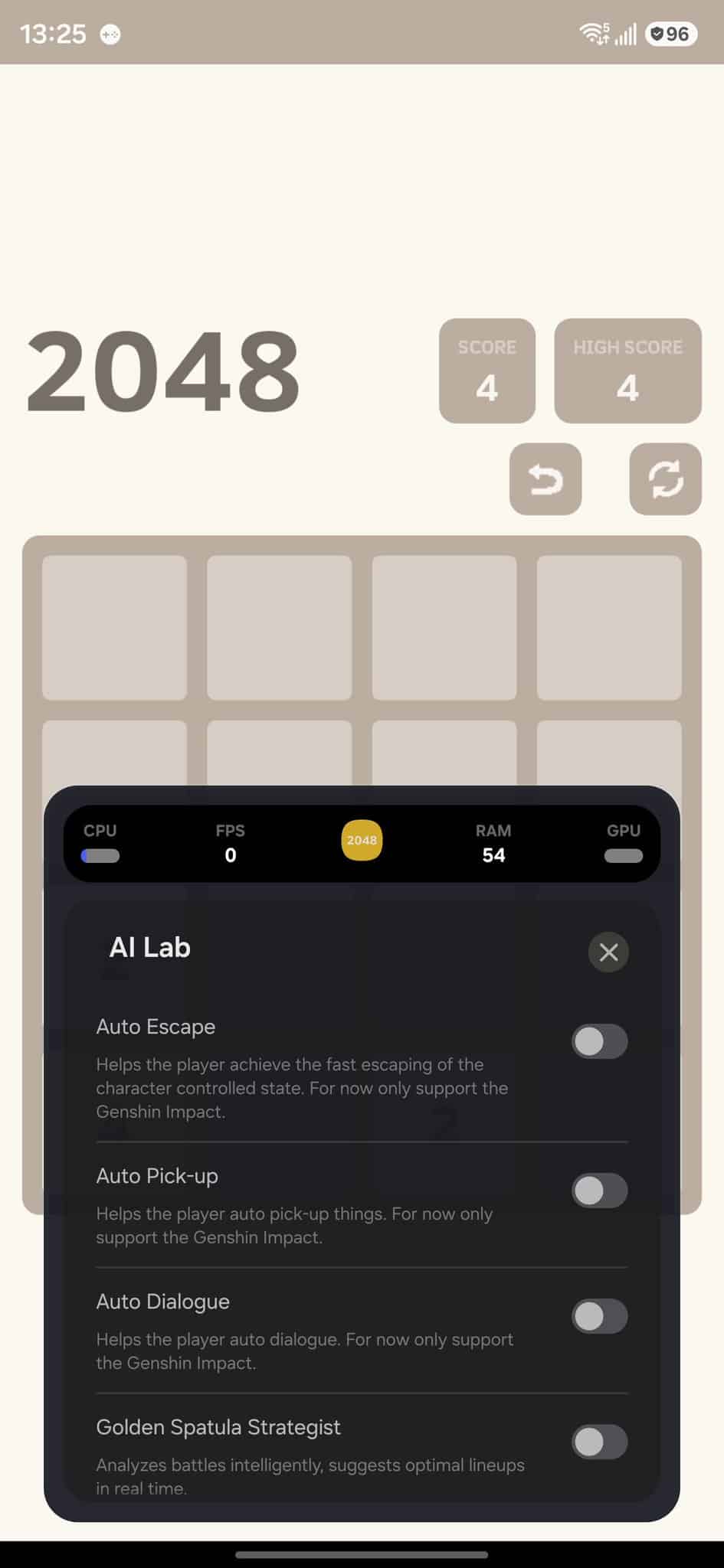
One UI 8.5 enhances the Anti-Interference system with smarter gesture control and blocking tools. It prevents accidental status bar pulls, navigation gestures, brightness changes, and Bixby triggers, ensuring smoother, interruption-free gameplay during full-screen sessions.
Notification Controls
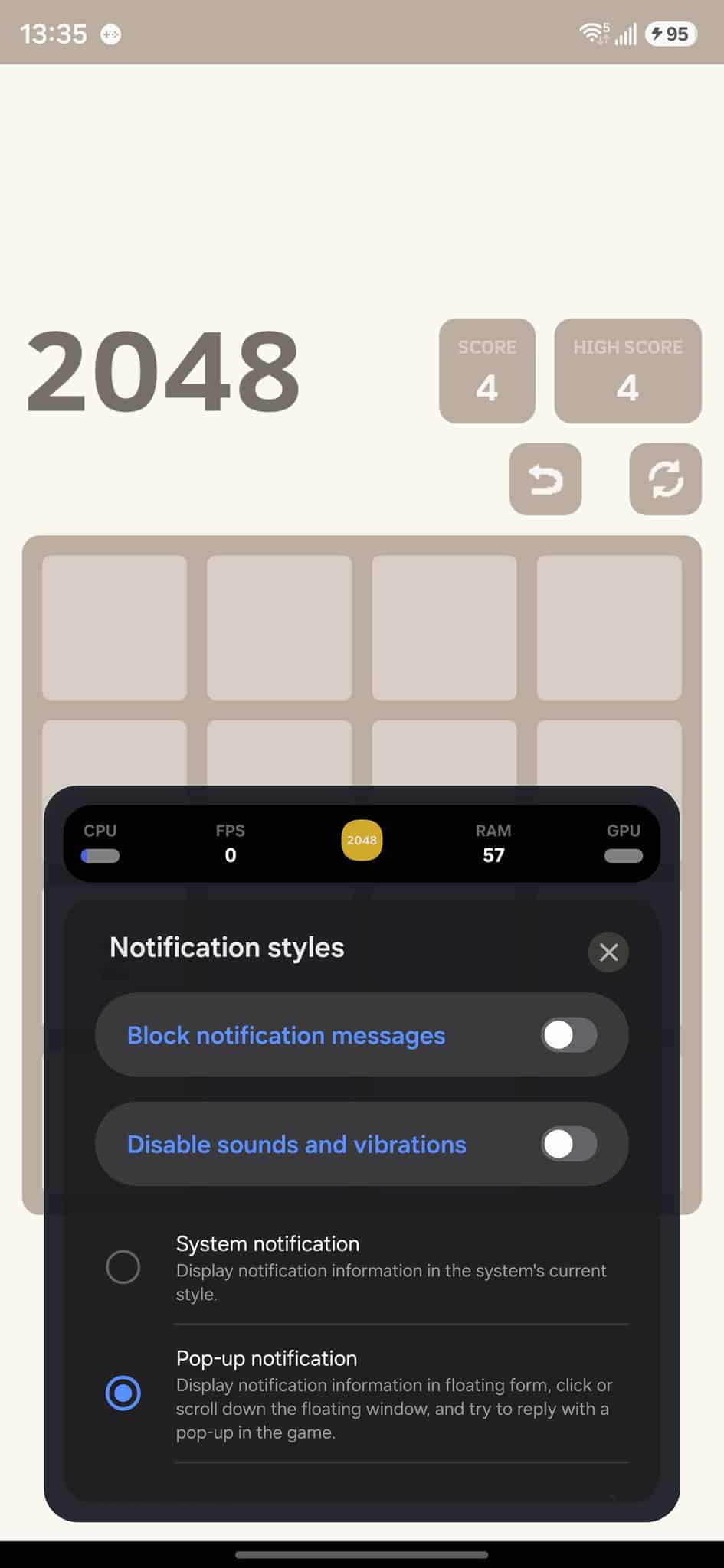
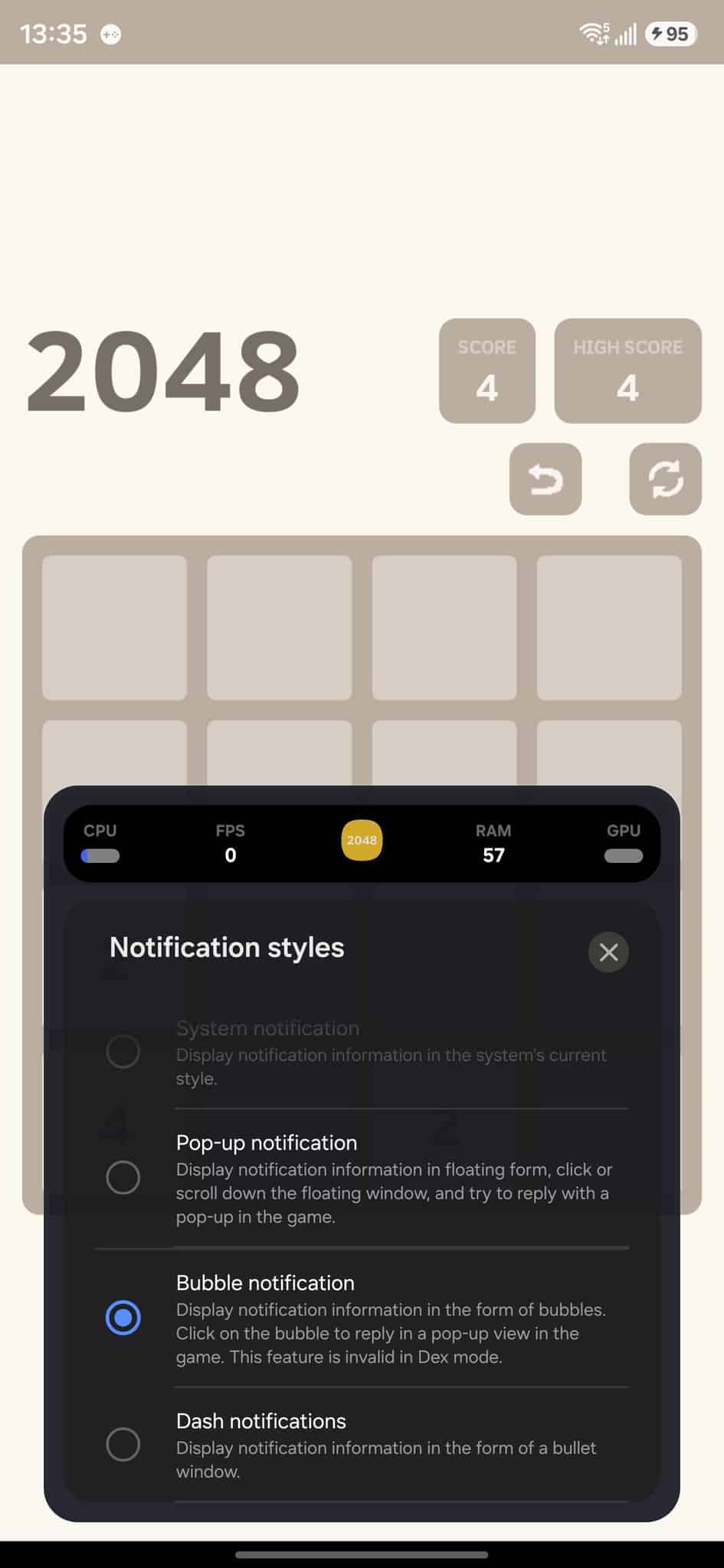
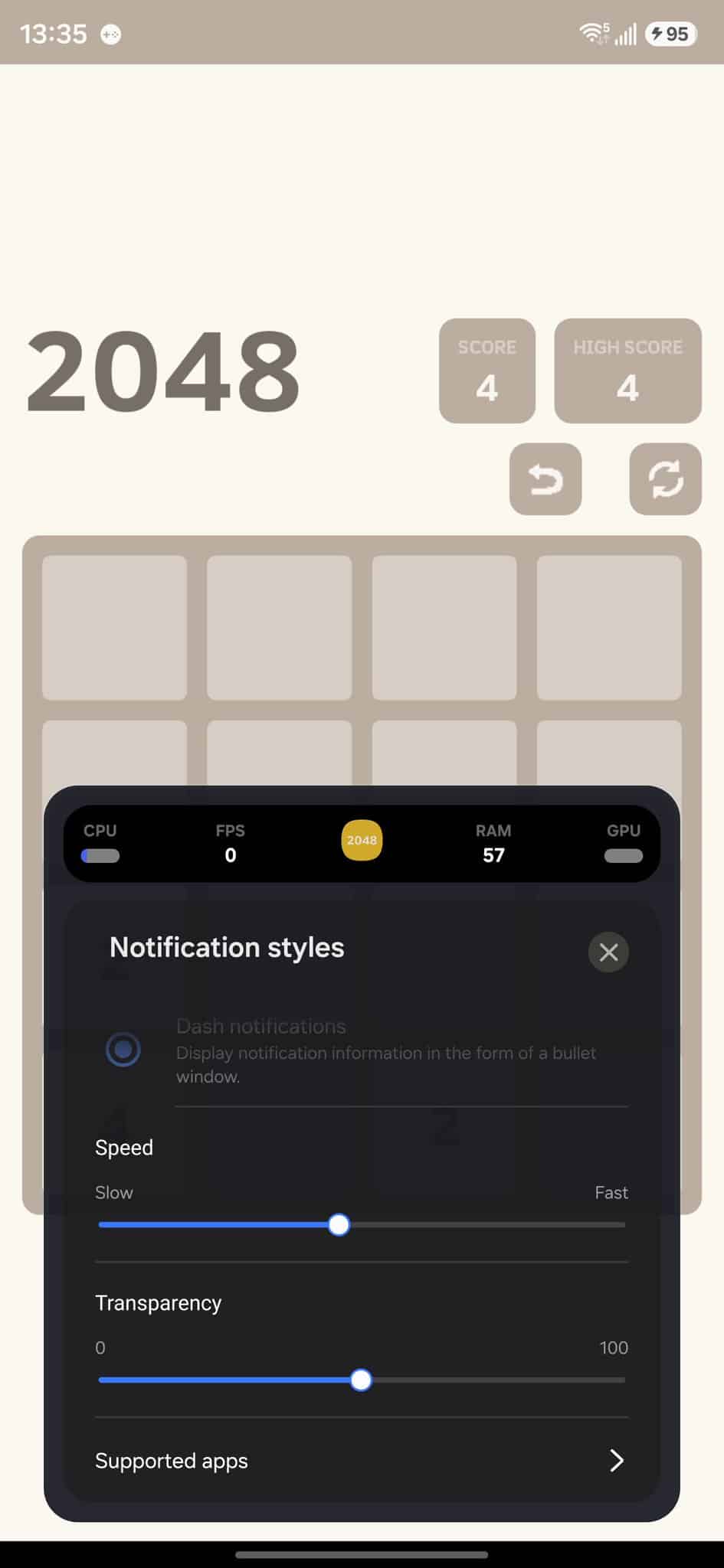
Game Booster introduces four notification style: System, Pop-up, Bubble, and the new Dash pill. Users can change transparency, animation speed, vibrations, and sound behavior. If you prefer distraction-free gameplay, notifications can be completely turned off.
Audio, Vibration & Controller Improvements
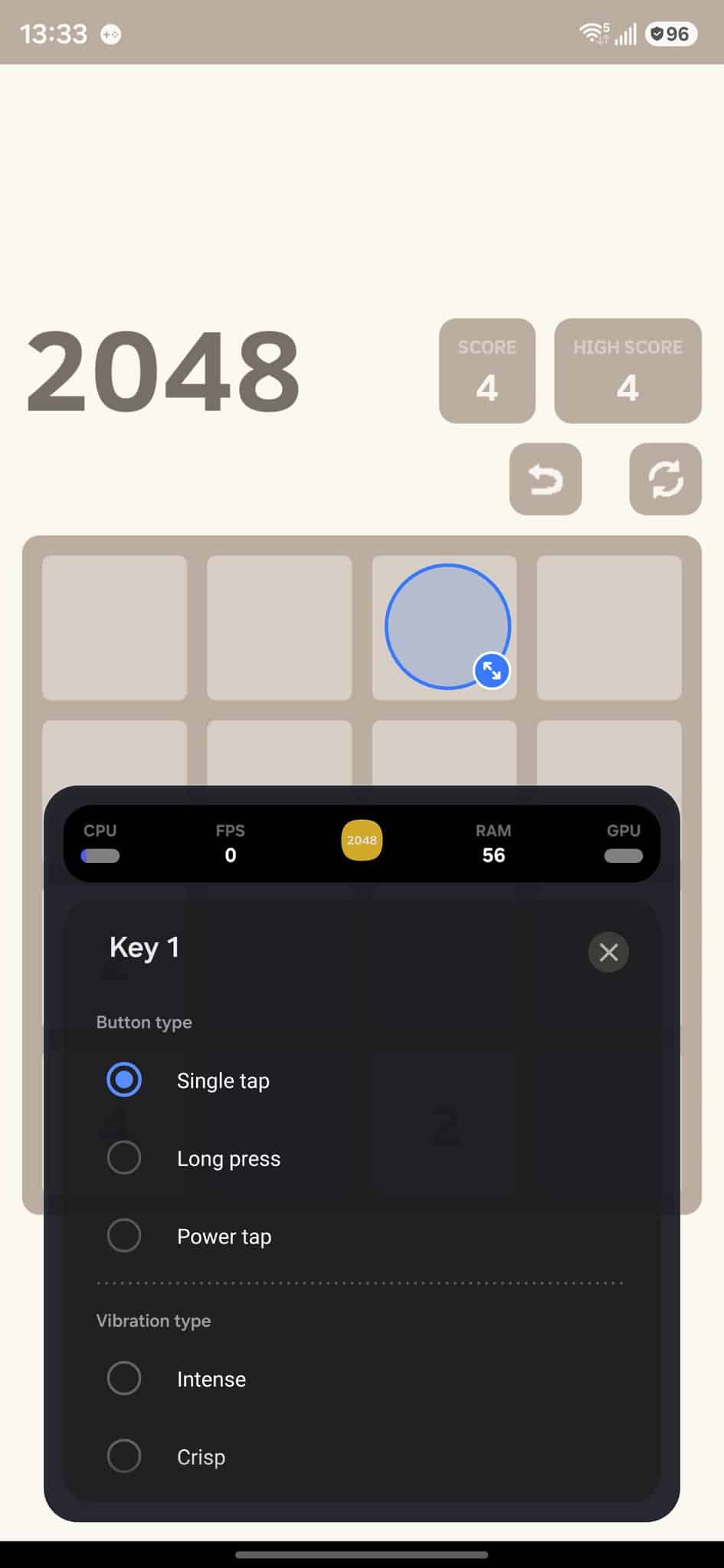
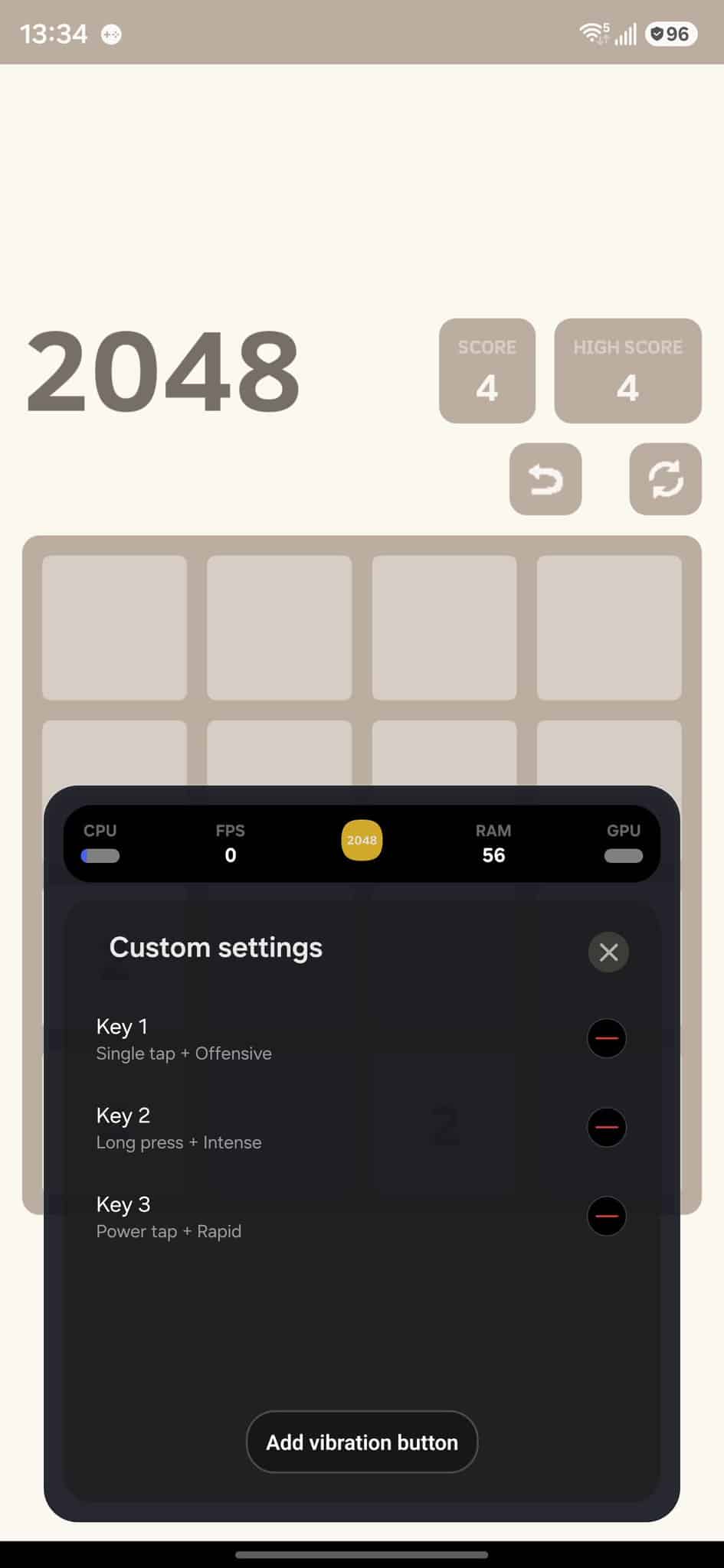
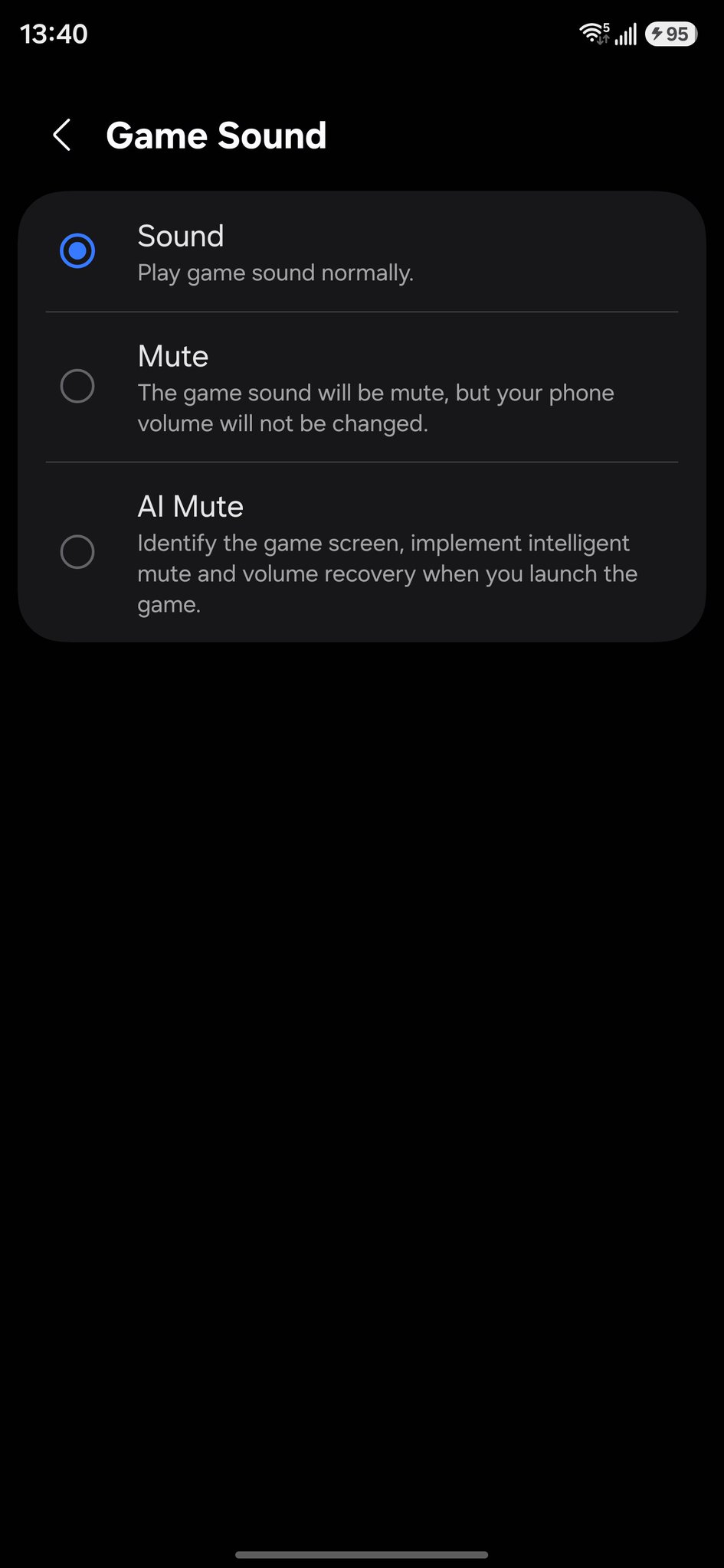
Samsung has refined the audio engine to better separate game sound, voice chat, and notifications. AI can automatically lower volume when you’re idle, and overall audio mixing is smoother. 4D Vibration now supports more patterns like crisp, rapid, intense, and soft taps for a more immersive feel. Controller support also gets better with improved reliability, real-time input details, and easier pairing directly inside Game Booster.
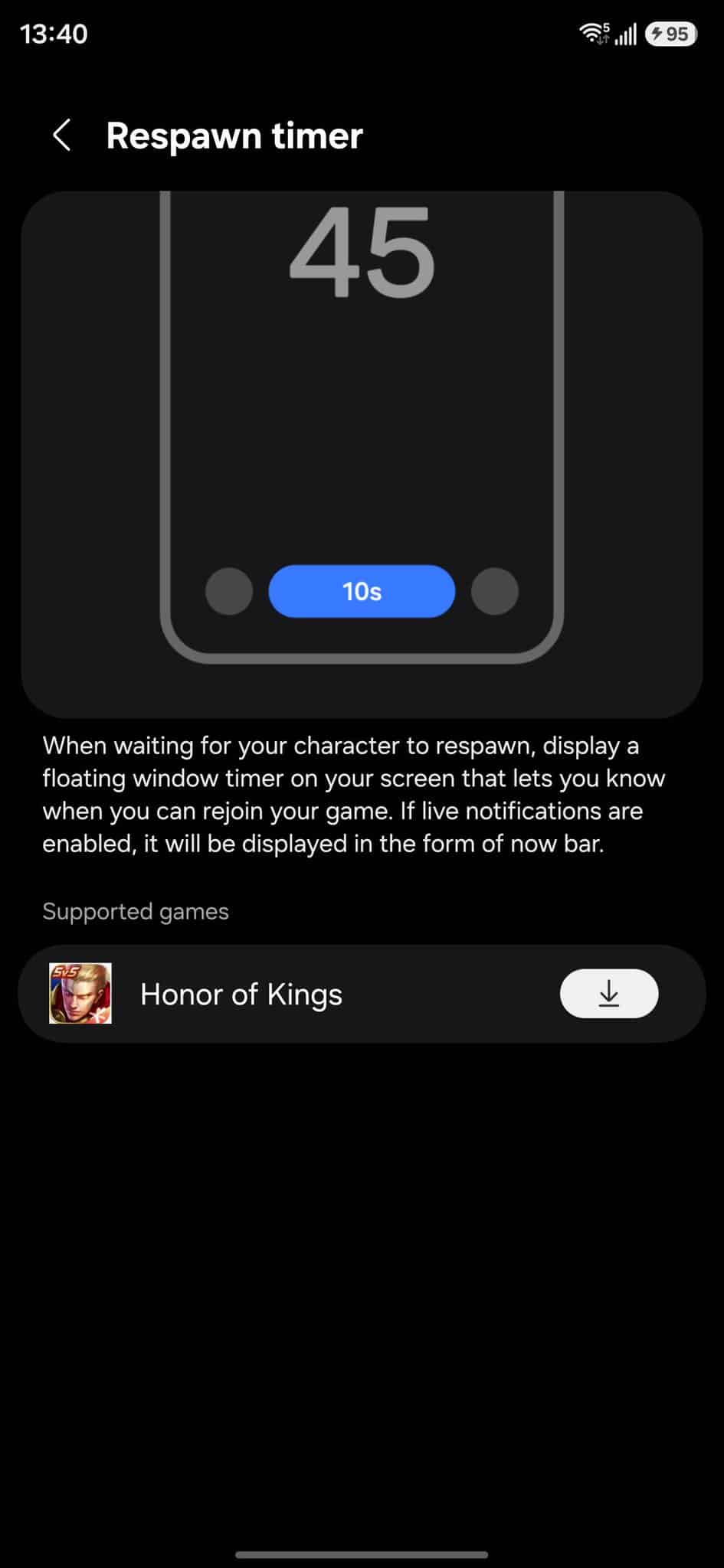
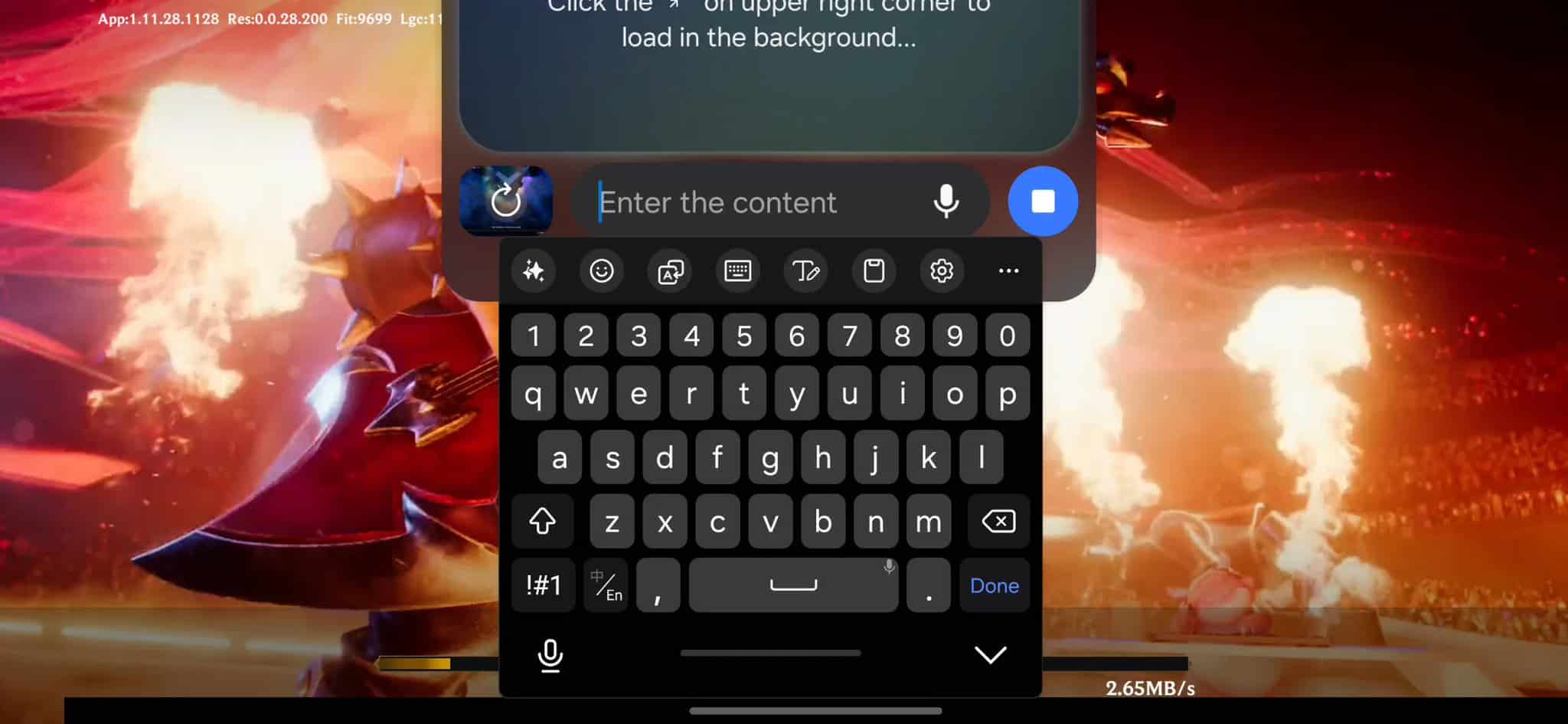
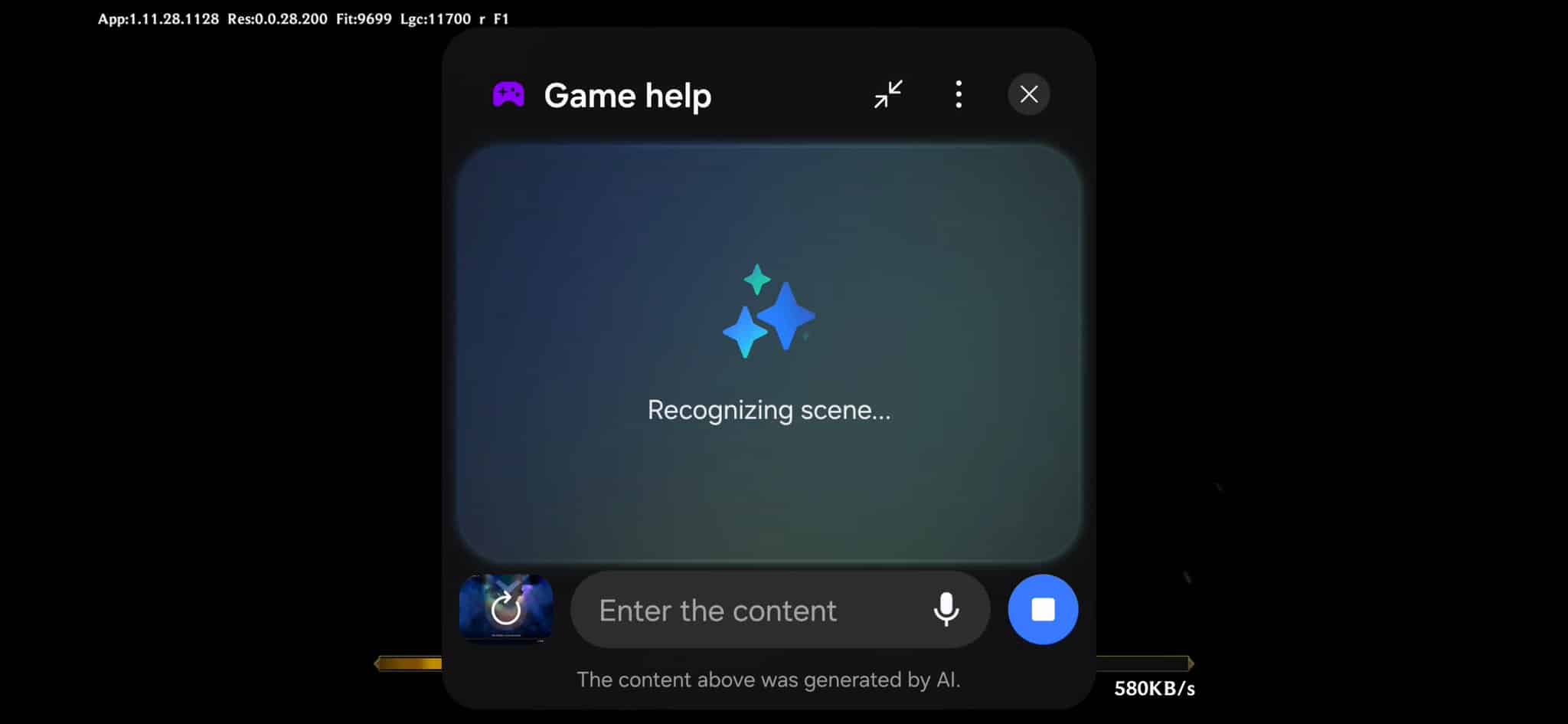
Respawn Timer & Galaxy AI Game Help
The new Respawn Timer appears on the Now Bar, showing a small countdown during gameplay without interrupting the screen. Galaxy AI Game Help can answer quick questions, give tips, and provide basic strategies for most games. It runs quietly in the background and can be turned off anytime.
Updated Touch Protection
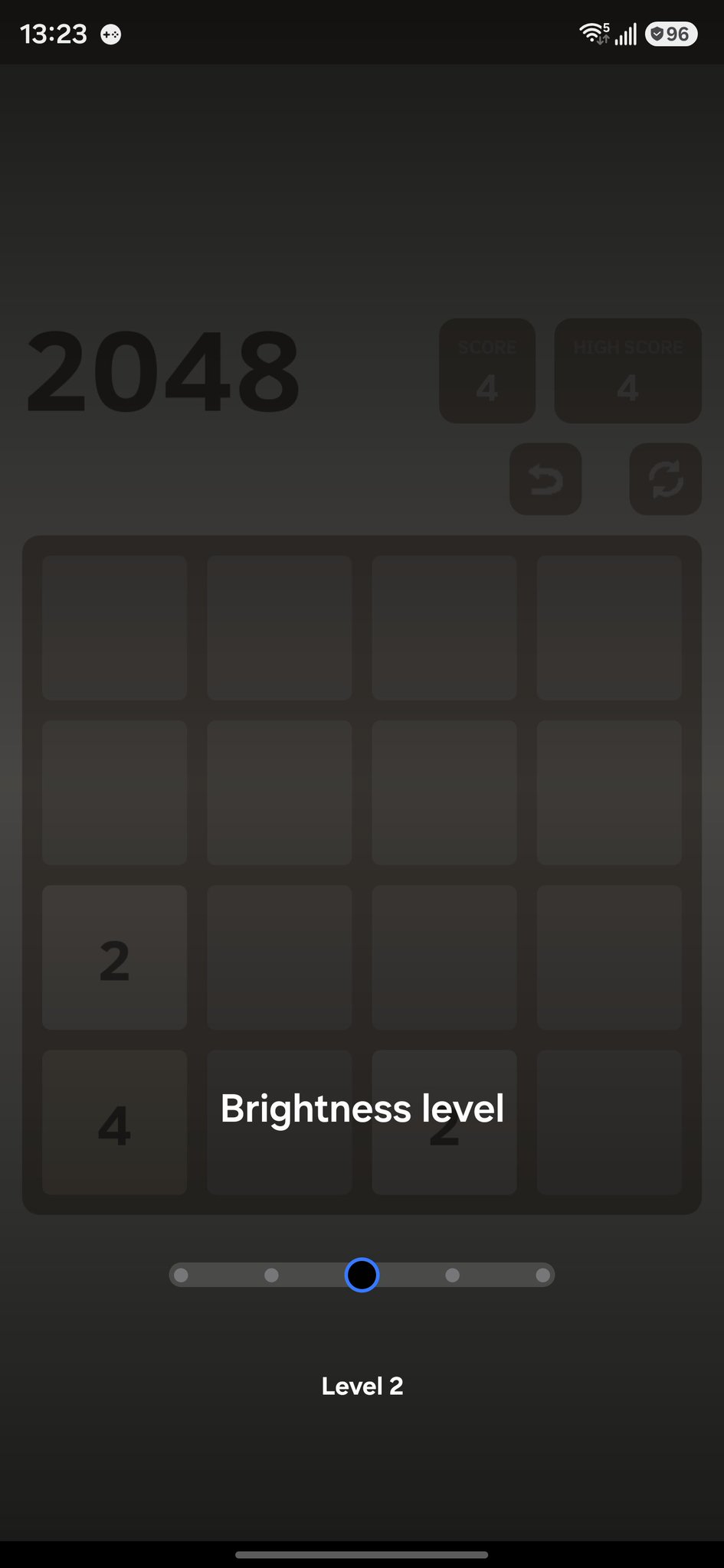
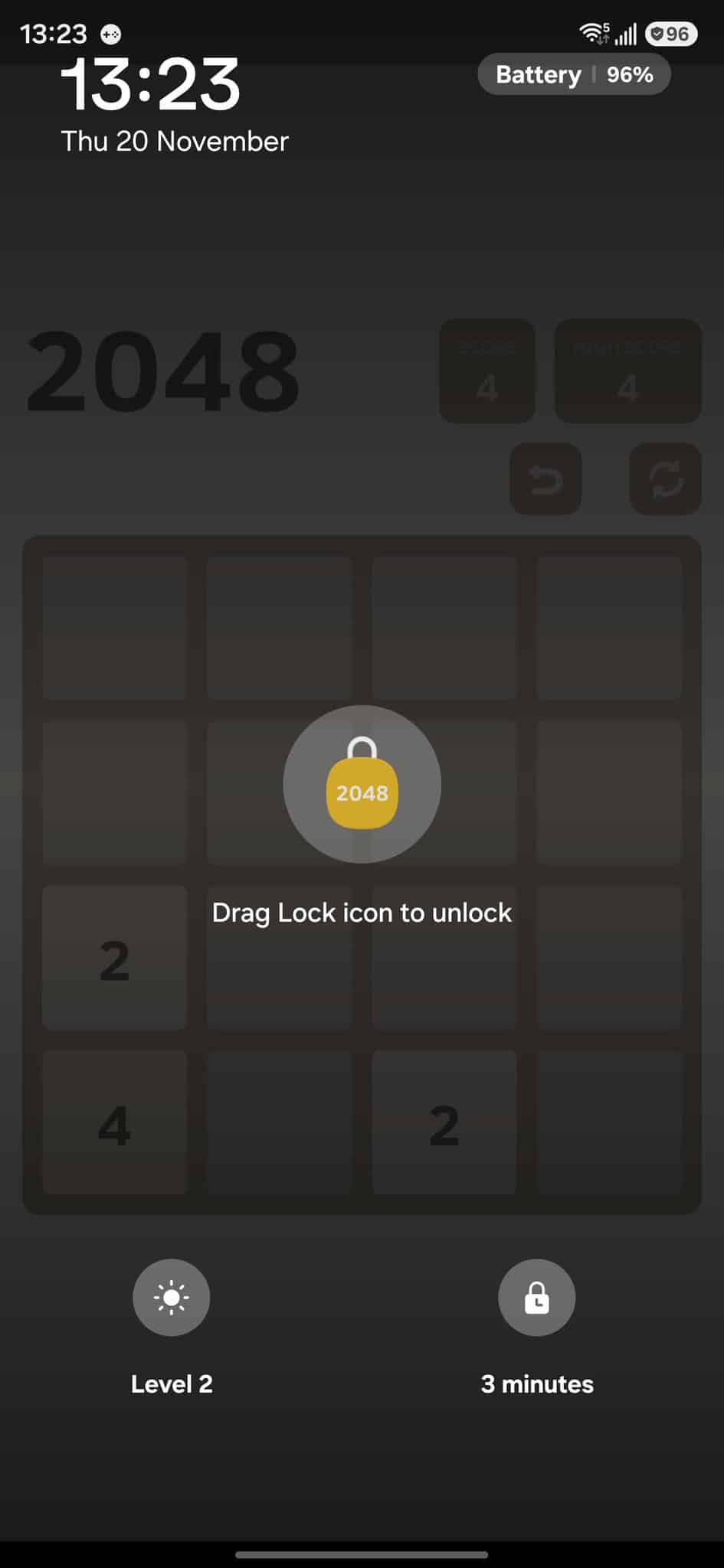
Touch Protection now features a cleaner layout displaying the time, date, and battery level. Accidental touch rejection has been improved, making it more reliable during intense gaming sessions.
Overall, One UI 8.5 is shaping up to be one of Samsung’s most meaningful updates in years. While One UI 8 brought only a few visible changes, this new version goes much deeper with design upgrades, smoother animations, better customization, and a completely refreshed Game Booster packed with AI features. It genuinely feels like Samsung is stepping up its software game again, similar to what we saw with One UI 7.
With its expected debut alongside the Galaxy S26 series early next year, One UI 8.5 already looks promising. If Samsung follows through on everything we’ve seen so far, this update could easily become one of the most polished and exciting One UI versions to date. You can read all major changes here.
Thanks to GalaxyTechie and Gökmen Ceylan.

Follow us on Google Discover & set us as a preferred source in Google News
Share this Post
___________________________


New Blog Posts
___________________________

First Set of Pixel 11 Pro XL Renders Are Here
Pixel 11 Pro XL CAD renders show minimal design changes

Is Samsung Preparing One UI 8.5 Beta for Galaxy Z Fold 5 and Flip 5?
Samsung may launch a One UI 8.5 beta program for its 2023 foldables

Galaxy S25 One UI 8.5 Beta May Run Longer Than Expected
Galaxy S25 series’ One UI 8.5 beta may stretch to 10 rounds


