
Samsung Kids App Gets Updated Icon Ahead of One UI 7.0 Beta
SammyGuru is reader-supported. We have affiliate and sponsored partnerships, so we may earn a commission when you buy through links on our site — at no extra cost to you. Learn more.
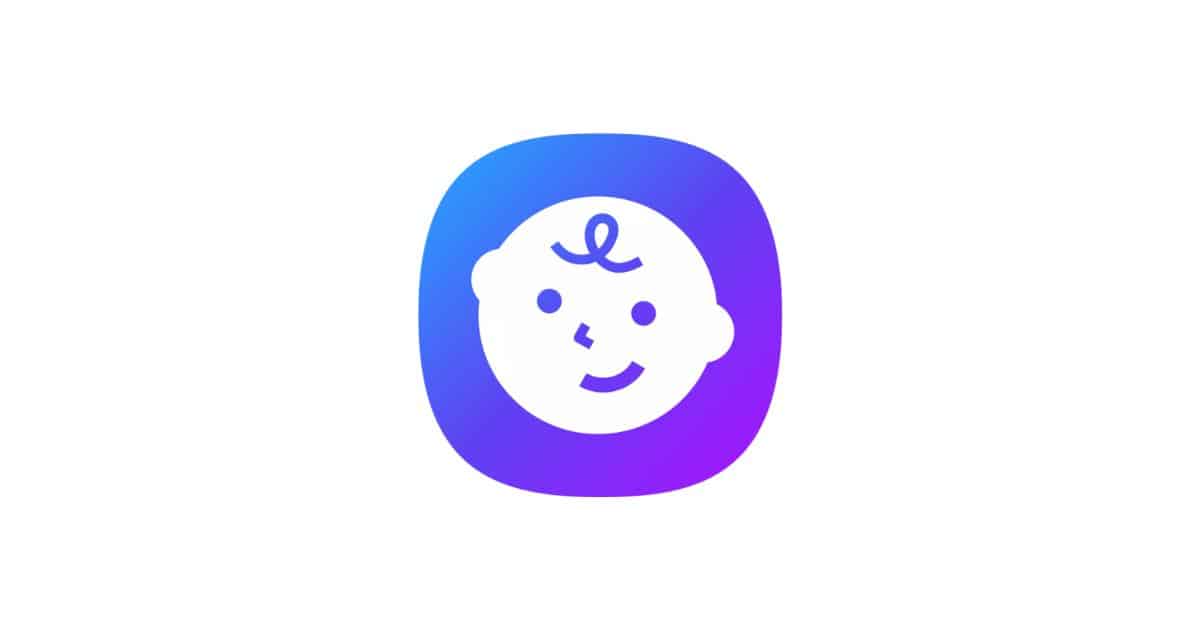
Although the One UI 7.0 beta looks still a few weeks away, we have already caught a glimpse at it thanks to countless leaks over the past few weeks. Samsung may have accidentally shown us another piece of the puzzle. A recent update for the Samsung Kids app introduces a fresh icon that aligns with the One UI 7.0 design language.
Samsung Kids app has a new icon, in line with One UI 7.0 aesthetic
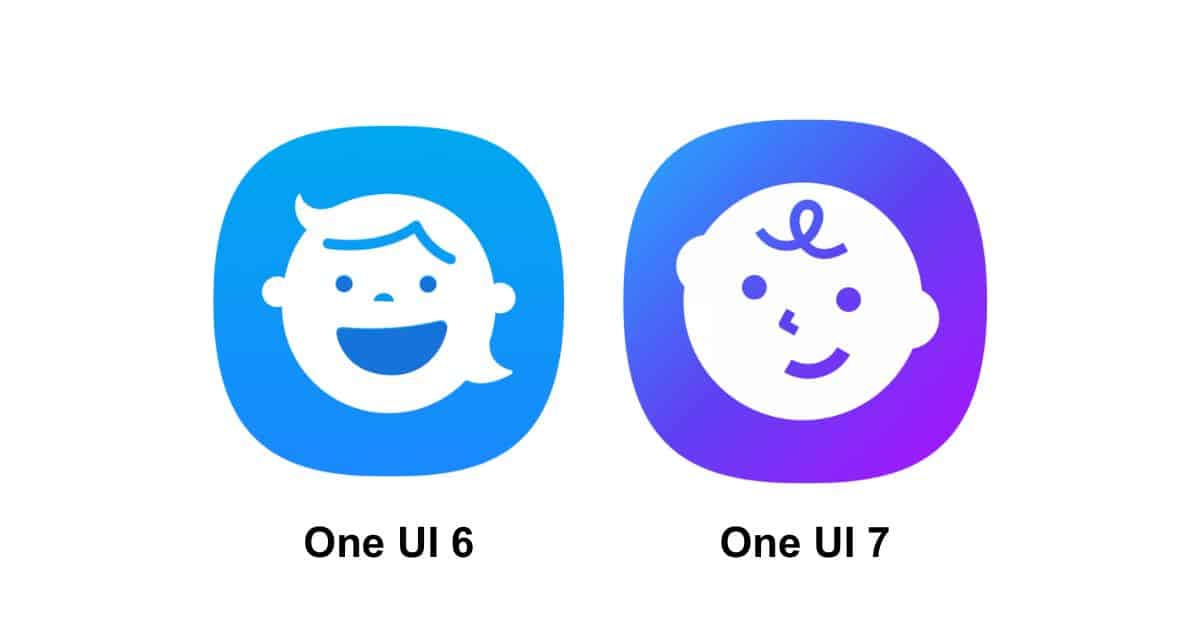
The updated Samsung Kids app (v12.6.01.8) is now available for download via the Galaxy Store. First spotted by @GerwinvGiessen, this 30MB update doesn’t appear to bring any major user-facing feature enhancements. The most noticeable change is a sleek new app icon, featuring a modern blue and purple gradient that aligns with the One UI 7.0 aesthetic.
The icon also includes a new, toddler-like baby character, replacing the previous generic child figure. This suggests that design and aesthetics will play a key role in the upcoming One UI 7.0 update, something earlier leaks have hinted.
More features in the pipeline
While details are scarce, the Samsung Kids app may get new features soon. One UI 7 is likely to include improved Parental Controls, helping parents manage their children’s screen time and app usage. These updates could offer more options to monitor device activity and restrict access to certain content, giving families better tools to balance entertainment and safety.
For those who don’t know, Samsung Kids mode is a great option when handing your Galaxy phone to kids. It turns your phone into a kid-friendly environment with lots of customizable settings. Samsung Kids lets you control who your kids can call, and you can set up all the restrictions. Incoming calls aren’t blocked, so kids can still receive calls, even from unknown or unsaved numbers.
If you’re interested, here’s how to set up Samsung Kids and create a safer environment for your kids.

Written by
Abhinav AnandAbhinav Anand is the News Editor at SammyGuru and a technology journalist based in New Delhi. Before joining SammyGuru, he contributed to numerous outlets, including Android Headlines, ExtremeTech, The Mac Observer, Financial Express, Economic Times, iGeeksBlog, KnowTechie, PhonesWiki, SlashGear, and more. You can reach him at abhinav@sammyguru.com.

Follow us on Google Discover & set us as a preferred source in Google News
Share this Post
___________________________


New Blog Posts
___________________________

First Set of Pixel 11 Pro XL Renders Are Here
Pixel 11 Pro XL CAD renders show minimal design changes

Is Samsung Preparing One UI 8.5 Beta for Galaxy Z Fold 5 and Flip 5?
Samsung may launch a One UI 8.5 beta program for its 2023 foldables

Galaxy S25 One UI 8.5 Beta May Run Longer Than Expected
Galaxy S25 series’ One UI 8.5 beta may stretch to 10 rounds







