
Google’s Song Search Quick Toggle Rolls Out to Galaxy Phones
SammyGuru is reader-supported. We have affiliate and sponsored partnerships, so we may earn a commission when you buy through links on our site — at no extra cost to you. Learn more.
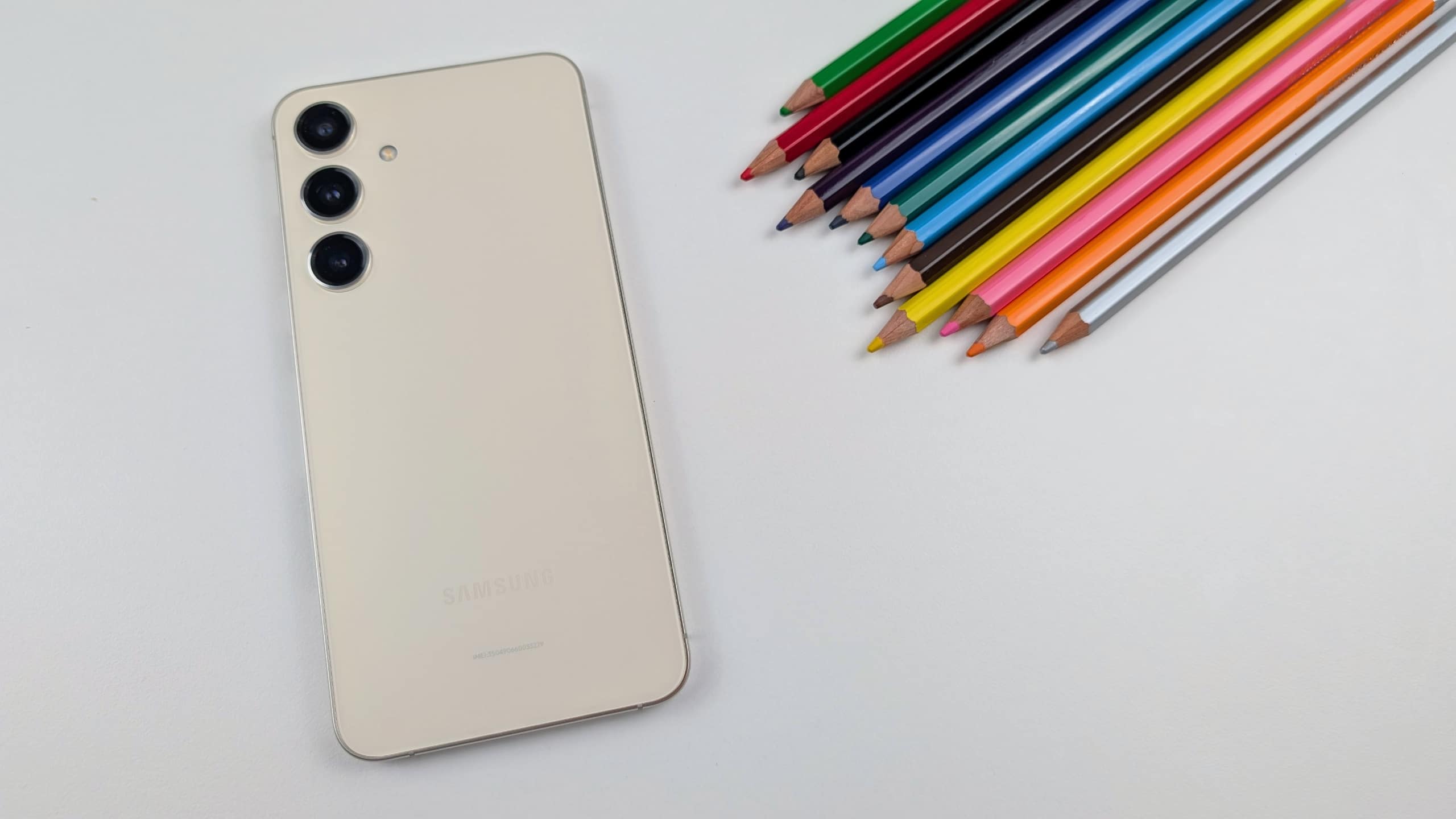
Google’s Song Search Quick Setting toggle is rolling out to Galaxy phones. A recent update for the Google app added this feature to the Galaxy S24 Ultra, Galaxy A55, and several other devices. It appears to be a global rollout.
The Song Search toggle is now available for Galaxy phones
Google offers a built-in tool for identifying music. It listens to the music playing nearby, including someone singing or humming a song, and identifies the original track. The tool can be handy when you remember a song’s tone but not the title or lyrics. You can simply hum the tone and use Google to find the song. It also helps when you can’t figure out a song playing around you.
A few days ago, Google introduced a Quick Setting toggle for the feature. Called Song Search, the toggle rolled out to Pixel phones with an update for the beta version of the Google app. It appears the feature no longer requires the beta app as it’s now available with the stable version v15.39.41.28 of the Google app on several Galaxy devices in the US and India.
If you recently updated the app on your Google phone, check the Quick Panel for the Song Search toggle. You may have to edit the panel (tap the Pencil icon at the top in the expanded view) to add new toggles to the main panel. Tapping the toggle brings up the same interface available through the Google app. It immediately starts listening to songs or music playing around you.
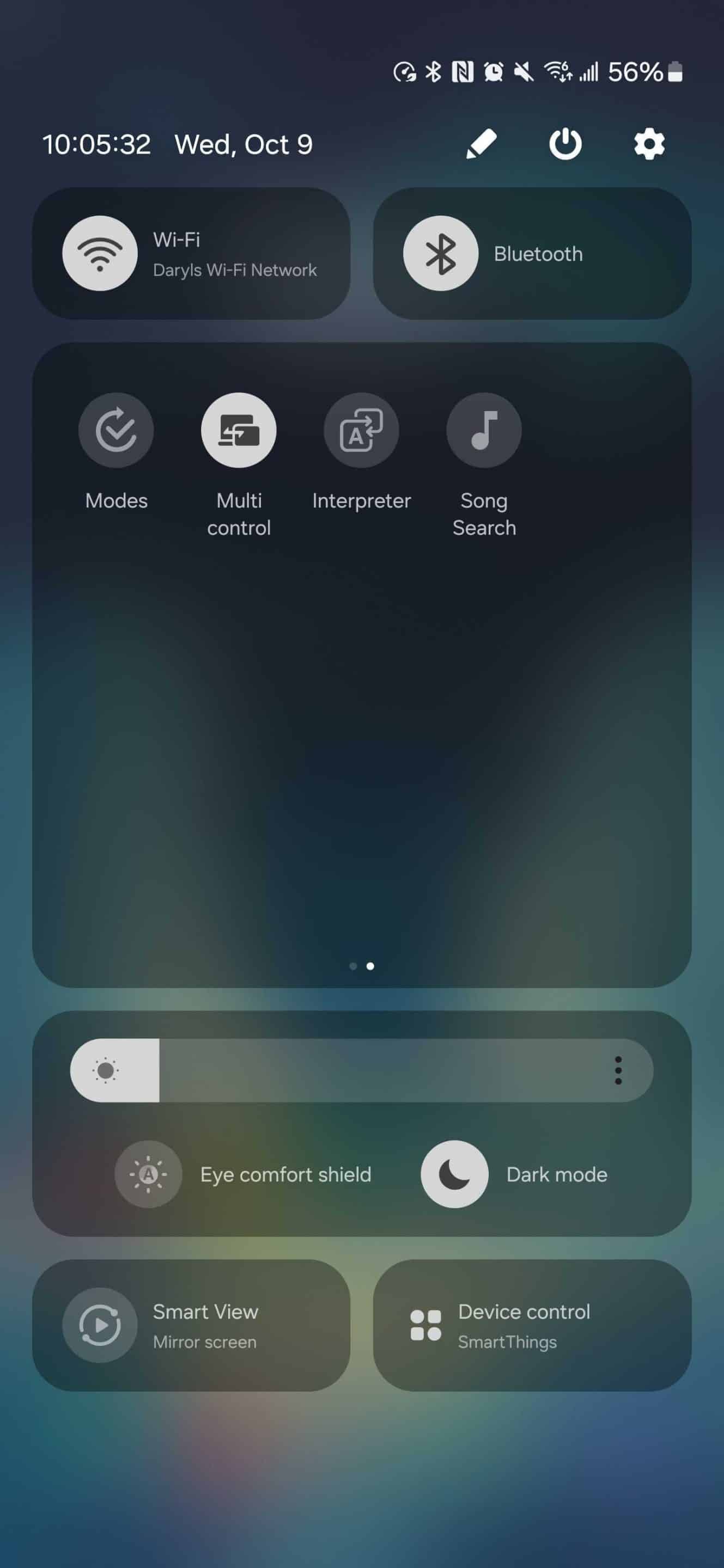
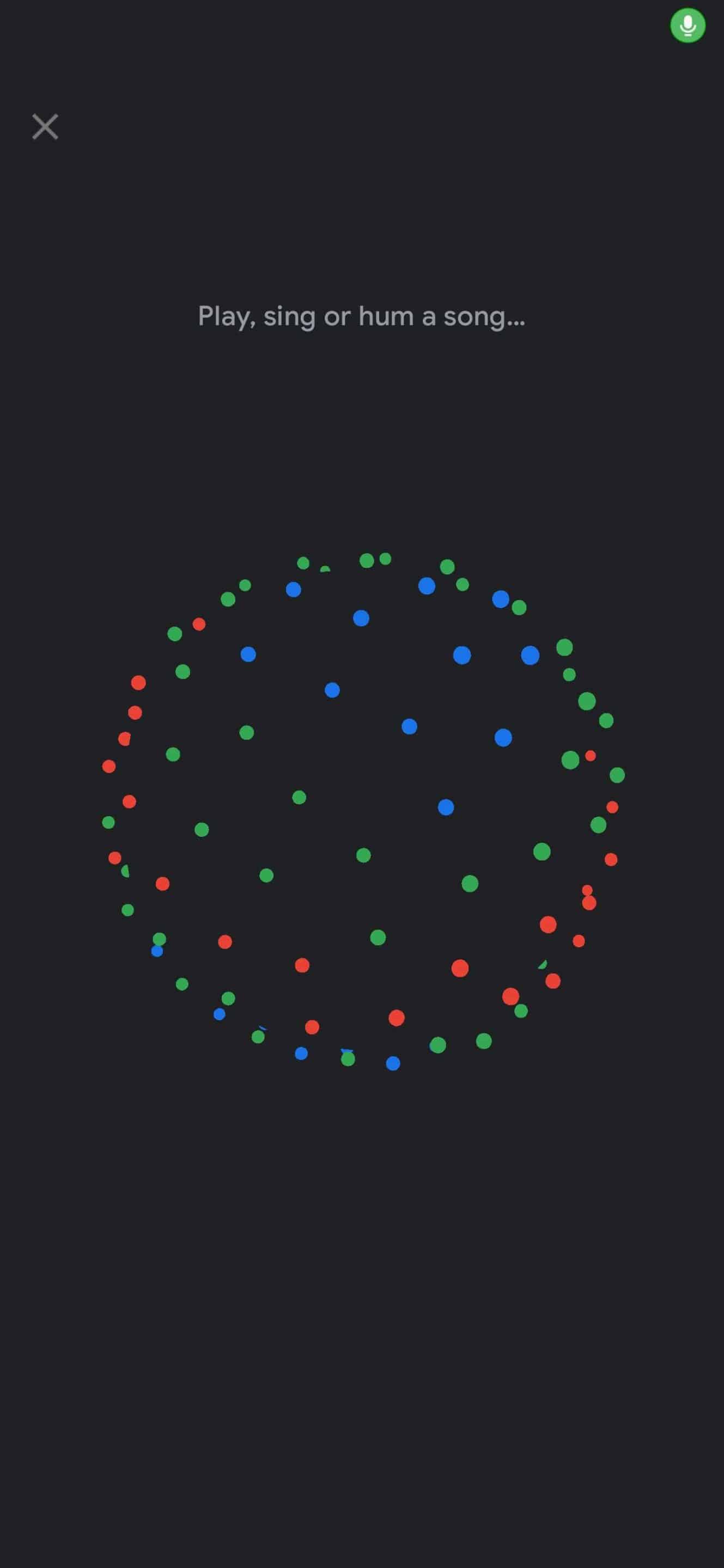
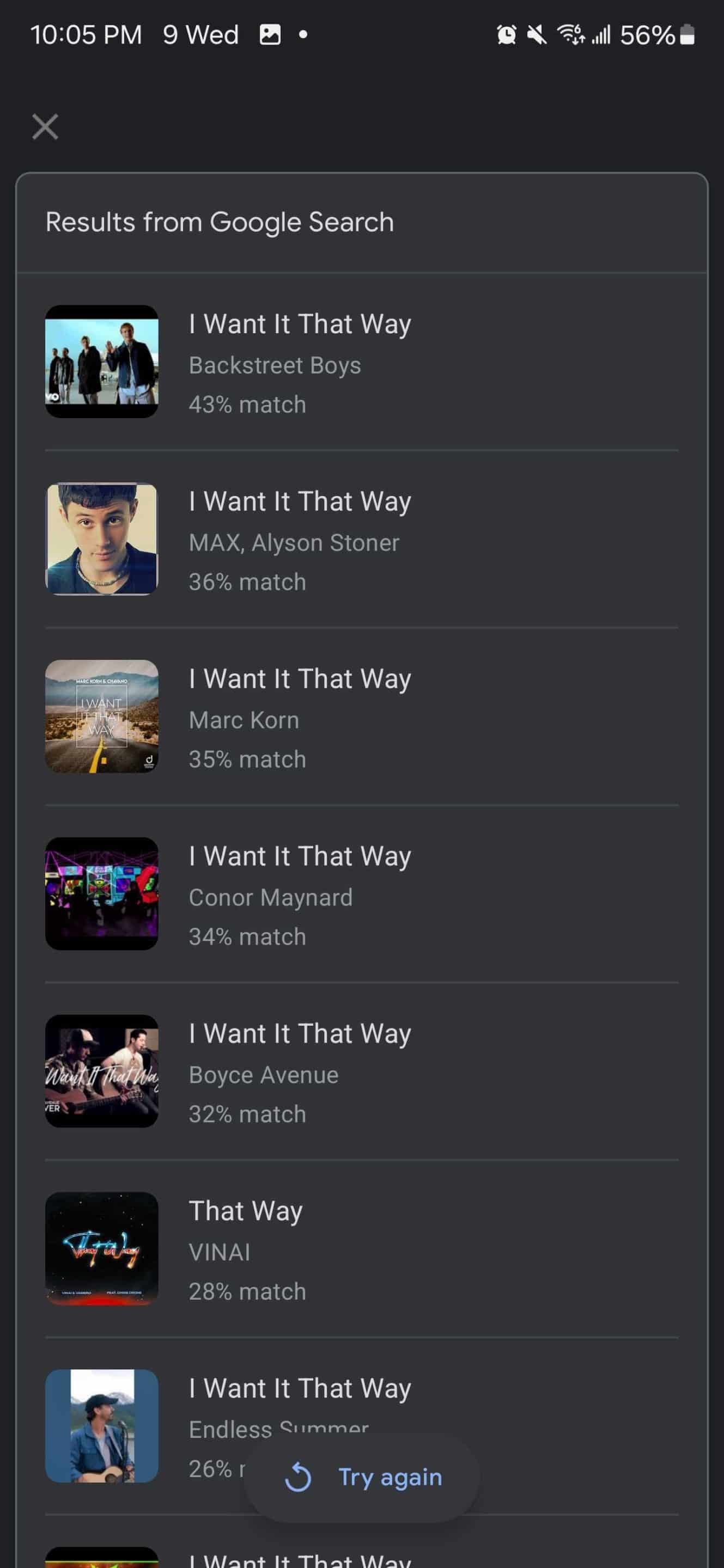
This tool is different from Circle to Search’s music search feature. The latter can also listen to music playing on your device, making it useful for identifying unknown songs in social media clips. The former, meanwhile, can identify songs playing around better. It shows multiple results ranked by percentage match, potentially helping you discover similar songs.

Written by
Sumit AdhikariSumit, a life-long Samsung user, is passionate about technology and has been professionally writing on tech since 2017. He’s a mathematics graduate by education and enjoys teaching basic mathematics tricks to school kids in his spare time. Sumit believes in artificial intelligence and dreams of a fully open, intelligent and connected world.

Follow us on Google Discover & set us as a preferred source in Google News
Share this Post
___________________________


New Blog Posts
___________________________

First Set of Pixel 11 Pro XL Renders Are Here
Pixel 11 Pro XL CAD renders show minimal design changes

Is Samsung Preparing One UI 8.5 Beta for Galaxy Z Fold 5 and Flip 5?
Samsung may launch a One UI 8.5 beta program for its 2023 foldables

Galaxy S25 One UI 8.5 Beta May Run Longer Than Expected
Galaxy S25 series’ One UI 8.5 beta may stretch to 10 rounds







