
Samsung Galaxy Weekly Update Roundup (Jan 25-Feb 1)
SammyGuru is reader-supported. We have affiliate and sponsored partnerships, so we may earn a commission when you buy through links on our site — at no extra cost to you. Learn more.
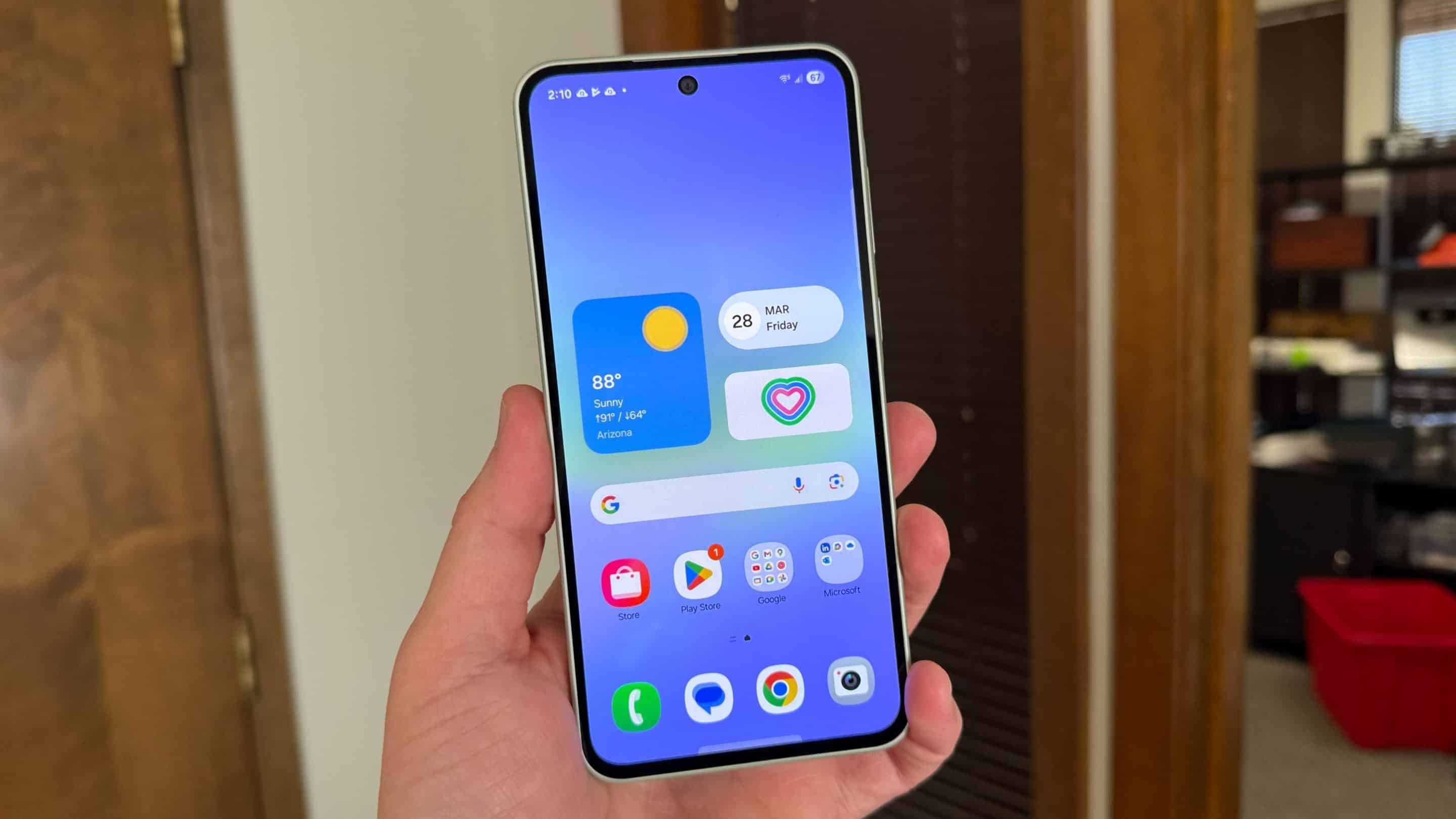
This week was packed with leaks around the upcoming Galaxy S26 lineup, while Samsung continued expanding the January 2026 security patch across different regions. At the same time, a few Galaxy devices also started off One UI 8.5 testing. As for the One UI 8.5 Beta 4 update, the situation remains uncertain. Last updated on February 1.
Samsung expanded One UI 8.5 testing, and January 2026 security update this week
The One UI 8.5 Beta 4 for the Galaxy S25 series was expected to release around January 20. However, the update has still not rolled out, even after a two week delay. Recent leaks suggest that Samsung may skip another beta and move closer to a direct stable release, but nothing is confirmed yet.
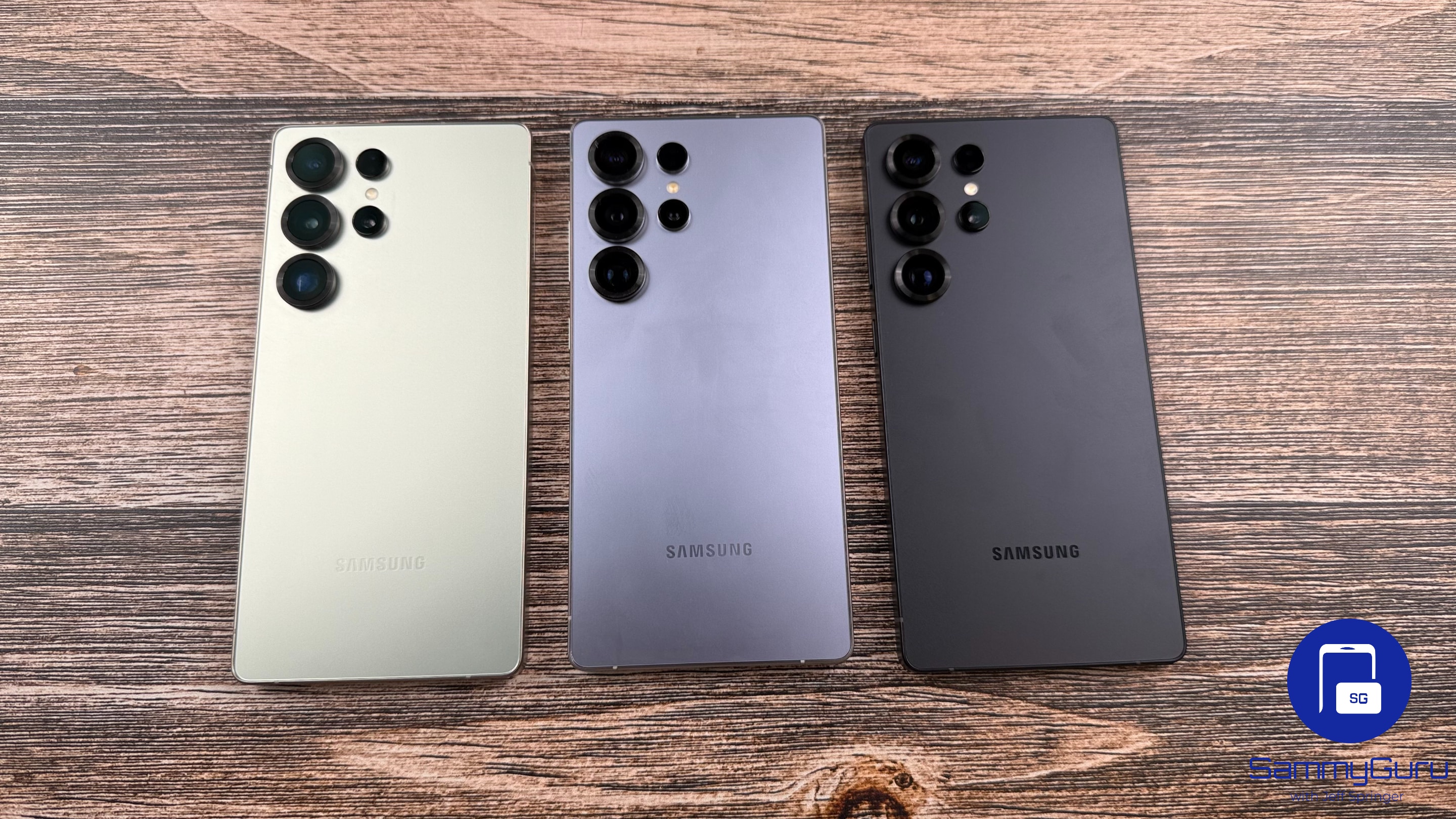
Only a few One UI 8.5 eligible devices are left to appear with test builds on Samsung’s servers. This week, the Galaxy M05 and Galaxy F05 were spotted running One UI 8.5 test builds in India and a few other regions. Samsung tested the Galaxy Z Fold 4 and Galaxy Z Flip 4 with a One UI 8.5 build too.
List of Galaxy devices that received January 2026 security patch this week
Samsung continued expanding the January 2026 security patch to more Galaxy devices across multiple regions. This phase mainly focused on widening availability, with several updates rolling out in South Korea. The January 2026 security patch fixes 55 security vulnerabilities identified by Samsung, Google, and other partners.
S series
- Galaxy S25 FE (United States, Canada)
- Galaxy S24 (United States, Canada)
- Galaxy S24+ (United States, Canada)
- Galaxy S24 Ultra (United States, Canada)
- Galaxy S24 FE (India, United States, Nepal)
- Galaxy S23 (India, United States)
- Galaxy S23+ (India, United States)
- Galaxy S23 Ultra (India, United States)
- Galaxy S23 FE (India, Europe, United States)
- Galaxy S22 (United States)
- Galaxy S22+ (India, United States, Bangladesh)
- Galaxy S22 Ultra (India, United States, Bangladesh)
- Galaxy S21 (Turkey, Singapore, United States)
- Galaxy S21+ (Turkey, Singapore, United States)
- Galaxy S21 Ultra (Turkey, Singapore, United States)
- Galaxy S21 FE (Europe, United States)
A series
- Galaxy A56 (India, Europe, Thailand)
- Galaxy A54 (India, Europe, United States)
- Galaxy A53 (India, Europe, United States)
- Galaxy A36 (India, Korea, United States)
- Galaxy A35 (Korea)
- Galaxy A33 (Korea)
- Galaxy A26 (Europe, UAE, Iraq)
- Galaxy A25 (Korea)
- Galaxy A24 (Korea)
- Galaxy A23 (United States)
- Galaxy A17 (Vietnam)
- Galaxy A16 4G (Korea)
- Galaxy A16 5G (India, Korea, Bangladesh)
- Galaxy A15 4G (Korea)
- Galaxy A15 5G (Korea)
- Galaxy A14 5G (Europe, Indonesia, Singapore)
- Galaxy A07 4G (India, Singapore, Bangladesh)
- Galaxy A06 (India)
- Galaxy A05 (India, Nepal, Bangladesh)
- Galaxy A04 (India, Nepal, Sri Lanka)
- Galaxy A04e (India, Nepal, Sri Lanka)
Z series
- Galaxy Z Fold 5 (India, United States, Bangladesh)
- Galaxy Z Flip 5 (India, United States, Bangladesh)
- Galaxy Z Fold 4 (India, United States, Bangladesh)
- Galaxy Z Flip 4 (India, United States, Bangladesh)
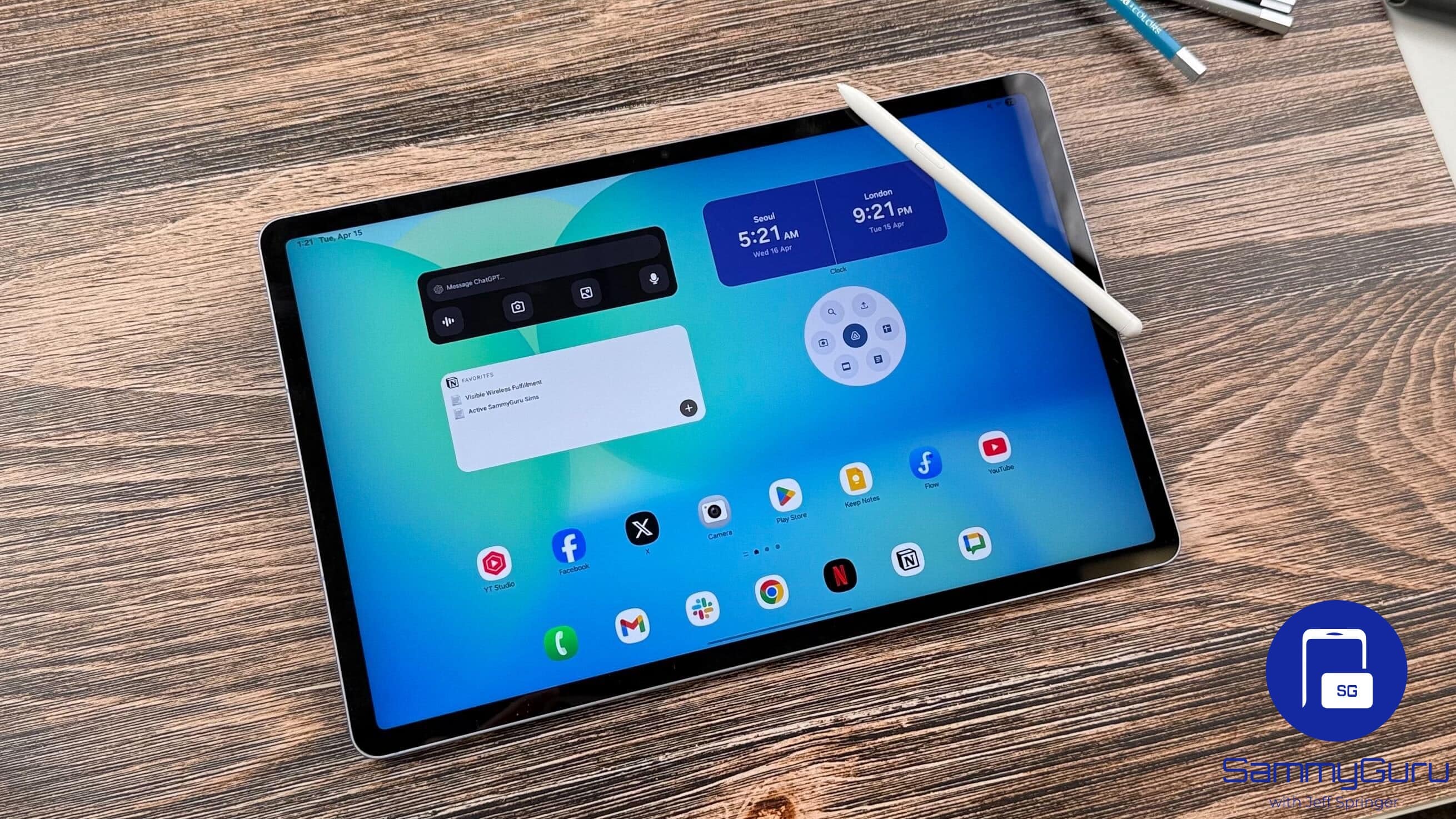
Tablets
- Galaxy Tab S10+ (Korea)
- Galaxy Tab S10 Ultra (Korea)
- Galaxy Tab S10 FE (Korea)
- Galaxy Tab S10 FE+ (Korea)
- Galaxy Tab S10 Lite (Europe, Korea, Turkey)
- Galaxy Tab S9 (India, Indonesia, Taiwan)
- Galaxy Tab S9+ (India, Indonesia, Taiwan)
- Galaxy Tab S9 Ultra (India, Brazil, Canada)
- Galaxy Tab S8 (Korea)
- Galaxy Tab S8+ (Korea)
- Galaxy Tab S8 Ultra (Korea)
- Galaxy Tab A11 (Korea)
- Galaxy Tab A11+ (Korea)
- Galaxy Tab A9 (Europe, Thailand, Vietnam)
- Galaxy Tab A9+ (India, Europe, Nepal)
M series
- Galaxy M54 (Thailand, Malaysia, Australia)
- Galaxy M53 (Malaysia, Saudi Arabia, Egypt)
- Galaxy M35 (India, Nepal, Bangladesh)
- Galaxy M33 (Korea)
- Galaxy M16 (India, Korea, Nepal)
- Galaxy M15 (India, Nepal, Sri Lanka)
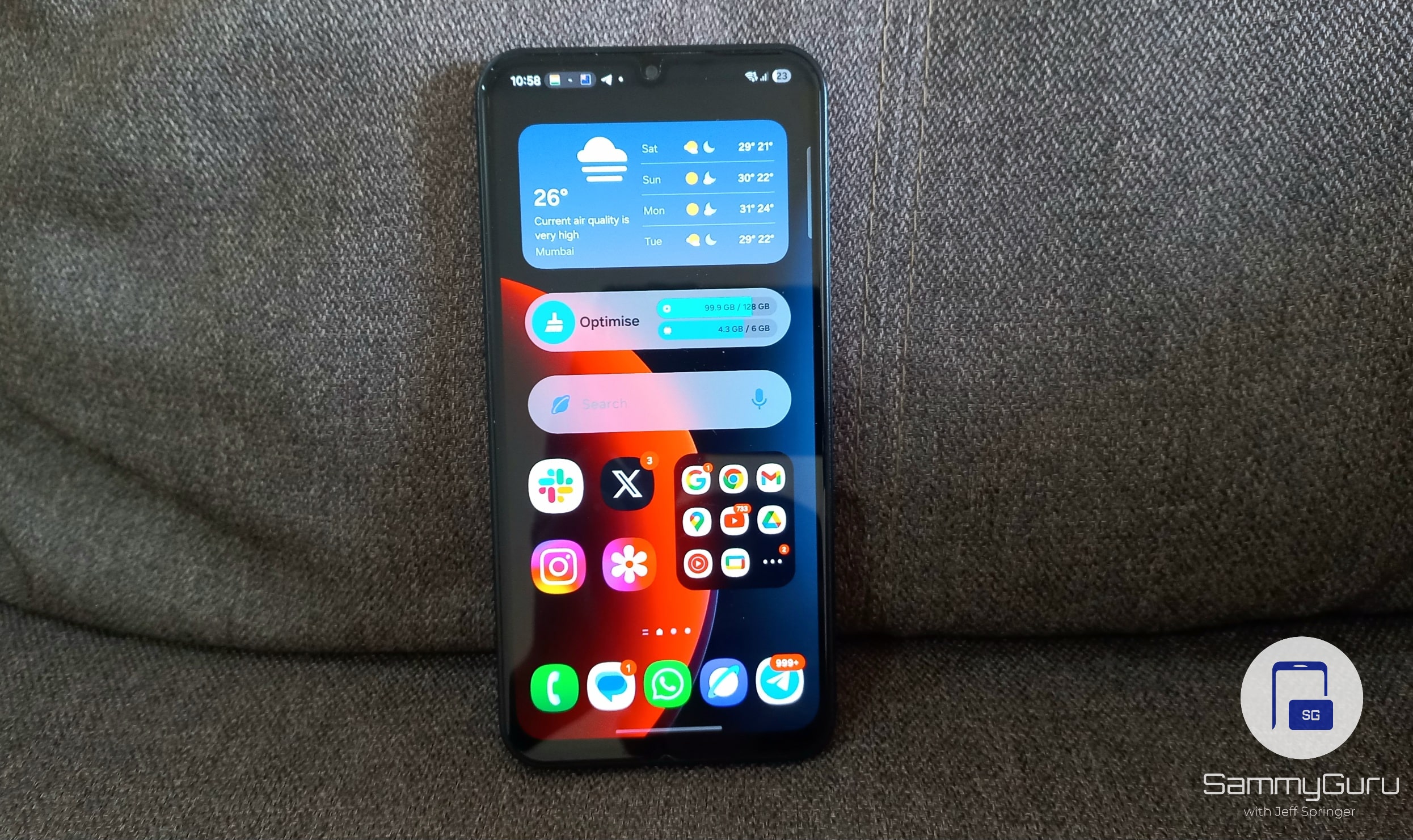
- Galaxy M05 (India)
- Galaxy M04 (India, Sri Lanka)
F series
- Galaxy F23 (India, Bangladesh)
- Galaxy F16 (India, Sri Lanka)
- Galaxy F15 (India)
XCover series
- Galaxy XCover 7 (India, Brazil, Nepal)
- Galaxy XCover 7 Pro (United States)
- Galaxy XCover 6 Pro (United States)
In addition, the Galaxy Watch 6 (LTE) has started receiving the January 2026 security update in Samsung’s home market, South Korea.
A few regions also received older 2025 security patch updates for devices like the Galaxy A14 5G, Galaxy M14 5G, and a few other models.
If you own any of the devices mentioned above, you can check for the update by going to Settings > Software update > Download and install. Once the download is complete, tap Install now, and make sure your device has enough battery and is not overheating before installing the package.

Written by
Mohammed KhatriOne UI lover, actively tracking One UI 8.5 builds, global firmware rollouts, certifications, and Geekbench scores.

Follow us on Google Discover & set us as a preferred source in Google News
Share this Post
___________________________


New Blog Posts
___________________________

First Set of Pixel 11 Pro XL Renders Are Here
Pixel 11 Pro XL CAD renders show minimal design changes

Is Samsung Preparing One UI 8.5 Beta for Galaxy Z Fold 5 and Flip 5?
Samsung may launch a One UI 8.5 beta program for its 2023 foldables

Galaxy S25 One UI 8.5 Beta May Run Longer Than Expected
Galaxy S25 series’ One UI 8.5 beta may stretch to 10 rounds







