
Samsung Internet for Windows Is Now Available to Everyone
SammyGuru is reader-supported. We have affiliate and sponsored partnerships, so we may earn a commission when you buy through links on our site — at no extra cost to you. Learn more.
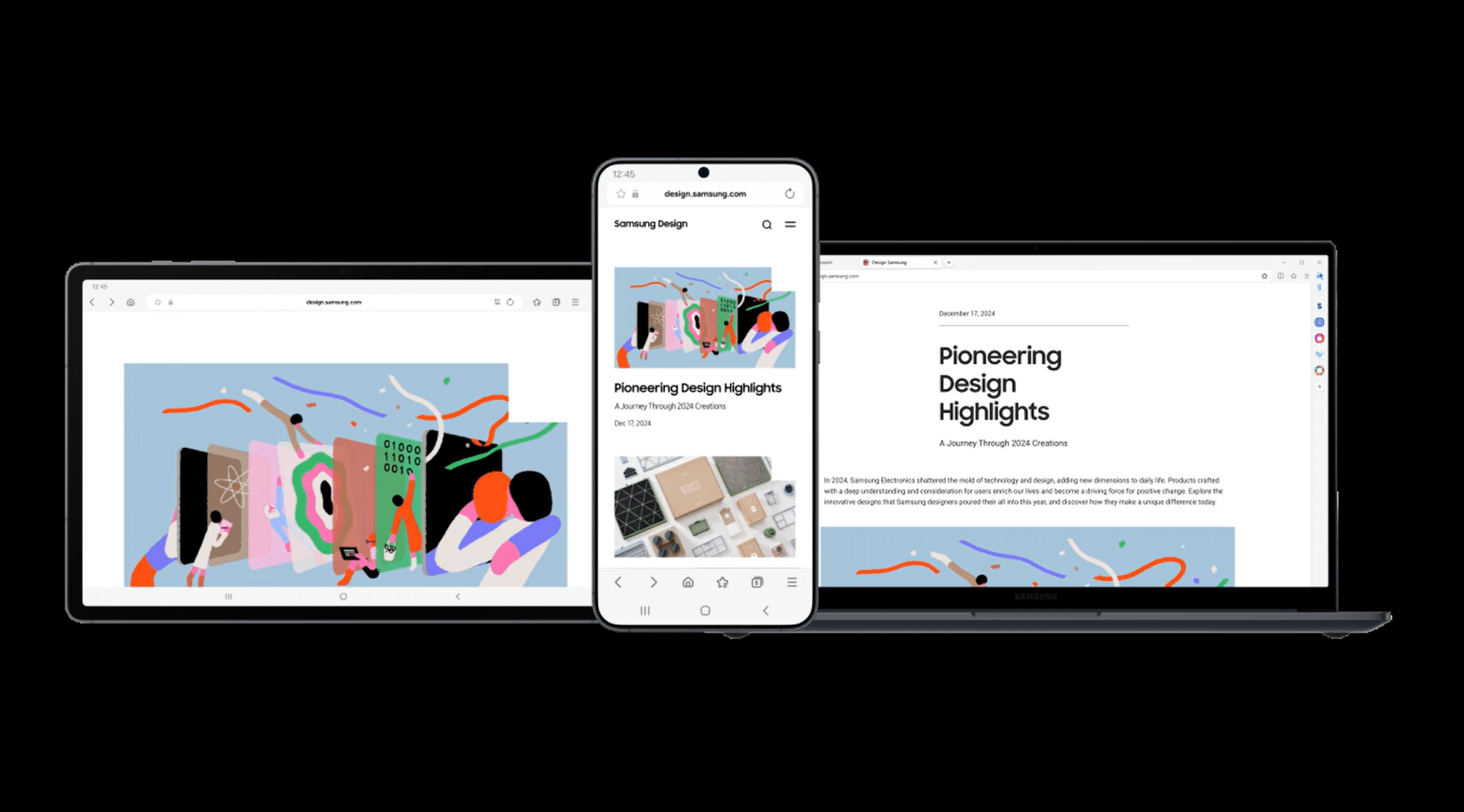
Samsung Internet for Windows is finally available to everyone. While the PC app is still in beta, there are no longer any restrictions on who can download it. With public access now open, Samsung may be gearing up for a stable release of its new browser for Windows PCs.
Anyone can now try Samsung Internet for Windows
After limited testing a couple of years ago, Samsung finally launched a Windows version of its Internet Browser app last year. However, the initial beta release was heavily guarded. Only users in South Korea and the US could download it, and that too, not without a Samsung Developer account. That barrier kept most users locked out.
Samsung has now lifted those restrictions. Anyone can now download Samsung Internet for Windows from the official website. There are no regional restrictions, no developer account needed, and no extra hoops to jump through. The app remains in beta, so this still isn’t a full public release. But it’s surely a big step toward a global stable rollout.
If you are already using Samsung Internet on your phone (Galaxy or non-Galaxy), installing the PC version on your Windows computer is a no-brainer. Like other browsers across mobile and PC, Samsung’s browser apps also offer proper syncing. Browsing history, bookmarks, and other data can be shared seamlessly between your phone and PC.
In terms of features, it includes the essentials you’d expect from a modern desktop browser, along with several Samsung-specific extras that help it stand out. Built-in Galaxy AI allows users to summarize and translate web pages directly inside the browser, while Samsung Pass integration makes it easier to log into websites using saved credentials. Samsung Internet also offers a built-in ad blocker, reducing the need for third-party extensions.

Written by
Sumit AdhikariSumit, a life-long Samsung user, is passionate about technology and has been professionally writing on tech since 2017. He’s a mathematics graduate by education and enjoys teaching basic mathematics tricks to school kids in his spare time. Sumit believes in artificial intelligence and dreams of a fully open, intelligent and connected world.

Follow us on Google Discover & set us as a preferred source in Google News
Share this Post
___________________________


New Blog Posts
___________________________

First Set of Pixel 11 Pro XL Renders Are Here
Pixel 11 Pro XL CAD renders show minimal design changes

Is Samsung Preparing One UI 8.5 Beta for Galaxy Z Fold 5 and Flip 5?
Samsung may launch a One UI 8.5 beta program for its 2023 foldables

Galaxy S25 One UI 8.5 Beta May Run Longer Than Expected
Galaxy S25 series’ One UI 8.5 beta may stretch to 10 rounds







