
Samsung Gives Galaxy XR Full Sideloading Freedom
SammyGuru is reader-supported. We have affiliate and sponsored partnerships, so we may earn a commission when you buy through links on our site — at no extra cost to you. Learn more.
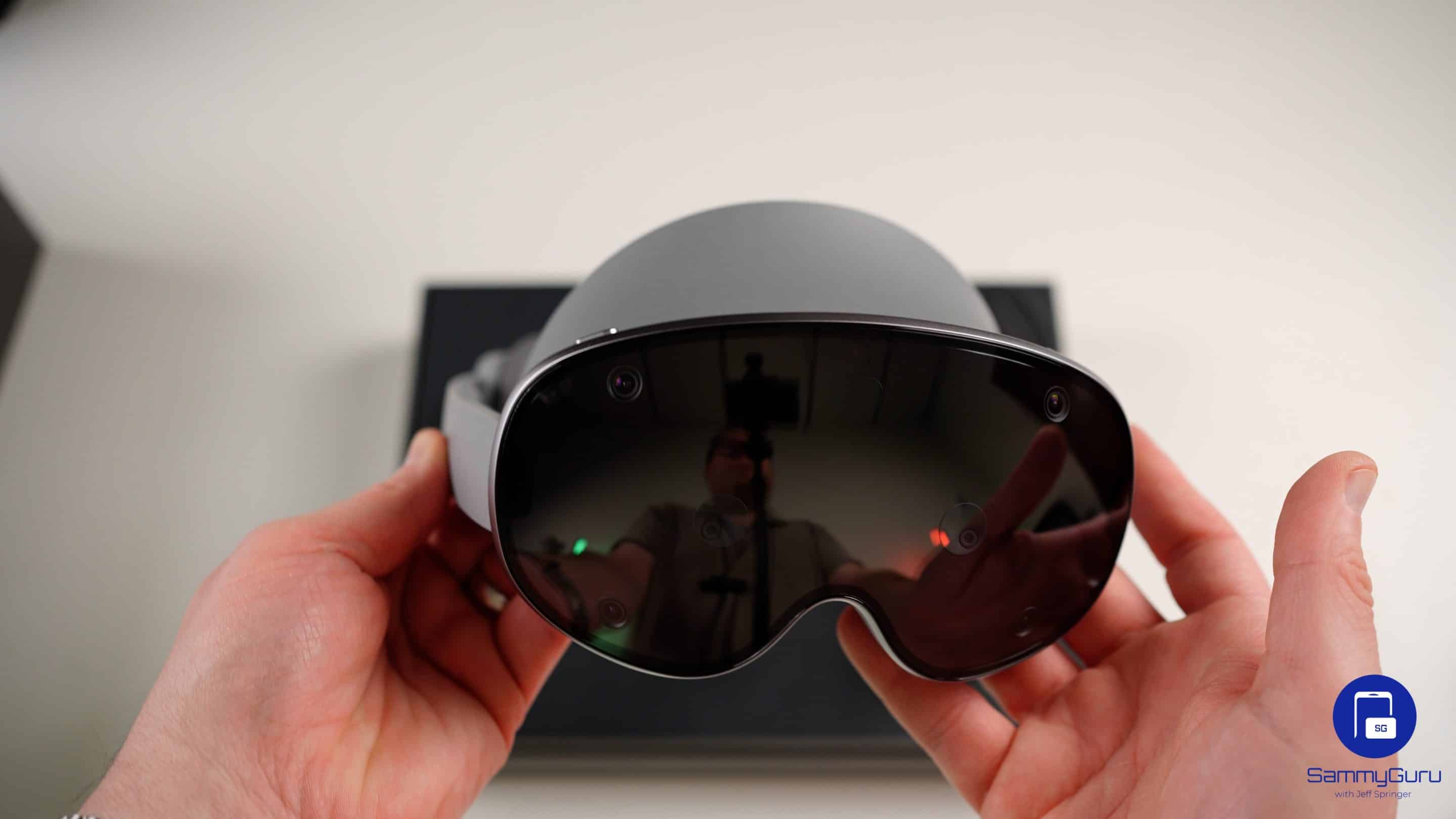
Can you imagine being able to download any app you want from any source on an Apple Vision Pro? Of course not, because it’s Apple. Things are not much smoother on Meta Quest headsets either, which require you to jump through certain hoops. But with Galaxy XR, you can sideload apps just like you would on an Android phone, as spotted by folks over at UploadVR.
The Galaxy XR doesn’t care where your apps come from, at least for now
To clarify, unlike Apple’s Vision Pro or Meta’s Quest, you don’t need Developer Mode, a PC, or a developer account to install apps. If you can sideload on an Android phone, you can do the same on the Galaxy XR. It’s that simple. So how do you download any app you want on the Galaxy XR?
You just download an APK using the built-in browser, allow installation from unknown sources, and it runs on the headset immediately. There’s no extra setup, no software hurdles, and it’s just like installing apps on a regular Android device.
The headset also supports bootloader unlocking, giving power users room to experiment. While there aren’t any standalone XR operating systems ready for consumer use yet, unlocking the bootloader could allow modifications to Android XR itself or the creation of custom ROMs in the future.
The Galaxy XR’s approach stands in stark contrast to other major platforms. Apple limits sideloading to registered developers, and Meta requires both a PC connection and developer verification. Samsung’s stance makes it easier for early adopters to explore apps and tweaks without restrictions.
If you’re even remotely interested in the Galaxy XR, Samsung is offering rewards worth $1,140 to early buyers through the Explorer Pack. In addition, we’re offering $75 in gift cards to everyone who purchases the Galaxy XR using our link. The headset already packs a punch, and you can check out more in our unboxing video embedded below.

Written by
Abhinav AnandAbhinav Anand is the News Editor at SammyGuru and a technology journalist based in New Delhi. Before joining SammyGuru, he contributed to numerous outlets, including Android Headlines, ExtremeTech, The Mac Observer, Financial Express, Economic Times, iGeeksBlog, KnowTechie, PhonesWiki, SlashGear, and more. You can reach him at abhinav@sammyguru.com.

Follow us on Google Discover & set us as a preferred source in Google News
Share this Post
___________________________


New Blog Posts
___________________________

First Set of Pixel 11 Pro XL Renders Are Here
Pixel 11 Pro XL CAD renders show minimal design changes

Is Samsung Preparing One UI 8.5 Beta for Galaxy Z Fold 5 and Flip 5?
Samsung may launch a One UI 8.5 beta program for its 2023 foldables

Galaxy S25 One UI 8.5 Beta May Run Longer Than Expected
Galaxy S25 series’ One UI 8.5 beta may stretch to 10 rounds







