
Voice Captioning is One of Samsung’s Best AI Features — if You Can Get it to Work
SammyGuru is reader-supported. We have affiliate and sponsored partnerships, so we may earn a commission when you buy through links on our site — at no extra cost to you. Learn more.
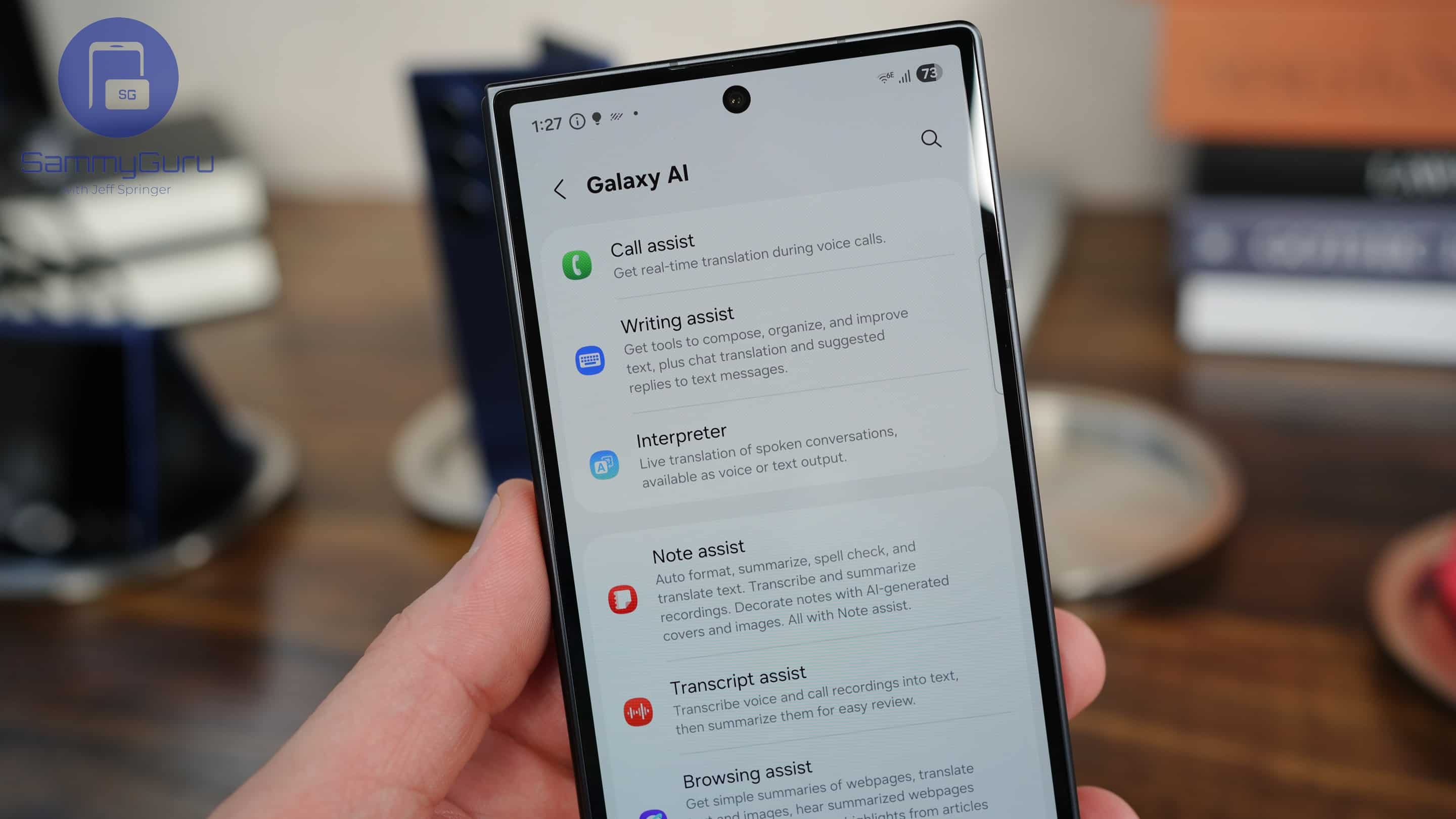
Samsung is expanding its Galaxy AI suite with a powerful new feature called Voice Captioning. Introduced in One UI 8, this tool builds on Samsung’s existing voice-processing features, such as Call Assist, Call Captions, and Transcript Assist. Voice Captioning brings real-time speech-to-text captions to a much wider range of scenarios, making it one of the most versatile additions to the Galaxy AI lineup yet.
Samsung improves Galaxy AI’s voice-processing capabilities with Voice Captioning
Voice Captioning is a major leap forward from Samsung’s current AI voice-processing tools. While those are largely limited to voice calls and recordings, Voice Captioning is a system-wide tool, meaning it can pick up speech from nearly any source, including media playback. Besides captioning, it offers translation across multiple languages, smart text summaries of spoken content, and the option to save and rename transcripts and audio recordings.
First spotted by GalaxyTechie, the tool is currently available only in China. While we could install Voice Captioning on our Galaxy phones outside China via an APK file, the app didn’t work. It was highly unstable and crashed frequently. We tried on a Galaxy Z Flip 7 running stable One UI 8 as well as a Galaxy S25 Ultra running One UI 8 Beta 4. Voice Captioning didn’t work on either device.
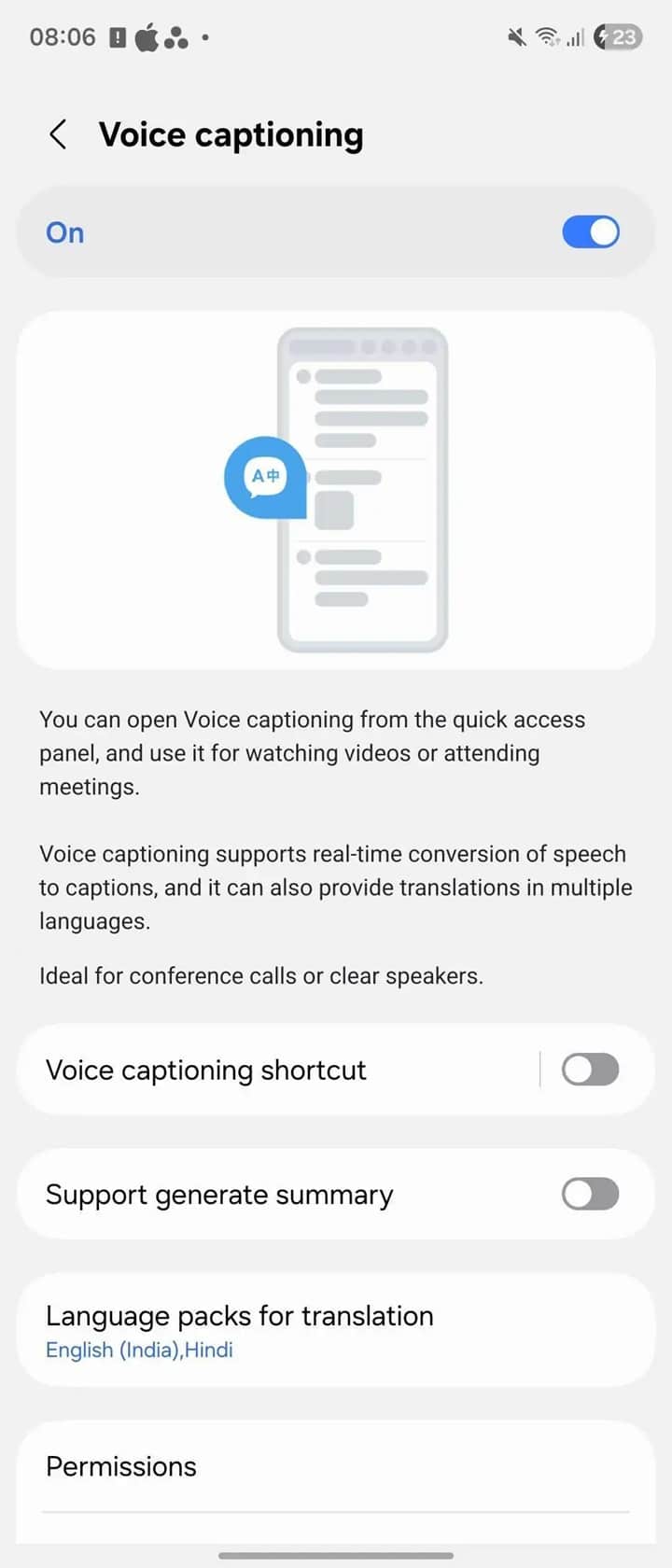
It’s unclear if Samsung is working on broader compatibility or if it doesn’t plan a global release for this feature. The company keeps many advanced One UI features limited to China. Nonetheless, if you wish to try it yourself, you can install this APK (via Android Authority). Once installed, add the Voice Captioning toggle to the Quick Settings panel and grant all necessary permissions to get started.
From there, it should begin processing spoken words in real-time, translating them on the fly, and summarizing the entire conversation. If you can get it working outside China, let us know on X.

Written by
Sumit AdhikariSumit, a life-long Samsung user, is passionate about technology and has been professionally writing on tech since 2017. He’s a mathematics graduate by education and enjoys teaching basic mathematics tricks to school kids in his spare time. Sumit believes in artificial intelligence and dreams of a fully open, intelligent and connected world.

Follow us on Google Discover & set us as a preferred source in Google News
Share this Post
___________________________


New Blog Posts
___________________________

First Set of Pixel 11 Pro XL Renders Are Here
Pixel 11 Pro XL CAD renders show minimal design changes

Is Samsung Preparing One UI 8.5 Beta for Galaxy Z Fold 5 and Flip 5?
Samsung may launch a One UI 8.5 beta program for its 2023 foldables

Galaxy S25 One UI 8.5 Beta May Run Longer Than Expected
Galaxy S25 series’ One UI 8.5 beta may stretch to 10 rounds







