
5 Reasons Every Galaxy Phone User Should Own a Galaxy Book
SammyGuru is reader-supported. We have affiliate and sponsored partnerships, so we may earn a commission when you buy through links on our site — at no extra cost to you. Learn more.
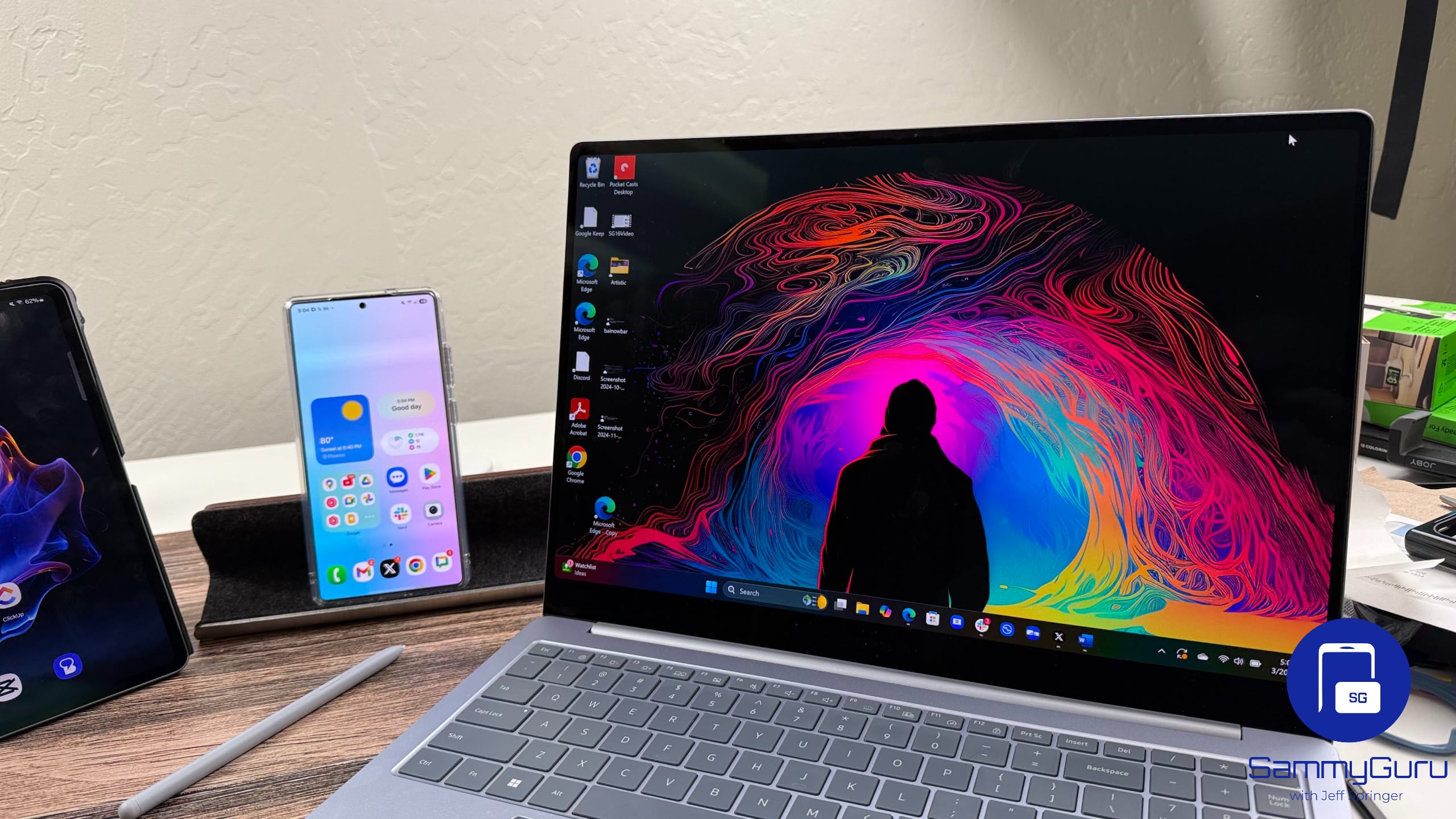
If you already use a Galaxy phone, adding a Galaxy Book will make your whole setup faster and more connected. You can instantly share files with Quick Share, control both devices with one keyboard and trackpad, use your phone as a webcam, and more. It’s all built, and it just works.
Here are five reasons why every Galaxy phone user should consider picking a Galaxy Book.
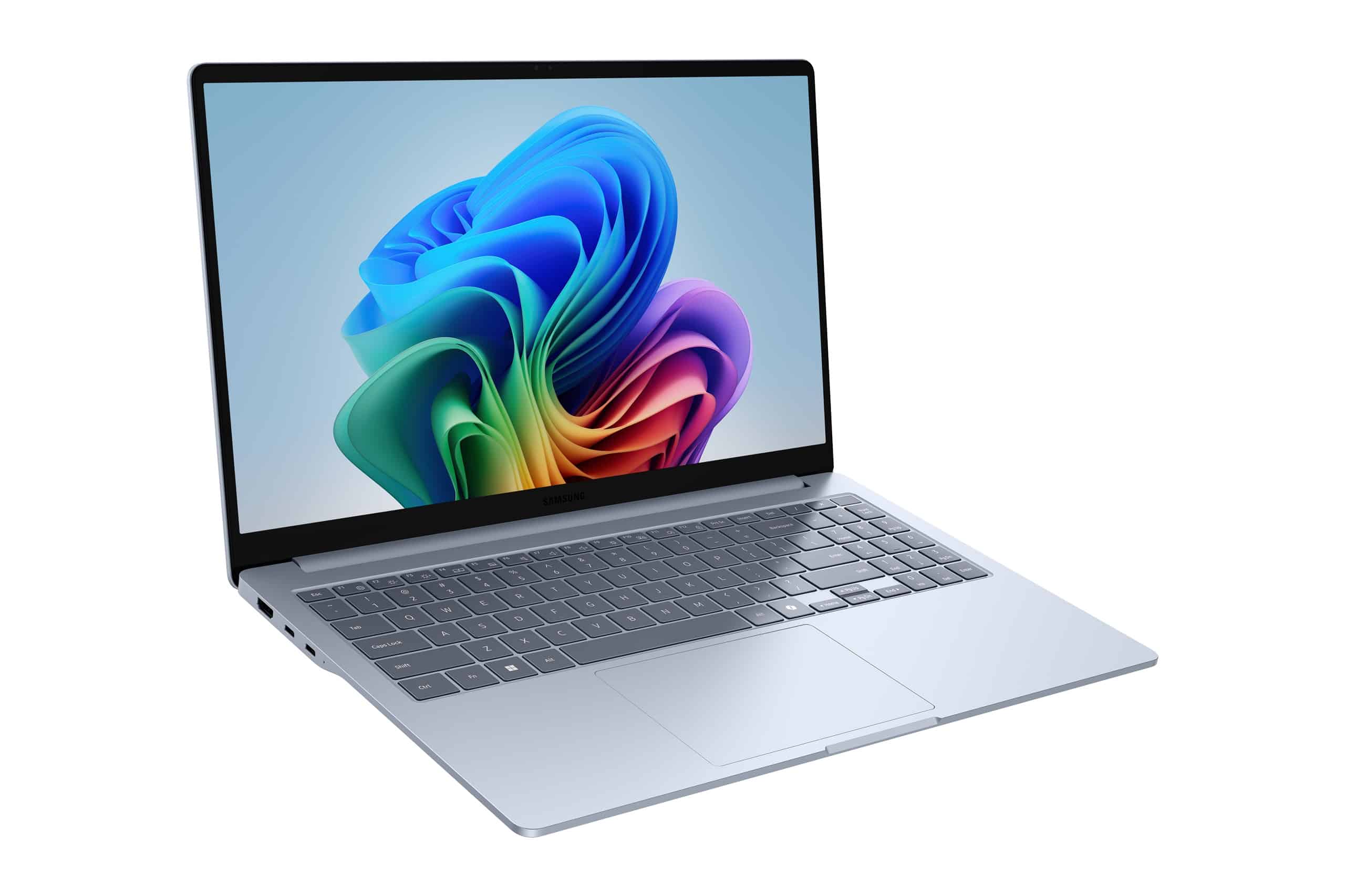 Galaxy Book 4 Edge |
A lightweight laptop with a bright AMOLED screen and long battery life, great for on-the-go use. Comes with Snapdragon X Elite. | $1349.99 | Buy on Samsung.com |
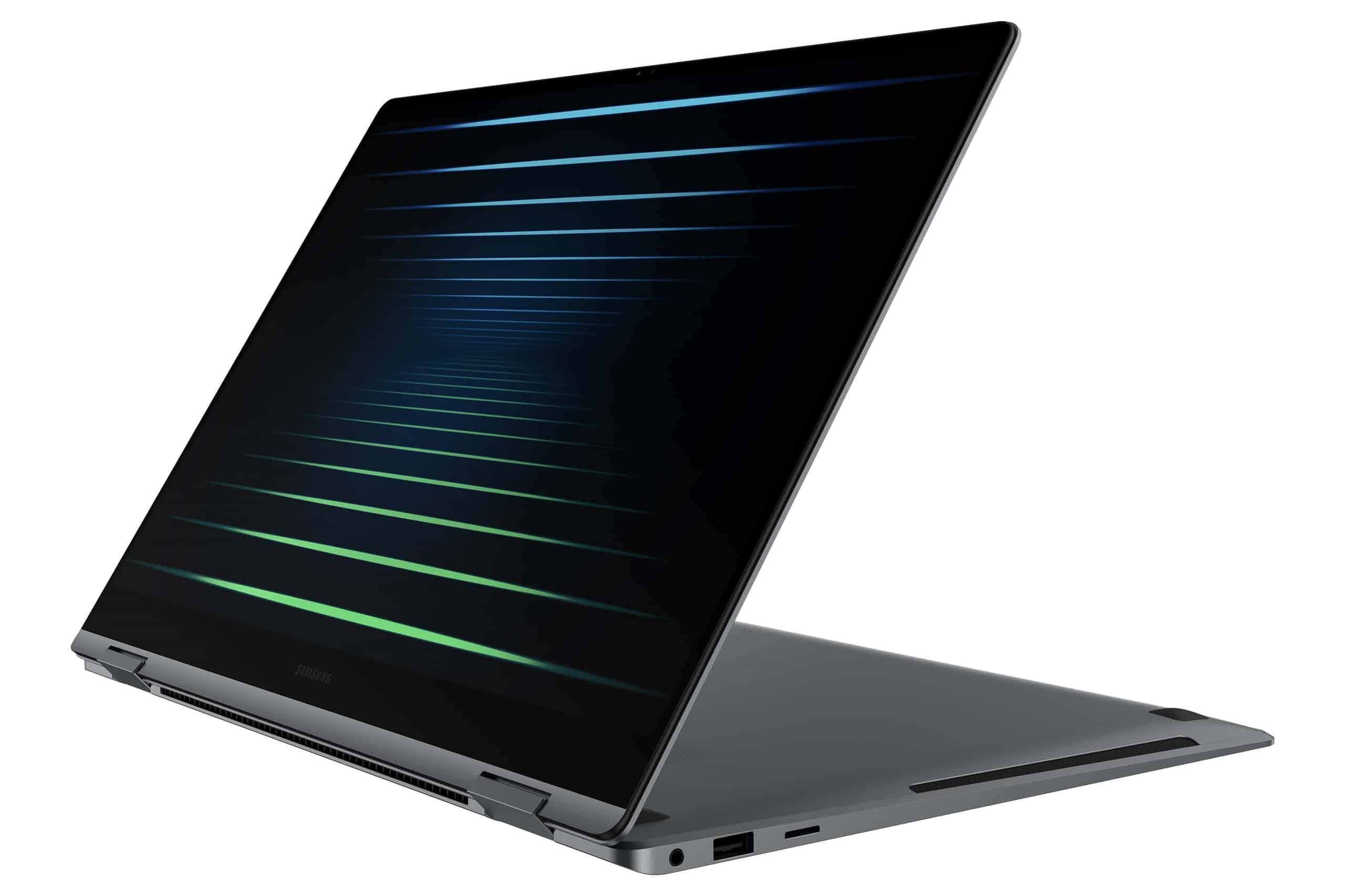 Galaxy Book 5 Pro 360 |
A powerful 2-in-1 laptop with a sharp touchscreen and built-in stylus for flexible productivity. 16″ 3K AMOLED screen. | $1,449.99 | Buy on Samsung.com |
Quick Share and Storage Share
Quick Share is much like AirDrop, but better. It lets you send files, photos and videos instantly between your Galaxy phone and Galaxy Book without cables. Storage Share takes it a step further by giving your laptop easy access to your phone’s files, so you can open or edit them directly without transferring. Your phone’s storage will show up in File Explorer.
Multi Control and S Pen
Multi Control lets you use one mouse and keyboard to control both your Galaxy Book and Galaxy phone at the same time. Using which, you can also drag and drop content between devices and switch seamlessly without reaching for your phone. In addition, a lot of Galaxy Books (such as Galaxy Book “360” models) support S Pen, too, so you can take notes or edit documents just like on your phone or tablet.
Cross-Device Clipboard
With Cross-Device clipboard, you can copy text, images or links on your Galaxy phone and paste them directly on your Galaxy Book. It works both ways, so if you can even CTRL+C something on laptop and paste it on your phone.
Camera Share
Need a better webcam? Your Galaxy phone can double-down as a webcam for your Galaxy Book during video calls or steams. The feature is called Camera Share, and it’s quick way to get sharper, clearer video without spending bucks on extra hardware.
Samsung Find and SmartThings Integration
If you ever misplace your Galaxy Book, Samsung Find and SmartThings make tracking it easy. Just like finding your phone, you can locate your laptop on a map, make it ring, or even lock it remotely. SmartThings also connects all your Galaxy devices, so managing them is simpler than ever.
The bottom line is that the Galaxy Book complements your Galaxy phone in ways that just make sense. You just need to be signed into the same Samsung account on both devices and you’re good to go. If interested, you can check out some of the best Samsung Galaxy Book deals and offers.
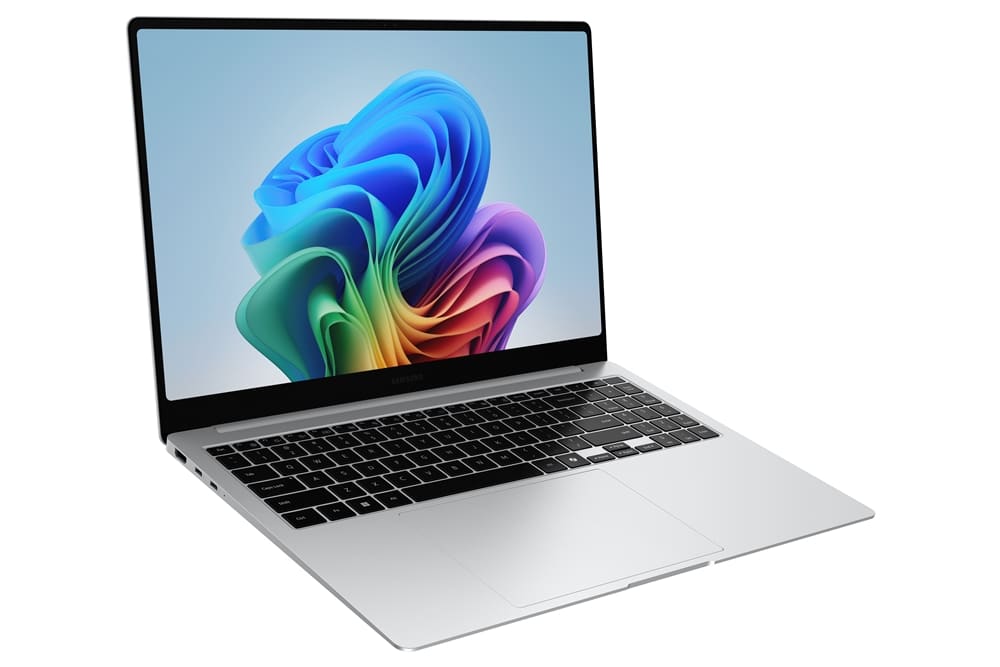 Galaxy Book 5 Pro |
A sleek, high-performance laptop with a vivid display and strong processing power for everyday tasks. | $1,649.99 | Buy on Samsung.com |
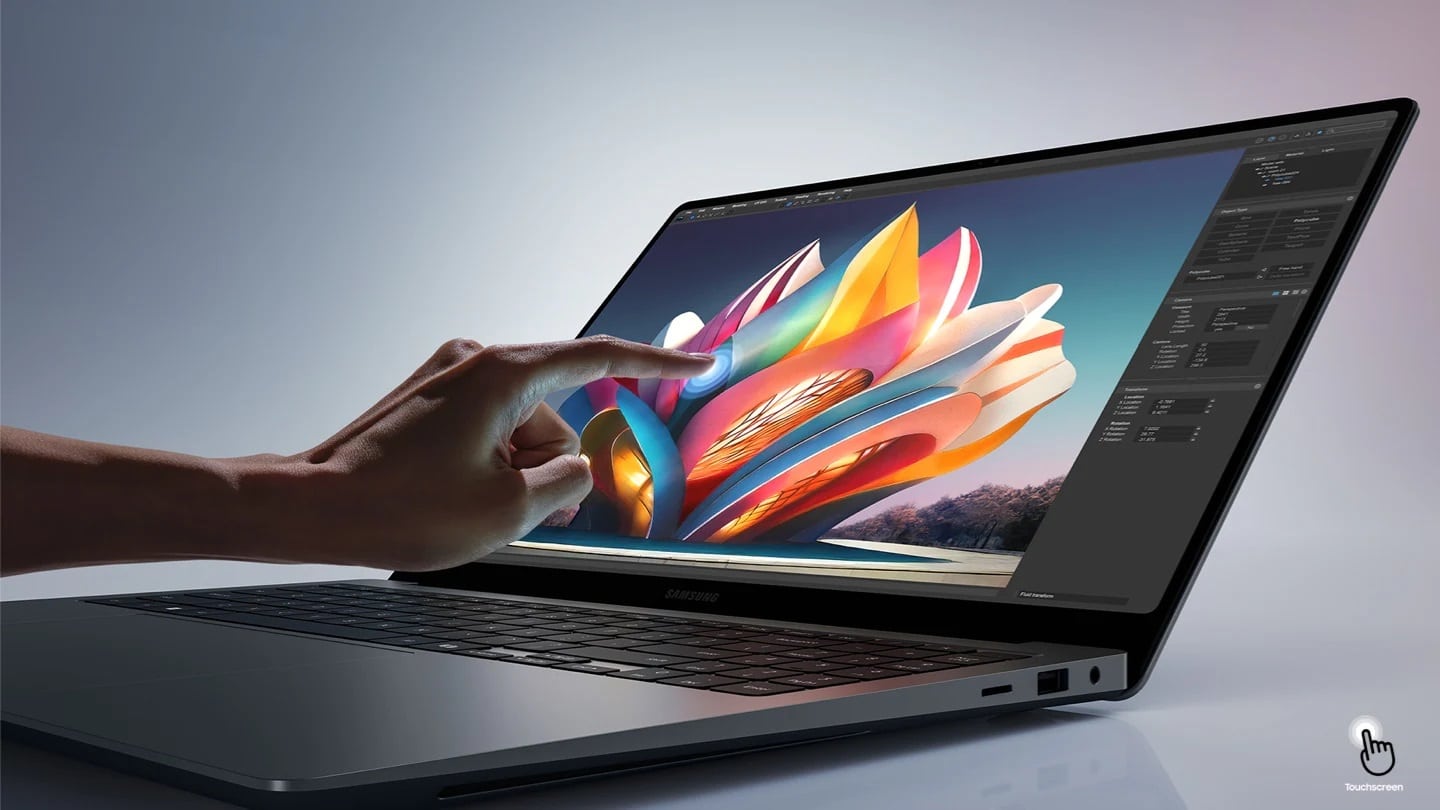 Galaxy Book 4 Ultra |
A premium laptop with a big, bright screen and dedicated graphics, ideal for heavy work and creative projects. | $2,399.99 | Buy on Samsung.com |

Written by
Abhinav AnandAbhinav Anand is the News Editor at SammyGuru and a technology journalist based in New Delhi. Before joining SammyGuru, he contributed to numerous outlets, including Android Headlines, ExtremeTech, The Mac Observer, Financial Express, Economic Times, iGeeksBlog, KnowTechie, PhonesWiki, SlashGear, and more. You can reach him at abhinav@sammyguru.com.

Follow us on Google Discover & set us as a preferred source in Google News
Share this Post
___________________________


New Blog Posts
___________________________

First Set of Pixel 11 Pro XL Renders Are Here
Pixel 11 Pro XL CAD renders show minimal design changes

Is Samsung Preparing One UI 8.5 Beta for Galaxy Z Fold 5 and Flip 5?
Samsung may launch a One UI 8.5 beta program for its 2023 foldables

Galaxy S25 One UI 8.5 Beta May Run Longer Than Expected
Galaxy S25 series’ One UI 8.5 beta may stretch to 10 rounds







