
Gemini App Gets Smarter with Audio Overview and New Menu Design
SammyGuru is reader-supported. We have affiliate and sponsored partnerships, so we may earn a commission when you buy through links on our site — at no extra cost to you. Learn more.
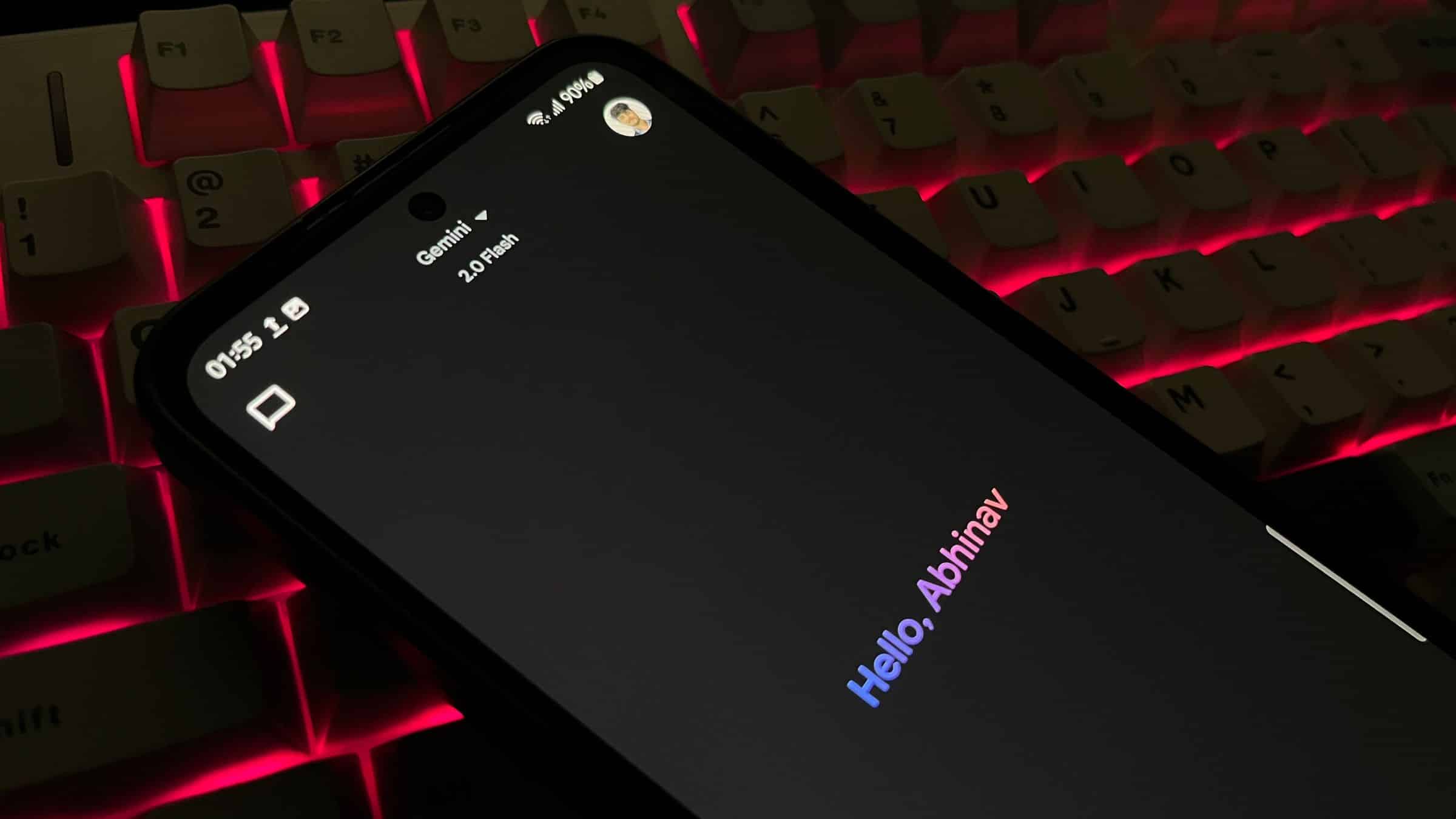
Google is aiming to make the Gemini app more user-friendly. The company is now rolling out a new version of its Gemini app on both Android and iOS. The new version adds a tweaked menu design and introduces a cool feature called Audio Overview. The new menu makes navigation more straightforward, while Audio Overview offers more creative options for users.
Audio Overview is a new highlight feature of the Gemini app
The Gemini app has introduced the ability to create podcasts from documents with the help of the Audio Overview feature. This is the first time we have seen this feature in action on Android and iOS. Earlier, it was available on the web for free Gemini and paid Advanced subscribers. It is currently only available in English, but more languages will be added soon. If you upload a document or slideshow into the app, you will get a suggestion called “Generate Audio Overview.” Once you tap the button, it generates a conversation between two AI hosts (in a podcast-style form) in just a few minutes.


It saves a lot of time as you can get the key points about a document without reading the entire document. However, it still seems half-baked. There is no built-in audio player, and it directly opens the m4a file in a different browser tab. The web version has a built-in player, so we can expect this functionality soon on the app.
Google redesigned the Gemini app’s plus menu to support Canvas
A few days ago, Google introduced a new feature called the Gemini Canvas feature. To support this feature, Google has now redesigned the Plus menu of the Gemini app. We no longer see a list (vertical layout) — We now see Camera, Gallery, Files, and Drive displayed side by side.
-

- Old
-

- New
Google has also added shortcuts for Deep Research (for in-depth answers) and Canvas (for writing documents and code). The latest Canvas feature makes editing documents easier. However, the split-screen layout from the web version is not yet available. Instead, you will need to tap the “Open” button to view your previous edits.

Written by
Binay KonwarBinay Konwar started his blogging journey in 2014 and has since written plenty of tech articles. At present, he is working as a News Writer at SammyGuru, covering everything about Samsung. He holds a Master's degree in Mathematics, but his real passion lies in tech and writing. In his free time, he enjoys playing chess and watching movies.

Follow us on Google Discover & set us as a preferred source in Google News
Share this Post
___________________________


New Blog Posts
___________________________

First Set of Pixel 11 Pro XL Renders Are Here
Pixel 11 Pro XL CAD renders show minimal design changes

Is Samsung Preparing One UI 8.5 Beta for Galaxy Z Fold 5 and Flip 5?
Samsung may launch a One UI 8.5 beta program for its 2023 foldables

Galaxy S25 One UI 8.5 Beta May Run Longer Than Expected
Galaxy S25 series’ One UI 8.5 beta may stretch to 10 rounds







