
Samsung Bricked Thousands of Soundbars With Automatic Update
SammyGuru is reader-supported. We have affiliate and sponsored partnerships, so we may earn a commission when you buy through links on our site — at no extra cost to you. Learn more.
Automatic updates can be incredibly convenient, at least until they’re not. Thousands of Samsung soundbar owners are now keenly aware of the dangers of automatic updates. A recent automatic firmware update for numerous 2024-2025 Samsung soundbars rendered the devices unresponsive. What’s worse, owners are unable to reset the devices.
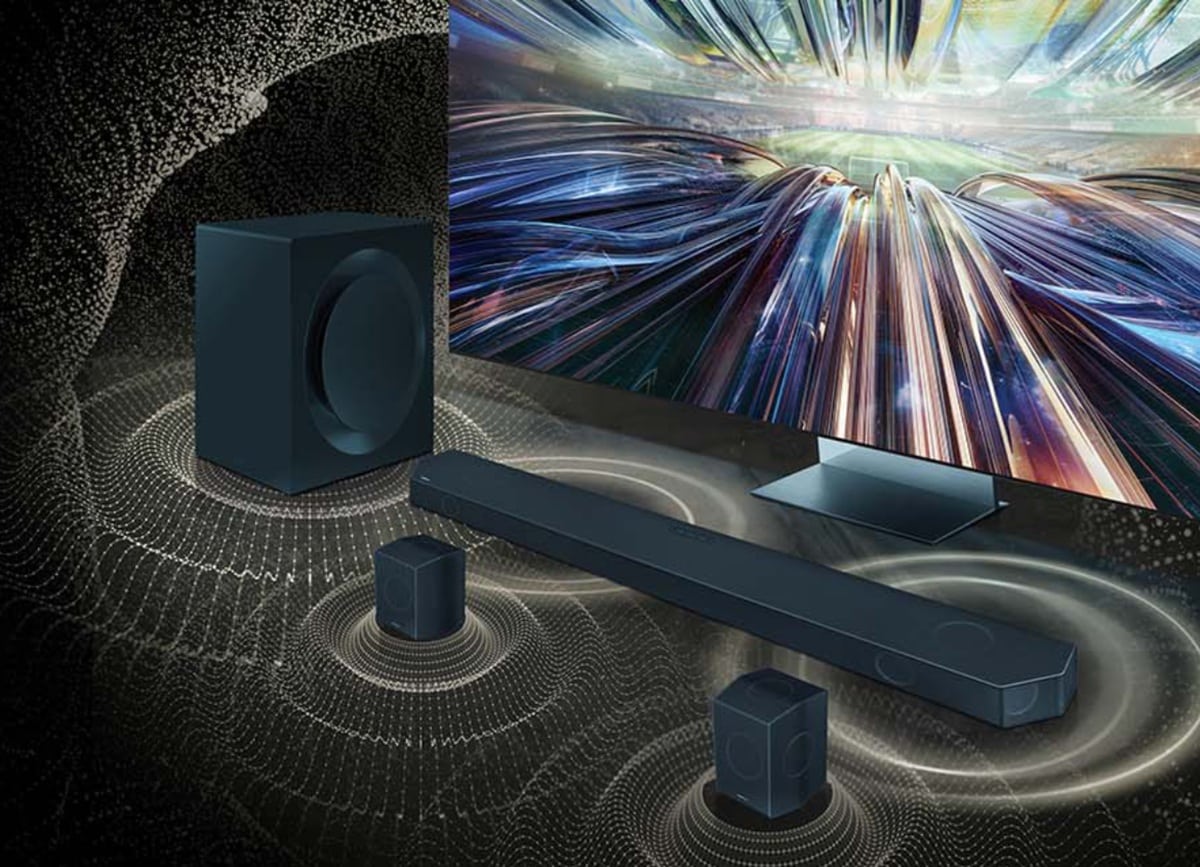
This all started after Samsung pushed the v1020.7 firmware update to many of their newer soundbars. The reports began rolling in on the Samsung Community forum first. A thread titled, Samsung Q990D unresponsive after 1020 firmware update now has over 31,000 views in the past 24 hours. The thread explains how the firmware update affected their Q990D soundbar. The user’s soundbar is completely unresponsive after the update and they cannot reset it either. Numerous other users (of various soundbar models), chimed in confirming the issues with this update. One user tried a few things to bring the soundbar back to life, but to no avail:
Soundbar is not responding to neither remote controller or buttons on the soundbar. Looks like it glitched and there is nothing I can do, even the reset combination of + – for 5 sec doesn’t work
These reports are not confined to the Samsung Community forums either. Over on Reddit, more users have taken to the r/Soundbars subreddit to complain about similar problems after the v1020.7 firmware update. Indeed, those who have automatic updates off are not experiencing any issues. It seems that the issue is confined to this particular update so do not update if you have automatic updates turned off!
Samsung has yet to comment on the situation officially, but we have reached out to them for more information. You can check your Samsung soundbar’s current firmware version in the SmartThings app. To disable automatic updates, open SmartThings, go to Settings in the app menu, and scroll down to and select the “auto update devices and services” button.

Written by
Jeff SpringerJeff Springer is the Founder and Managing Editor at SammyGuru. Pursuing his passion for mobile tech, he started covering Samsung and Android on his Youtube channel in 2014 and continues to post daily Samsung tutorial videos. As a past staff writer at XDA Developers and Android Police, Jeff has a wealth of experience managing written content as well. In 2023, Jeff started SammyGuru to offer a different type of Samsung news site. He firmly believes that providing great value to readers is the core mission of our coverage. Jeff lives in Phoenix, AZ with his wife and two kids. In his small amount of free time, he collects fountain pens, stationery, and Pokémon cards.

Follow us on Google Discover & set us as a preferred source in Google News
Share this Post
___________________________


New Blog Posts
___________________________

First Set of Pixel 11 Pro XL Renders Are Here
Pixel 11 Pro XL CAD renders show minimal design changes

Is Samsung Preparing One UI 8.5 Beta for Galaxy Z Fold 5 and Flip 5?
Samsung may launch a One UI 8.5 beta program for its 2023 foldables

Galaxy S25 One UI 8.5 Beta May Run Longer Than Expected
Galaxy S25 series’ One UI 8.5 beta may stretch to 10 rounds







